Fix Invalid Data Errors in NBM Portal with These Steps 2026
Invalid data errors are one of the most common reasons applications get stuck or rejected on the Navasakam Beneficiary Management (NBM) Portal. These errors happen when the information you enter doesn’t match what the system expects. The good news is that most of these errors can be fixed quickly if you know what to check.
Below, we explain why these errors happen and exact steps to fix them so your application moves forward smoothly.
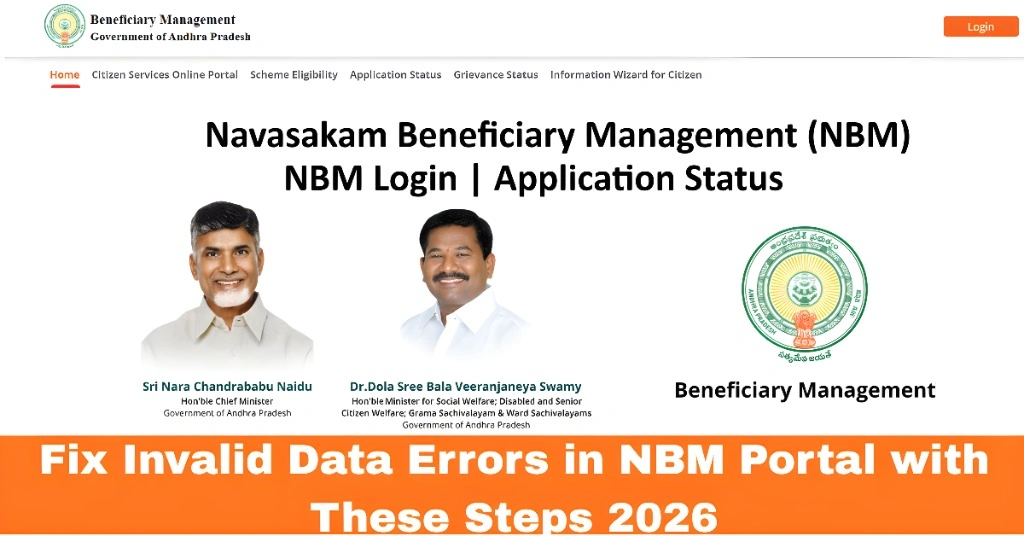
What “Invalid Data Error” Really Means
An invalid data error usually appears when:
When any of these details don’t align with government databases, the portal flags the entry as invalid.
You can also read:Why NBM Portal Is Slow and How to Fix It Latest Update 2026
Step‑by‑Step Guide to Fix Invalid Data Errors
- Since most data is linked to your Aadhaar number, this is the first place to start. Make sure:
- Your Aadhaar number is entered correctly
- Your name, date of birth, and gender exactly match what is on your Aadhaar card
- Your mobile number linked to Aadhaar is active to receive OTPs
- Even a small typo can cause an invalid data error.
- One of the most common errors occurs when:
- Your bank account number is wrong
- The IFSC code of your bank branch is incorrect
- Your Aadhaar is not linked to your bank account
- To fix this:
- Visit your bank and request Aadhaar linking if not done
- Re‑enter your bank account number and IFSC carefully before submission
- Accurate bank details also ensure that your payments reach you without delays.
- The portal checks your income and caste certificates against government records. Invalid data errors may happen when:
- Your income certificate does not match the expected income bracket
- Your caste certificate is outdated or does not match the portal database
- To fix this:
- Confirm the certificates are updated in the government database
- If not updated, visit your local revenue office or MRO and request an update
- After updating, re‑submit the correct details on the NBM Portal
- Invalid address details often happen when:
- Your address on Aadhaar is different from the documents you uploaded
- The format of your address does not match the portal requirements
- Fix this by:
- Ensuring your address details are identical across all documents
- Updating your address on Aadhaar if needed
- Having consistent details across all documents avoids rejections.
- Sometimes the document file itself causes the issue:
- The file may be too large
- The file format may not be supported
- The file may be mislabeled
- To fix this:
- Convert files to PDF format
- Make sure the scanned image is clear and readable
- Upload files one at a time and confirm each upload
- After re‑uploading, check the portal
How to Re‑Submit After Fixing Errors
Once you correct your data:
This makes sure your application is reviewed with the correct information.
Tips to Avoid Invalid Data Errors in the Future
These small steps help reduce errors and speed up approvals.
FAQs
Final Words
Invalid data errors on the NBM Portal can be frustrating, but they’re usually fixable if you know where the problem lies. Most issues come down to mismatches in Aadhaar, income, address, caste, or bank details. Carefully checking and correcting these details before re‑submission will help your application get approved faster.
Take time to verify your documents and make sure all your data is consistent across government records. This will save time and improve your chance of successfully receiving welfare benefits.