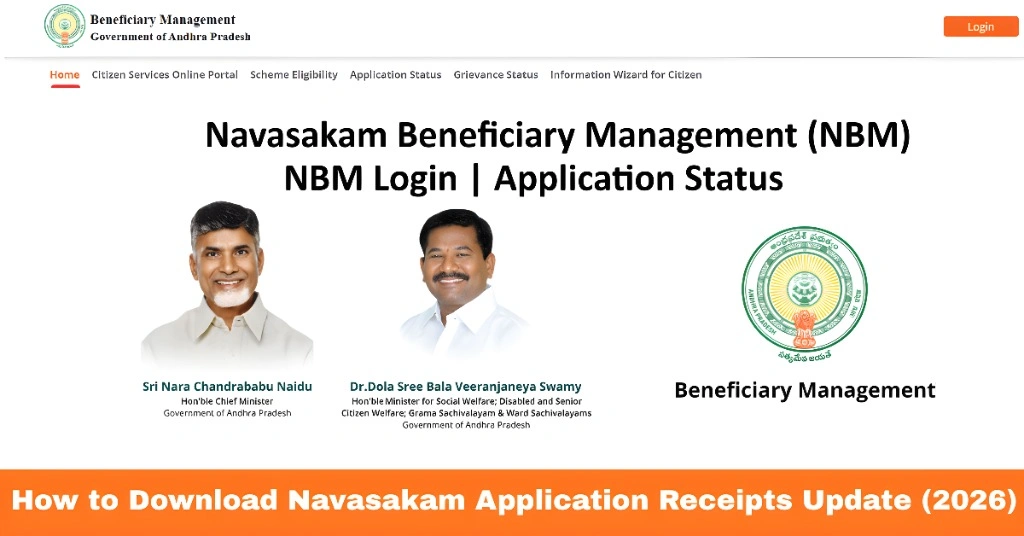
How to Download Navasakam Application Receipts Update (2026)
The YSR Navasakam portal is the official platform for citizens of Andhra Pradesh to apply for welfare schemes and track their benefits. After submitting an application, many users need a receipt or proof of submission for reference or future follow-up.
This guide explains how to download your Navasakam application receipts easily in 2026, step by step.
What Are Navasakam Application Receipts
A Navasakam application receipt is an official document generated by the portal when you submit an application. It contains:
Having a receipt is important because it serves as proof that your application has been submitted successfully.
You can also read: How to Solve Navasakam Portal Login Problems in 2026
Steps to Download Navasakam Application Receipts
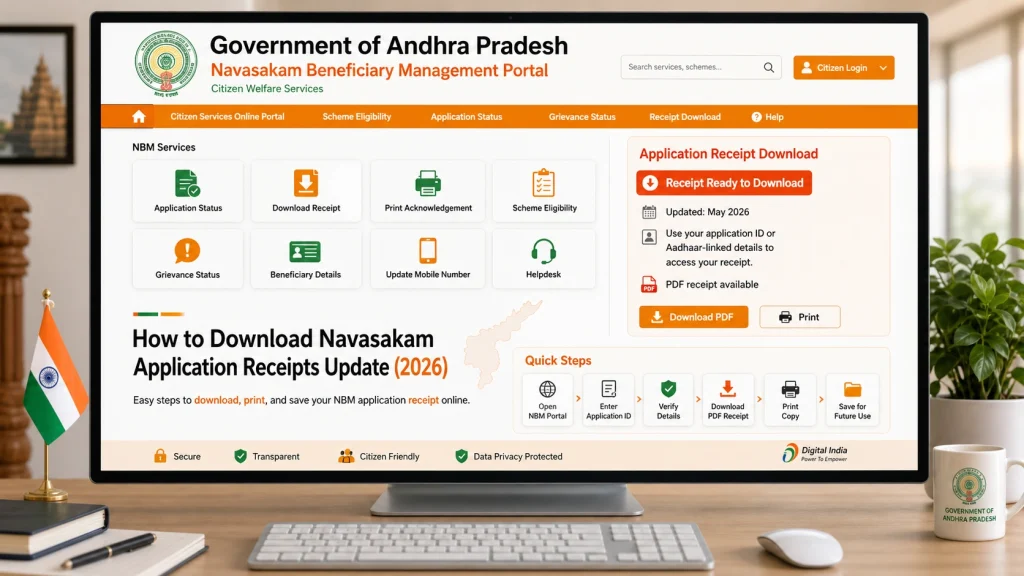
- Go to the official NBM portal at gsws-nbm.ap.gov.in. Always use the correct portal to avoid errors or fake sites.
- Enter your Aadhaar number
- Click on Get OTP
- Enter the OTP received on your registered mobile number
- Logging in ensures that your receipts are secure and only accessible to you.
- d in:
- Go to the “Application Status” or “My Applications” section
- You will see a list of all your applications submitted through the portal
- This section allows you to access your previous applications quickly.
- Click on the specific application for which you want the receipt
- Details of your application will appear, including status, scheme, and submission date
- Make sure you select the correct application, especially if you have applied for multiple schemes.
- Look for the “Download Receipt” or “Print Receipt” button
- Click on it to save the receipt as a PDF or print it directly
- Keep a copy for your records. It is useful if you need to follow up with your local office or check application status later.
Tracking Your Application Receipt Status
After downloading, you may want to track the status of your application:
Tracking the receipt status helps you stay informed about approvals, pending verification, or payment updates.
What to Do If the Receipt Download Fails
Sometimes, users may face problems while downloading:
Local offices can provide an official copy if the online download fails.
Common Errors and How to Fix Them
Users often encounter minor errors when downloading receipts:
Receipt button not working:
Refresh the page or try another browser
Incorrect application details:
Ensure you are selecting the right application
OTP issues:
Confirm your mobile number is linked to Aadhaar and request a new OTP
Slow portal response:
Try downloading during off-peak hours
Following these fixes resolves most common errors without needing to visit the office.
Tips for Managing Your Application Receipts
FAQs
Final Words
Downloading Navasakam application receipts is simple when you follow the right steps. Always use the official portal, ensure your Aadhaar and mobile number are updated, and keep a copy of each receipt for future reference.
By tracking your receipt status and knowing how to fix common errors, you can manage your welfare scheme applications efficiently and avoid delays.