How to Download Detailed Status Reports from NBM Portal 2026
If you’ve applied for a welfare scheme through the NBM Portal (Navasakam Beneficiary Management Portal), you may want to download a detailed status report to keep track of your application progress or for future reference. The NBM Portal allows you to easily access and download a report of your application status, which can be helpful for verifying your eligibility, monitoring your benefits, and resolving any issues.
In this article, we’ll guide you through how to download detailed status reports from the NBM Portal in just a few simple steps.
What Is the NBM Portal?
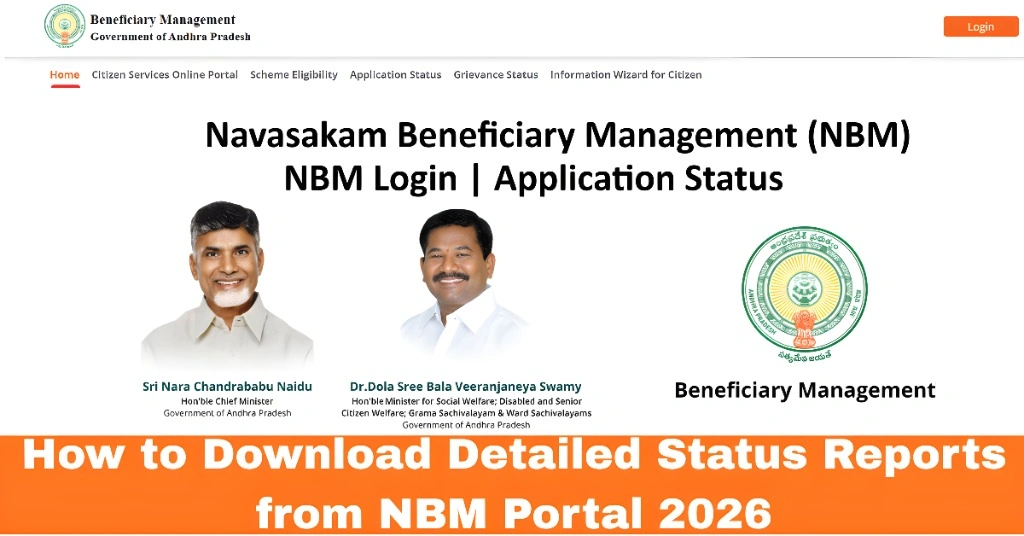
The NBM Portal is an online platform provided by the Government of Andhra Pradesh for managing various welfare schemes such as Amma Vodi, Vidya Deevena, Rythu Bharosa, and more. The portal enables citizens to apply for benefits, track the status of their applications, and access detailed reports about their welfare benefits.
A detailed status report can give you an overview of your application’s progress and is often required for official purposes, like updating records or verifying benefits.
You can also read:Difference Between Volunteer and Citizen Login on NBM 2026
Step-by-Step Guide: How to Download a Detailed Status Report from the NBM Portal
- The first step is to visit the NBM Portal where you submitted your application. To access your detailed status report, you will need to log in to your account.
- How to Access:
- Open your preferred web browser.
- Search for the official NBM Portal Andhra Pradesh and visit the website.
- Once you are on the portal’s homepage, locate the Citizen Login section.
- To access your application status and detailed reports, you will need to log in using your Aadhaar number (or username, depending on the portal settings) and an OTP (One-Time Password) sent to your registered mobile number.
- How to Log In:
- Enter your Aadhaar number or username.
- Click on Send OTP.
- Check your mobile phone for the OTP.
- Enter the OTP in the provided field.
- Click Login to access your dashboard.
- Once logged in, you need to find the section where you can check the application status. Usually, this is labeled as “Track Application Status” or “Application Status” on the portal.
- How to Find It:
- Look for an option such as “Application Status” or “Track Status” in the menu or on the dashboard.
- Click on this option to proceed.
- After selecting the “Track Application Status” section, enter your Aadhaar number again (if required) and the OTP that was sent to your phone. The portal will display your application status along with other details like:
- Scheme Name
- Application ID
- Status (e.g., Pending, Approved, Under Verification)
- Eligibility Information
- Application History
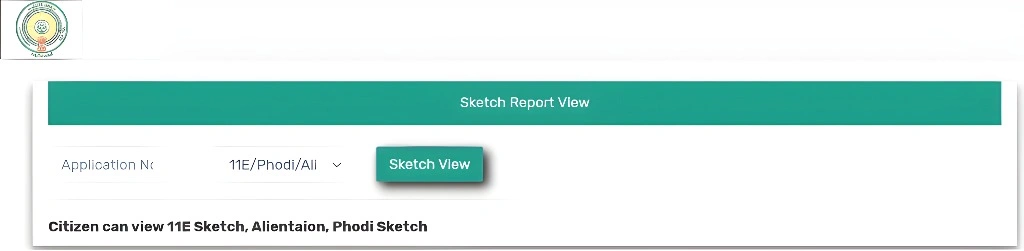
- Once your application status is displayed, there should be an option to download the detailed status report. This report typically includes all the information related to your application, including verification steps, approval status, and any payments disbursed.
- How to Download the Report:
- Look for a Download Report or Generate Report button near the application status.
- Click on it to download your report in PDF or Excel format (depending on the portal’s settings).
- Save the report to your device for future reference.
- After downloading the detailed status report, you can open it on your device to review all the information. The report will give you a comprehensive view of your application status, eligibility, and any actions taken.
- Tips:
- Save the report in a safe location on your device for future reference or sharing with relevant authorities.
- If you need a hard copy of the report, you can print it directly from your device.
FAQs
Final Words
Downloading a detailed status report from the NBM Portal is an easy and effective way to track the progress of your welfare scheme applications. By following the steps outlined in this guide, you can stay informed about your application status, ensure eligibility, and access important reports whenever needed.
Remember to keep your Aadhaar number and mobile number updated for a smooth experience while using the portal.