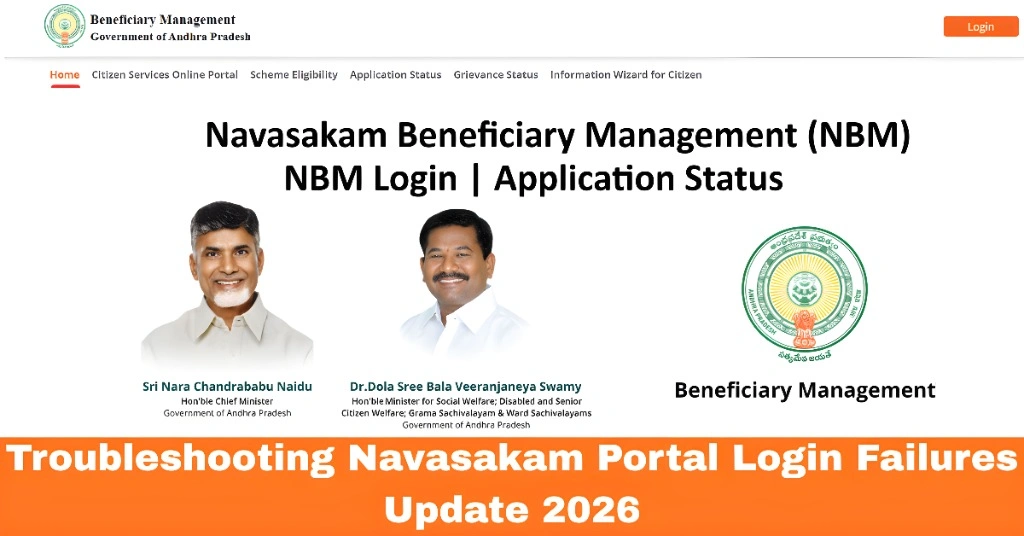
Troubleshooting Navasakam Portal Login Failures Update 2026
If you’re struggling to log into the Navasakam Beneficiary Management (NBM) Portal, you’re not alone. Many users face login failures when trying to access government welfare services online. Whether you’re getting an error message, unable to receive the OTP, or experiencing other issues, this guide will walk you through the most common problems and how to fix them quickly.
The Navasakam Portal is an important tool for residents of Andhra Pradesh to apply for and manage welfare benefits. While the portal is designed to make accessing government schemes easier, technical issues can sometimes get in the way. Let’s troubleshoot these login failures and help you get back on track!
Common Reasons for Navasakam Portal Login Failures
Before diving into solutions, it’s important to understand the common causes of login issues:
How to Fix Navasakam Portal Login Issues
Here’s a quick and easy troubleshooting guide to fix login problems:
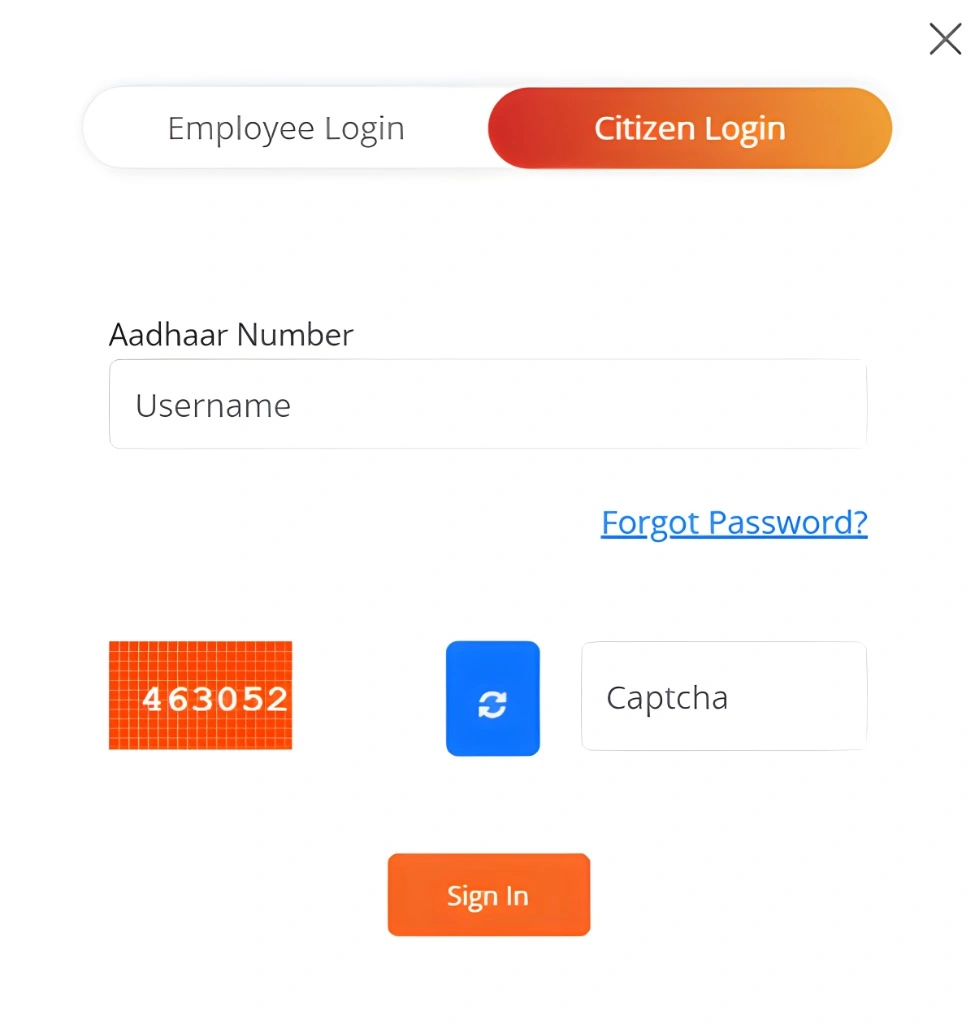
The most common reason for login failure is entering an incorrect Aadhaar number. Ensure that you type the 12-digit Aadhaar number correctly. Even a small typo can prevent the system from recognizing your details.
Tip: Avoid using spaces, dashes, or any other characters when entering your Aadhaar number.
The Navasakam Portal requires an OTP (One-Time Password) for verification. If you’re not receiving the OTP, try the following steps:
- Wait for a minute: Sometimes there can be a delay in receiving the OTP.
- Resend the OTP: If you don’t receive the OTP within a minute, click “Resend OTP.”
- Check your phone’s signal: Poor network connectivity can delay the OTP.
- Use the correct mobile number: Ensure the number linked to your Aadhaar is the one you’re receiving the OTP on.
Tip: If you’re still not receiving the OTP, check with your mobile service provider to confirm that your Aadhaar is correctly linked to your number.
Issues with your browser or cached data can cause the portal to malfunction. Here’s what you can do:
- Clear Cache and Cookies: In your browser settings, clear the cache and cookies to remove any outdated data that may be causing problems.
- Try a Different Browser: If clearing cache doesn’t work, try accessing the portal in a different browser, such as Google Chrome, Mozilla Firefox, or Microsoft Edge.
Tip: Using the desktop version of the portal usually works better than using a mobile browser.
If you’ve followed all the above steps and are still unable to log in, the issue might be on the portal’s end. Here’s what you can do:
Try at Off-Peak Hours: If the portal is slow or not responding, try logging in at different times of the day.
Wait and Try Again Later: Sometimes, the portal experiences high traffic, especially during busy hours, leading to login failures.
If none of the above solutions work, it might be time to get in touch with the Navasakam Portal support team. You can usually find contact details on the portal itself. They can help you resolve any account-specific issues or provide further guidance.
You can also read: Navasakam Portal Invalid Aadhaar? How to Fix It Update 2026
FAQs
Final Words
Login issues on the Navasakam Portal are common but usually easy to fix with the right steps. By double-checking your Aadhaar number, ensuring you receive the OTP, clearing your browser cache, and being patient if the server is busy, you should be able to log in successfully.
Remember, if you’re still facing problems, don’t hesitate to reach out to customer support for assistance. With these troubleshooting tips, you’ll be able to access the portal and apply for welfare benefits without any hassle.