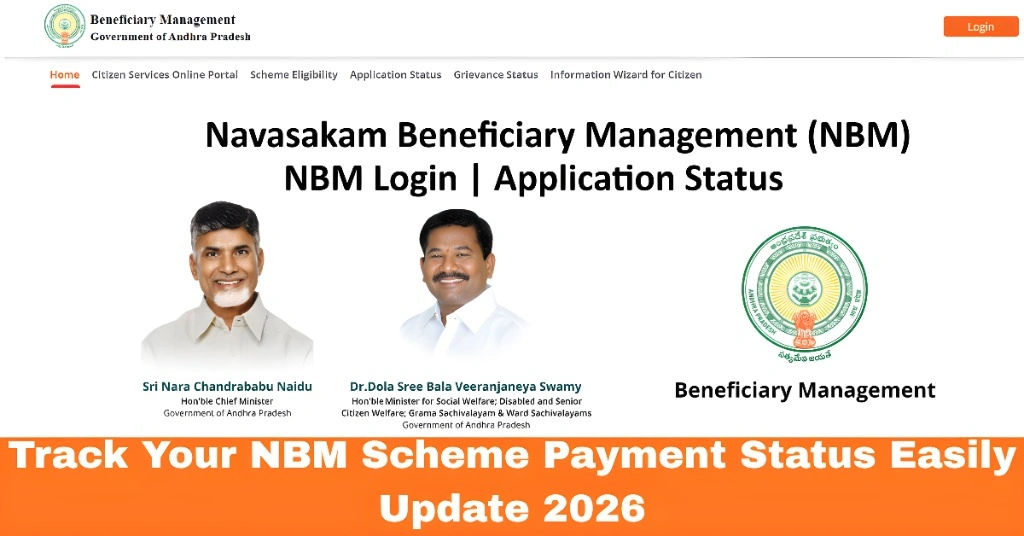
Track Your NBM Scheme Payment Status Easily Update 2026
Once your application for a scheme on the NBM Portal is approved, the next big question is usually: When will I get the payment? Many people check the “Application Status,” but don’t know how to track the actual payment — or worry when they don’t see money in their bank account yet.
Here’s a clear guide to help you track your payment status step by step so you can see exactly where your benefit stands.
How NBM Payments Work
After your application is approved, the portal updates payment information in steps:
Every scheme can have a slightly different timeline, but the process is generally the same.
You can also read: How to Check Whether Your NBM Application Is Approved 2026
Step by Step Track Your NBM Scheme Payment Status
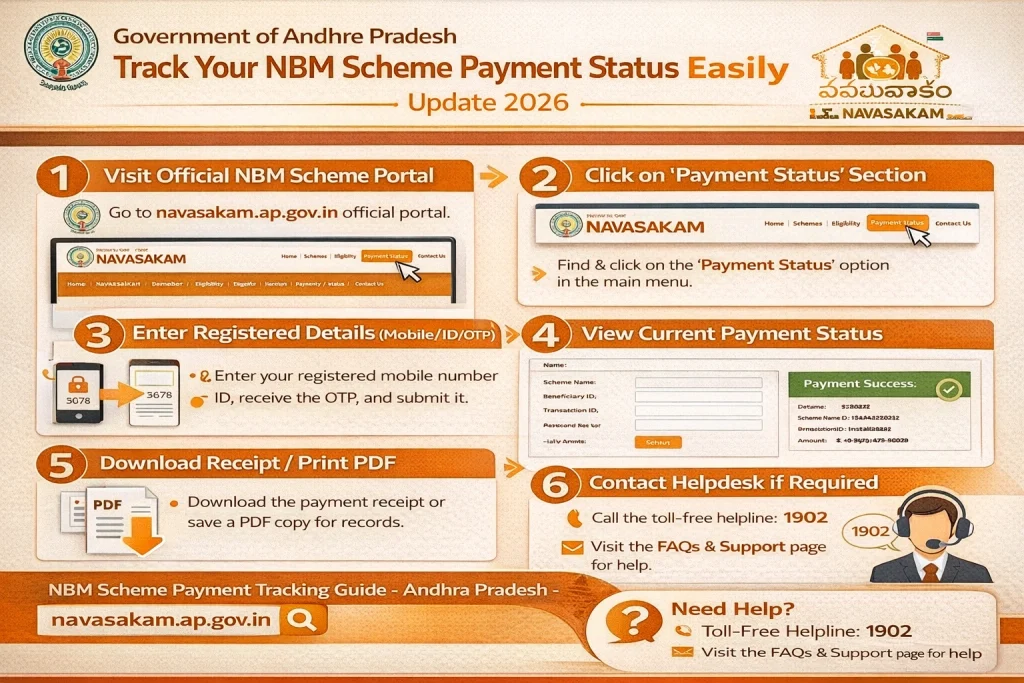
- Visit the official portal and log in using your Aadhaar number and registered mobile number.
- This login allows you to see your dashboard and personalized status.
- After logging in:
- Find the Application Status or Track Status section
- Enter your Aadhaar number or application number
- Submit to see the latest status
- Here, you’ll see real‑time updates, including whether your application is approved and whether the payment is being processed.
- Once the application is approved, the status screen may show:
- Payment Pending
- Payment Processed
- Payment Status: Credited to Bank
- Payment Released on (date)
- If you see Payment Credited, that means the benefit amount should have already reached your bank account.
- If it still shows Pending, it means the payment is not yet sent or confirmed.
- Sometimes the portal shows payment credited, but the money isn’t reflected in your bank app yet. In that case:
- Check your bank passbook or mobile banking app
- Look for the transaction with the government benefit name
- If needed, check by date or amount
- Usually, bank updates may take a few hours after the portal status changes.
- If the portal shows payment as Credited but it’s not in your account:
- Wait a few hours and check again
- Confirm your bank account details on the portal are correct
- If bank details are wrong, contact your nearby bank branch
- If the issue persists, visit your local Gram Sachivalayam office for help
- Updating bank details after approval may not always be possible online, so local office help is often the best path.
Useful Tips to Track Payment Smoothly
FAQs
Final Words
Tracking your NBM scheme payment doesn’t have to be confusing. Once you know where to look and how the stages flow, you can easily follow your benefit from approval to payment credited.
Keep your Aadhaar details updated, check status regularly, and make sure your bank information is correct. If you run into payment delays or mismatches, your local Gram Sachivalayam or welfare office can help you sort it out.
With the right steps, you’ll always know exactly where your payment stands.