How to Check Multiple Welfare Scheme Status on NBM (2026)
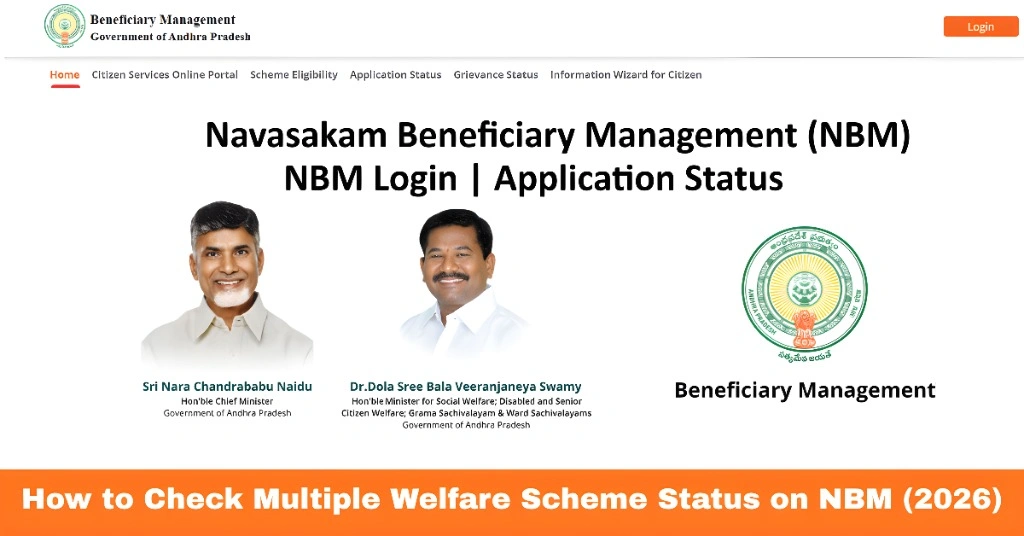
If you’ve applied for more than one welfare scheme through the Navasakam Beneficiary Management (NBM) Portal, you might be wondering how to check the progress of all your applications at once. Whether you applied for financial aid, health support, or assistance for agriculture and education, this guide will walk you through the process step by step. It’s simple, easy to follow, and you don’t need to be tech‑savvy to do it.
Why You Need to Check Multiple Scheme Statuses
The NBM portal was developed to help residents of Andhra Pradesh access various government welfare schemes from one place. The portal lets you apply for different benefits and track the status of each application online. But when you have applied for multiple schemes — like pension, education support, or assistance for farmers — it can get confusing to check each one separately. Knowing how to quickly view the status of all your schemes in one place helps you stay updated, avoid unnecessary visits to offices, and fix issues early if something needs correction.
You can also read: Is Your Navasakam Application Stuck? Here’s Why (2026 Guide)
Step‑by‑Step: How to Check Multiple Scheme Statuses on NBM
Follow these simple steps to check all your scheme statuses on the Navasakam portal:
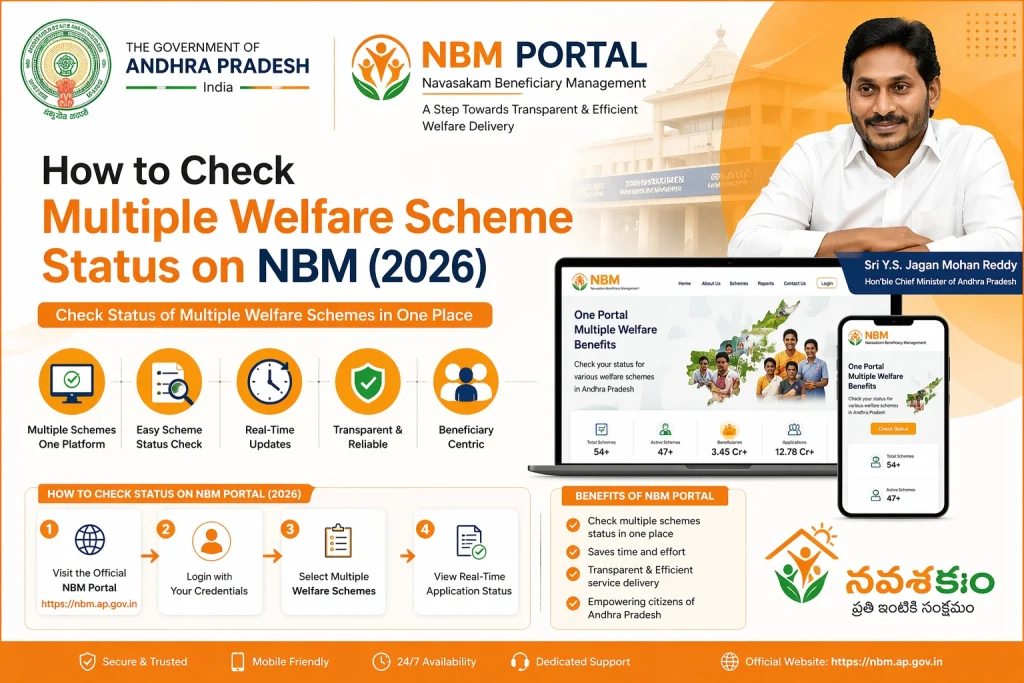
Open your browser and go to the official Navasakam portal. The portal works well on both computers and mobile phones.
Use your registered mobile number, Aadhaar number, or user ID along with the OTP login method. Make sure you use the same information you used during your applications.
Once logged in, look for the section that says Application Status, My Applications, or Scheme Status.
The portal should show you a list of all welfare schemes you have applied for. Usually, it displays:
Any remarks or required actions
The name of the scheme
The date of application
The current status (Pending, Approved, Rejected, Under Review)
For every scheme listed:
- Tap or click the scheme name
- Look for more details like document requirements, payment status, or next steps
This gives you a clear picture of how each application is progressing.
Tips for Smooth Status Checking
Here are some quick tips that can help:
Use Your Aadhaar‑Linked Mobile Number
Always log in with the mobile number linked to your Aadhaar so you receive OTPs without delay.
Save Your Application Reference Numbers
Each scheme may generate a reference or application number. Save these in your phone or notebook so you can track them easily.
Check Status Frequently
Status updates can happen any time. Checking regularly helps you catch requests for additional documents or corrections early.
Use the NBM Grievance Section if Needed
If a scheme status is stuck or unclear, use the Grievance or Help section on the portal to report the issue and track resolution.
Use a Mobile‑Friendly Browser
If you’re using a smartphone, make sure your browser is updated and supports modern websites to avoid loading errors.
Additional Features That May Help You
The latest NBM portal version lets you:
These features make keeping track of multiple schemes much easier.
FAQs
Final Words
Checking the status of multiple welfare schemes on the Navasakam portal doesn’t have to be complicated. The portal is designed to help you stay informed about all your applications in one place. By logging in with your correct details, regularly checking the status page, and saving your references, you can manage all your welfare benefits with confidence.
Remember, if any status looks confusing or stays unchanged for a long time, use the help and grievance features on the portal or visit your nearest Common Service Center (CSC) for free assistance. Staying updated means you won’t miss a benefit you’re eligible for.