How to Check Eligibility on Navasakam Portal in 2026
If you want to see which welfare schemes you qualify for in the YSR Navasakam program, the Navasakam Beneficiary Management (NBM) Portal makes it quick and easy. Whether you’re applying for pension, Cheyutha, Kapu Nestham, Vahana Mitra, or other benefits — checking eligibility first saves time and prevents mistakes.
In this guide, I’ll walk you through how to check eligibility on the portal in 2026 in simple steps — no confusing tech talk.
What Is the Navasakam Portal?
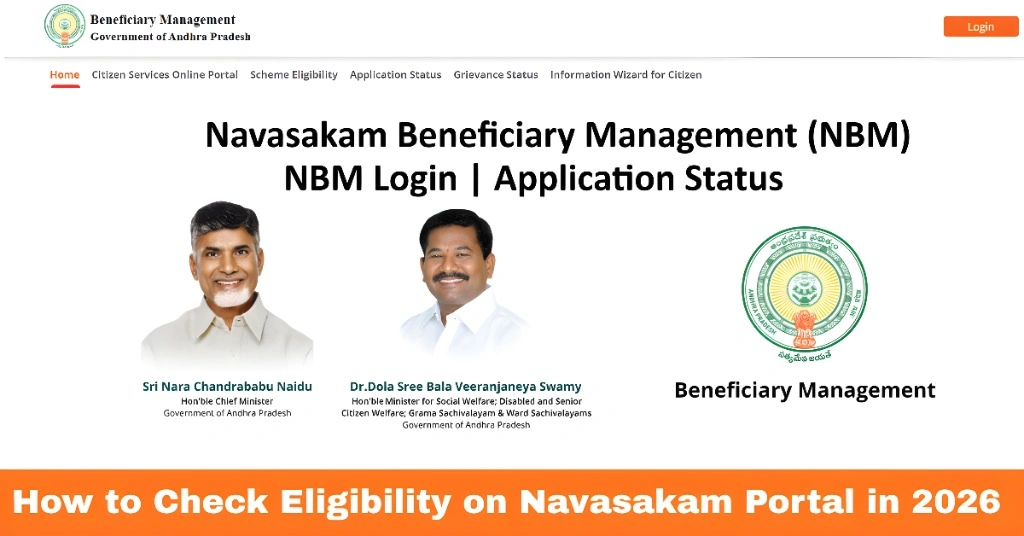
The Navasakam Portal (official site: gsws-nbm.ap.gov.in) is a single online platform by the Andhra Pradesh Government. It shows:
Before you apply for any scheme, it’s smart to check eligibility first. That way you won’t fill out forms you won’t qualify for.
You can also read: YSR Navasakam Portal: How to Track Your Application Status
Quick Prep: What You Need
Before starting, make sure you have:
No password is needed — the portal uses Aadhaar + OTP for login.
Step‑by‑Step Eligibility Check (2026)
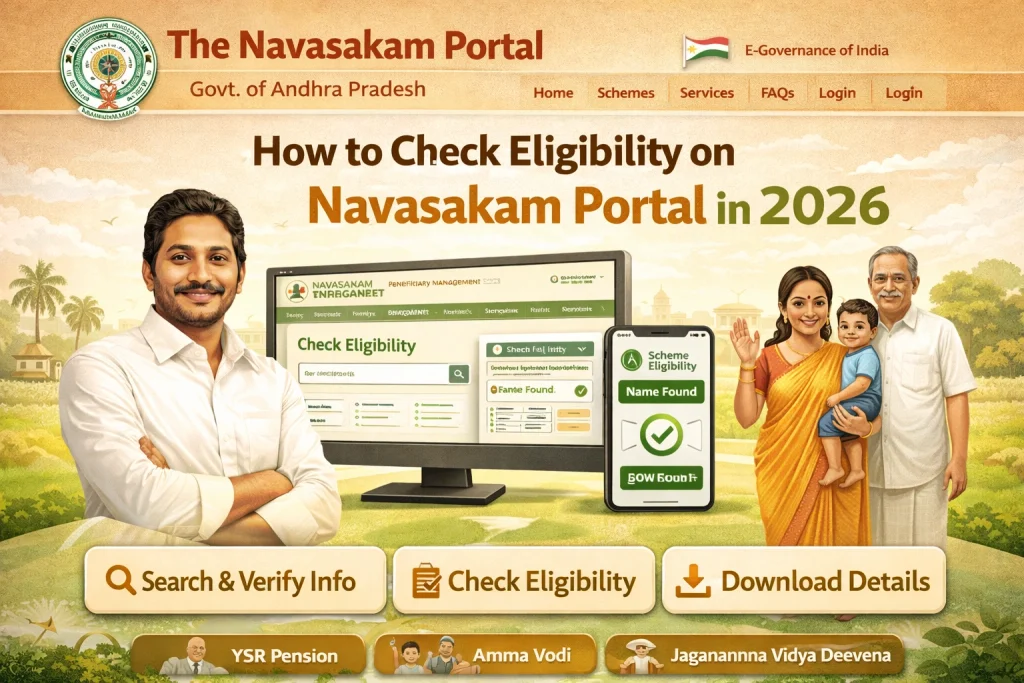
Go to gsws-nbm.ap.gov.in. This is the official site for the Navasakam Portal.
On the home page, you will see sections like:
Select Scheme Eligibility to begin.
Type your Aadhaar number correctly. This number connects your details to government records.
You’ll get a one‑time password (OTP) on your linked phone. Enter that OTP and submit.
Tip: Make sure your mobile number is updated with Aadhaar otherwise OTP won’t arrive.
Once logged in, the portal will show:
- Schemes you’re eligible for
- Schemes you’re not eligible for
- Any missing documents or conditions
That’s it — you now know which government welfare programs you qualify for!
Eligibility Criteria – What They Look At
Eligibility rules vary by scheme, but common checks on the Navasakam Portal include:
Residency
Must be a resident of Andhra Pradesh
Income
Family income within scheme limits (example: below ₹10,000 rural / ₹12,000 urban)
Asset Limits
Some schemes check land, vehicles, electricity usage
Category
Some benefits depend on community category (SC/ST/BC/EBC)
Age & Family Details
For schemes like Cheyutha or Pension Kanuka
Each scheme has its own rules — so eligibility can be different for each one.
Additional Scheme Details You Might Need
If you’re unsure about which scheme suits you, the Navasakam Portal also lets you:
These extra details can help you narrow down which schemes to apply for based on your family’s specific needs and eligibility.
Tips to Avoid Problems
What Happens After Eligibility Check?
FAQs
Final Words
In 2026, checking your eligibility on the Navasakam Portal is:
Free and easy
Online (no office visits)
Linked to Aadhaar and OTP
Quick results in minutes
Just visit the portal, enter your Aadhaar + OTP, and check which schemes you qualify for. You’ll save time and know exactly what benefits you can apply for!