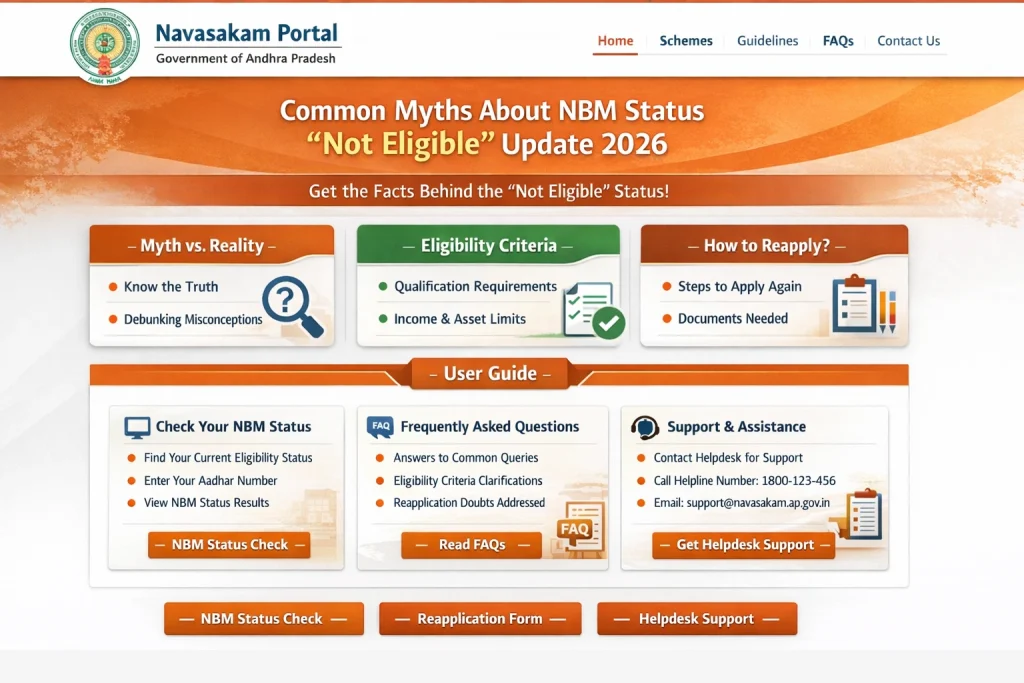
Common Myths About NBM Status “Not Eligible” Update 2026
When people check their status on the NBM Portal and see “Not Eligible,” it often leads to confusion and unnecessary worry. Many assumptions or myths spread online that aren’t true. Let’s clear up the most common ones so you know what “Not Eligible” really means and what you can do about it.
Myth 1: “Not Eligible means the Government rejected me forever.”
This is not true. “Not Eligible” does not mean you will never get the benefit. It means that, based on the data currently in the system, you do not meet the eligibility criteria at this moment. Your details may need updating, or verification may be pending. Once it’s fixed, you can re‑check your eligibility.
Myth 2: “Not Eligible means my application is rejected.”
There’s a difference:
So if you see “Not Eligible,” it simply means you are not allowed to proceed to the application stage — not that your submitted application was rejected.
Myth 3: “It must be a portal error. I should just ignore it.”
Not necessarily. The portal usually checks data stored in government records. If your Aadhaar, income, caste, or other details are outdated or missing, the portal will show “Not Eligible.” It’s not an error — it’s reflecting the data currently available.
Always check the data linked to your Aadhaar records, and update them if needed.
Myth 4: “If one family member is eligible, then all family members are eligible.”
Each person’s eligibility is checked independently. Just because your parent, spouse, or child qualifies for a scheme doesn’t automatically mean you do too. Your details must individually meet the criteria.
Family eligibility rules vary by scheme, so always check the specific conditions.
Myth 5: “If I change my details later, I can’t apply again.”
This is false. If your details were incorrect or outdated and caused the “Not Eligible” status, you can update them and re‑check. If the updated details match the eligibility criteria, you can proceed to apply.
So updating records is not a one‑time penalty; it’s a way to fix eligibility issues.
Myth 6: “Not Eligible means my documents were rejected.”
No. “Not Eligible” is shown before you even apply or submit documents. It is based on the eligibility check, not document acceptance or rejection. Document rejection usually happens after you apply and are given a status like “Rejected” or “Needs Correction.”
Myth 7: “The portal will automatically fix my data.”
The portal cannot update your personal information by itself. If details like your caste, income, or Aadhaar name are incorrect, you must correct this with the relevant authorities (for example, Aadhaar enrollment center or local welfare office). Once updated, re‑check eligibility on NBM Portal.
Why These Myths Cause Confusion
Most people misunderstand “Not Eligible” because the term sounds final. But in the NBM system, it is just a checkpoint, not a judgment. It tells you whether the portal thinks your current data meets the basic rules for applying.
Most often, data mismatches (like incorrect Aadhaar data, old income certificates, wrong caste records) are the real reason, not the portal itself.
What You Should Do If You See “Not Eligible”
How to Update Your Aadhaar and Government Records
The most common reason for “Not Eligible” status is outdated or incorrect details in your Aadhaar records or government databases. Here’s how to fix them:
Update Aadhaar Details: Visit the nearest Aadhaar center to update your name, address, mobile number, or other personal details.
Verify Caste and Income Records: If these details are incorrect, visit your local welfare office to make necessary changes in the system.
Check Data Accuracy: Ensure your data matches across all documents (Aadhaar, ration card, bank accounts, etc.).
By updating your records, you can increase the chances of clearing the eligibility check and proceed with your application.
You can also read: How to Get Help If the NBM Portal Is Not Loading Update 2026
The Role of Eligibility Check in Preventing Application Errors
The Eligibility Check feature on the NBM Portal is your first step before submitting any application. It tells you whether you meet the basic requirements for a particular scheme. Using this tool can save you time by preventing you from submitting applications that are likely to be rejected due to ineligible details.
The eligibility check helps you:
If the system shows you as ineligible, don’t submit the application. Instead, take the time to correct the discrepancies and recheck your eligibility before applying.
FAQs
Final Words
Seeing “Not Eligible” on the NBM Portal can be frustrating, but it doesn’t mean you’re automatically rejected. It simply indicates that some of your information doesn’t meet the required eligibility criteria. Most issues can be fixed by updating your records and rechecking your details.
Remember, the Eligibility Check is your best friend — use it first to avoid wasting time. If you’re unsure about your status or what needs fixing, don’t hesitate to visit your local welfare office. They can guide you through the process and help you get back on track.