How to Correct Your NBM Application Details Update 2026
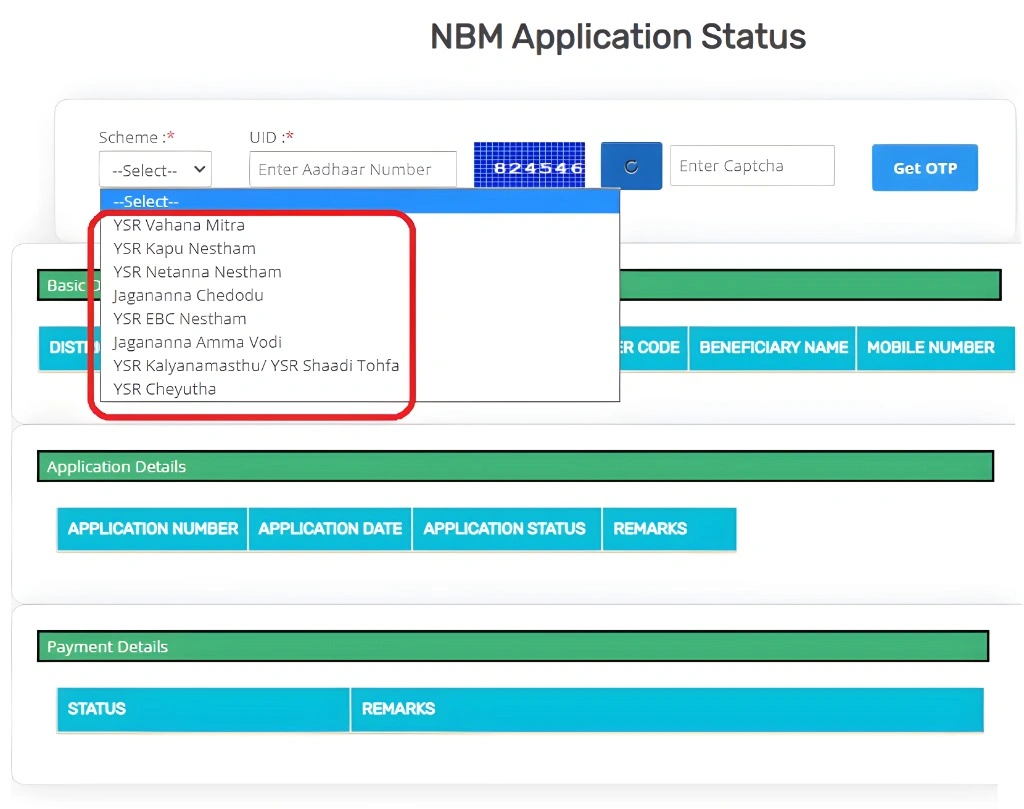
Applying through the NBM Portal (Navasakam Beneficiary Management Portal) is meant to make welfare services easy and digital. But sometimes people enter incorrect information like wrong Aadhaar number, wrong mobile number, or wrong scheme details. When this happens, your application status may get delayed or show errors.
This guide explains how to correct your NBM application details step by step, so your application can be processed smoothly.
What Kinds of Errors Need Correction?
Before we begin, here are some common mistakes users make:
Correcting these details is important because even a small mistake can stop your application from moving forward.
Step by Step Correct Your NBM Application Details
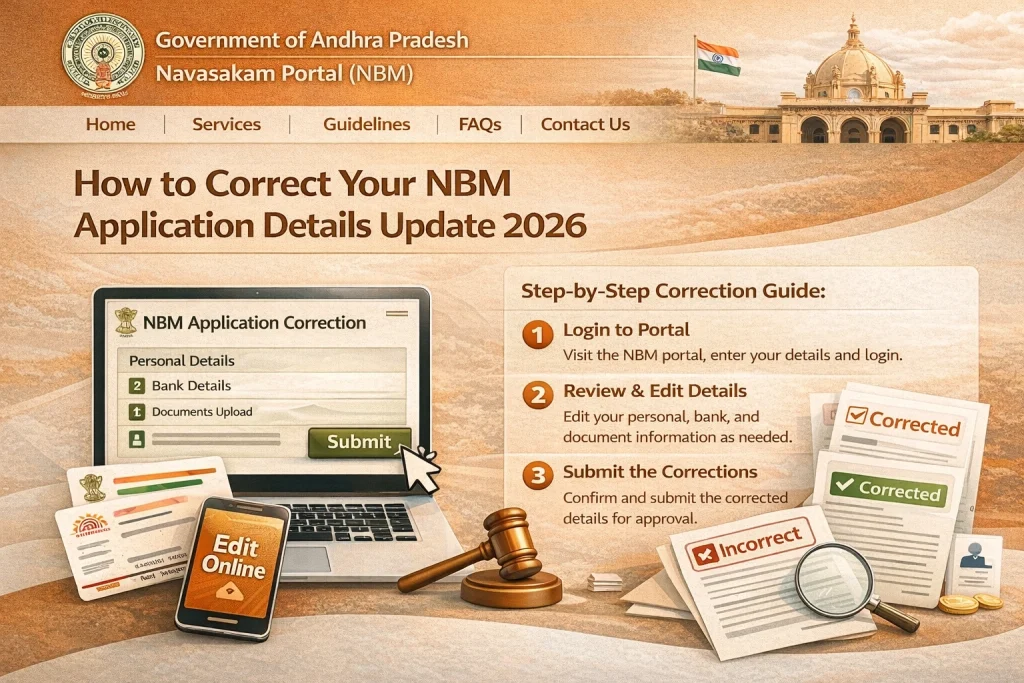
- First, log in to the NBM Portal and check your current application status. Sometimes you can spot the exact mistake right there. If the portal doesn’t show the error, note what you entered so you can explain it later.
- Taking a screenshot of the incorrect information helps when you visit support or officials. It makes it easy to show exactly what needs to be fixed.
- The NBM Portal does not allow users to edit certain details directly. This is because incorrect details may cause duplicate or wrong benefits.
- To correct your application:
- Visit your local Gram Sachivalayam office or MPDO office
- Explain exactly what is wrong
- Show the screenshot of the wrong information
- Provide correct documents (if needed)
- Officials can help you update the details from their end or guide you through the correction process.
- If your local office suggests it or if the error is on the portal side, you may be able to raise a grievance:
- Go to the Grievance Status section on the NBM portal
- Enter your Aadhaar number or Grievance ID
- Explain the mistake and request correction
- Submit the grievance
- Officials will then review your request and respond.
- Some corrections require you to upload documents again — like:
- • Aadhaar card
- • Proof of mobile number
- • Other supporting documents
- Make sure the documents are clear and readable. If uploading fails, reduce file size and choose PDF format.
- After you request a correction, it may take time to reflect in the portal. Continue to check your application status regularly. If it still isn’t updated after a few days, visit or call your local office again for a status update.
- Once your details are updated:
- • Go back to the portal
- • Log in with your corrected details
- • Check your application status again
- This ensures your corrections were applied successfully.
You can also read: Top NBM Portal FAQs: Solving Common Login Problems 2026
Tips to Avoid Errors in Future Applications
These simple checks can prevent most correction issues.
FAQs
Final Words
Making a mistake in your NBM application can be frustrating, but it’s something that can be fixed. The key is to act quickly, show correct documents, and work with your local Gram Sachivalayam or MPDO office. Once corrections are made, your application can proceed smoothly and your status will update correctly.
If you need help with a specific error message or step, just ask — I can guide you through it!