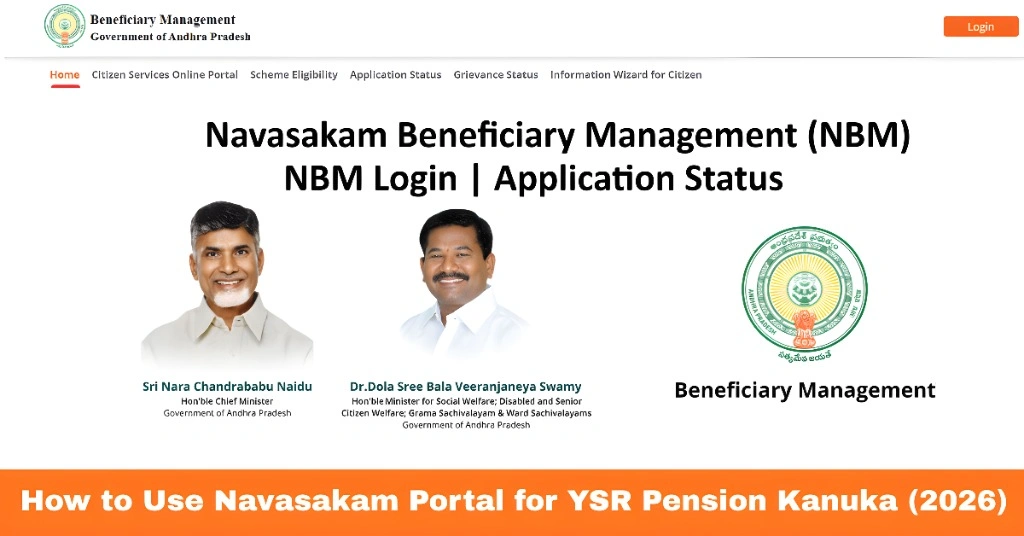
How to Use Navasakam Portal for YSR Pension Kanuka (2026)
The Navasakam Portal (NBM) is Andhra Pradesh’s official digital platform for citizens to access government welfare schemes. One of the most widely used programs is YSR Pension Kanuka, which provides financial assistance to senior citizens, differently-abled individuals, and eligible widows.
This guide explains how to use the Navasakam Portal to apply for, track, and manage YSR Pension Kanuka, ensuring you can access your benefits efficiently and without confusion.
What Is YSR Pension Kanuka?
YSR Pension Kanuka is a welfare scheme by the Government of Andhra Pradesh designed to provide monthly financial assistance to:
The scheme aims to ensure financial security for vulnerable citizens and reduce dependency on others. Through the Navasakam Portal, beneficiaries can apply, check eligibility, and track payment status easily.
You can also read: Troubleshoot Session Expired Error on Navasakam Login (2026)
How to Apply for YSR Pension Kanuka via Navasakam Portal
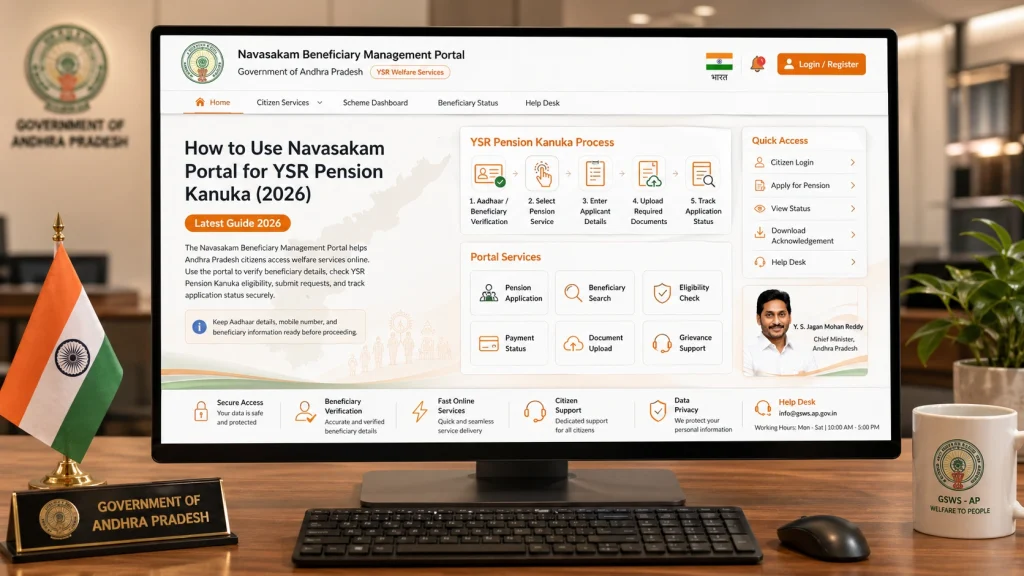
Open your browser and navigate to gsws-nbm.ap.gov.in, the official Navasakam Portal. Using the official site ensures your data is secure and applications are properly recorded.
On the homepage, look for the YSR Pension Kanuka link or the welfare schemes section. Click to view details about eligibility criteria and required documents.
Enter your Aadhaar number and complete OTP verification. This ensures that your application is linked to your official records.
ete the online form with personal details, bank account information, and relevant documents such as:
- Aadhaar card
- Age proof (for senior citizens)
- Widow or disability certificate (if applicable)
- Income certificate (if required)
Check all information for accuracy before submitting.
After submission, you will receive an application reference number. Keep it safely to track your application status later.
How to Track YSR Pension Kanuka Status on NBM Portal
Once your application is submitted, you can track the status using the portal:
Regularly checking your status ensures you know when the pension will be credited to your account.
Tips for Smooth Application and Tracking
Following these tips helps prevent delays and ensures timely receipt of pension benefits.
Common Issues and Solutions
Application shows “Pending” for long:
Confirm if your documents have been uploaded correctly.
OTP not received:
Check network connectivity or update your mobile number linked to Aadhaar.
Incorrect personal details:
Visit your local Sachivalayam office to correct errors.
Payment not received:
Verify that your bank account details are accurate in the portal.
FAQs
Final Words
Using the Navasakam Portal for YSR Pension Kanuka allows eligible citizens to apply for financial assistance, check application status, and track payments conveniently from home.
By keeping your documents ready, ensuring Aadhaar details are correct, and regularly checking your application status, you can access pension benefits efficiently and securely. Offline assistance from Gram/Ward Sachivalayam offices is also available if needed.