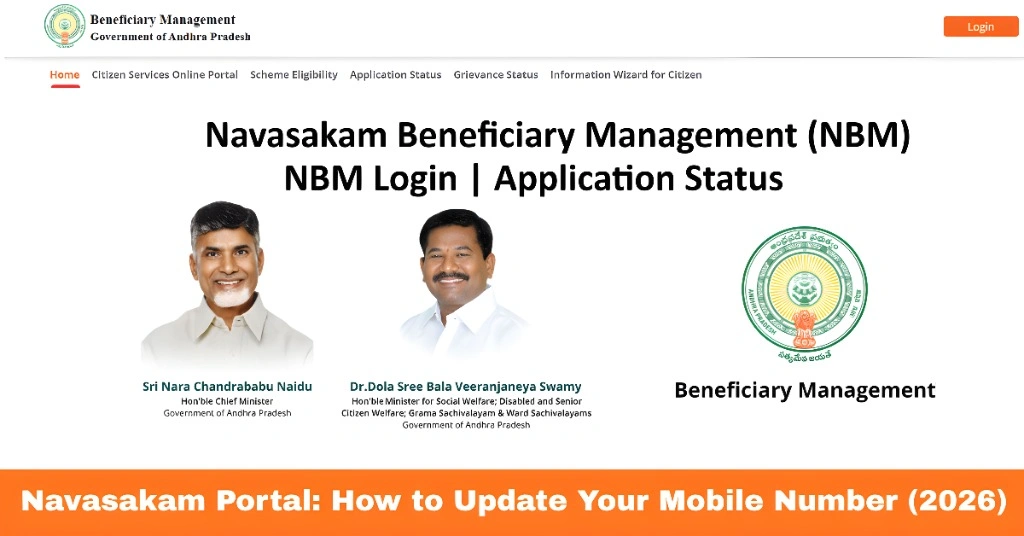
Navasakam Portal: How to Update Your Mobile Number (2026)
The Navasakam Portal (NBM) is Andhra Pradesh’s official platform for accessing welfare schemes, checking beneficiary status, and tracking applications. Your mobile number is a critical part of your account, as it is used to receive OTPs for login, updates on scheme approvals, and notifications about payments.
If your mobile number changes or is incorrect, you may face difficulties logging in or receiving updates. This guide explains how to update your mobile number on the Navasakam Portal, ensuring uninterrupted access to all welfare schemes.
Why Updating Your Mobile Number Is Important
Updating your mobile number is essential because:
OTP Verification:
Login to the portal requires OTPs sent to your registered number.
Payment Alerts:
Notifications about approved payments, disbursements, or issues are sent via SMS.
Scheme Updates:
Any changes in welfare schemes or eligibility are communicated to your registered mobile.
Avoid Login Errors:
Incorrect numbers can cause “OTP not received” or “Session Expired” errors.
Keeping your mobile number updated ensures seamless access and timely communication.
You can also read: How to Use Navasakam Portal for YSR Pension Kanuka (2026)
How to Update Your Mobile Number on Navasakam Portal
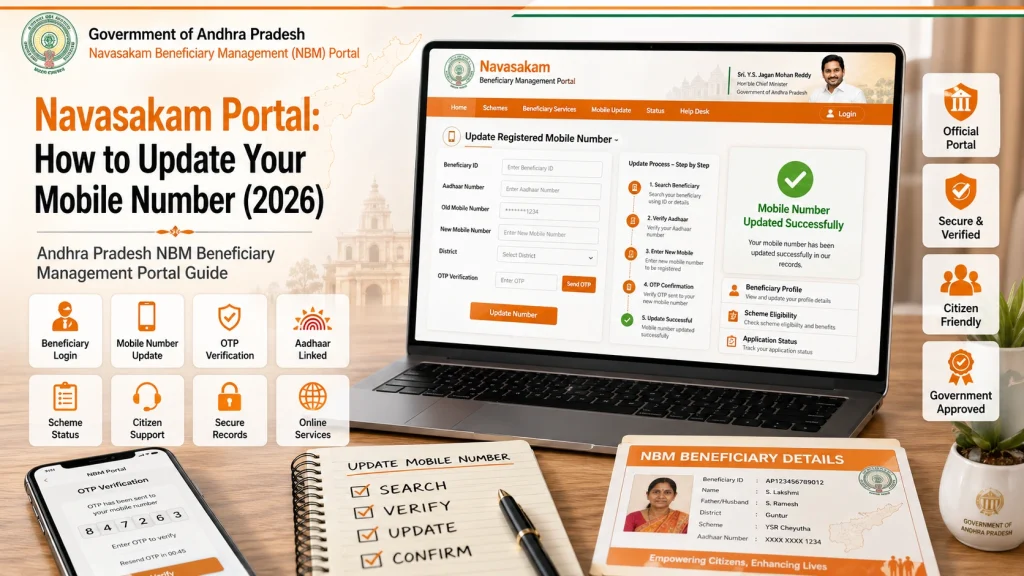
Open a web browser and go to gsws-nbm.ap.gov.in, the official Navasakam Portal. Ensure you are using a supported browser like Chrome or Firefox for smooth access.
Enter your Aadhaar number and complete OTP verification using your current or old mobile number. If you no longer have access to your old number, proceed to visit your local Sachivalayam office.
Once logged in, find the profile or account settings section. Look for the option labeled “Update Mobile Number” or “Change Contact Number.”
Provide your new active mobile number and confirm it by entering the OTP sent to the new number. Ensure this number is valid and accessible.
After verification, save the changes. Your NBM account will now be linked to the new mobile number, allowing you to receive OTPs and notifications without interruptions.
Alternative Method: Update via Gram/Ward Sachivalayam
If you cannot update the mobile number online:
This method is useful for beneficiaries who are not familiar with online updates or do not have access to the portal.
Tips for a Smooth Mobile Number Update
Following these tips ensures your account remains secure and you continue receiving timely updates.
FAQs
Final Words
Updating your mobile number on the Navasakam Portal is a simple but crucial step to maintain uninterrupted access to welfare schemes, payment updates, and OTP verification. Whether you update online or via your local Gram/Ward Sachivalayam, keeping your number current ensures you receive all notifications and can log in smoothly.
By following the steps outlined above, you can continue using the NBM portal effectively and stay informed about your welfare benefits.