How to Check YSR Cheyutha Status on Navasakam Portal (2026)
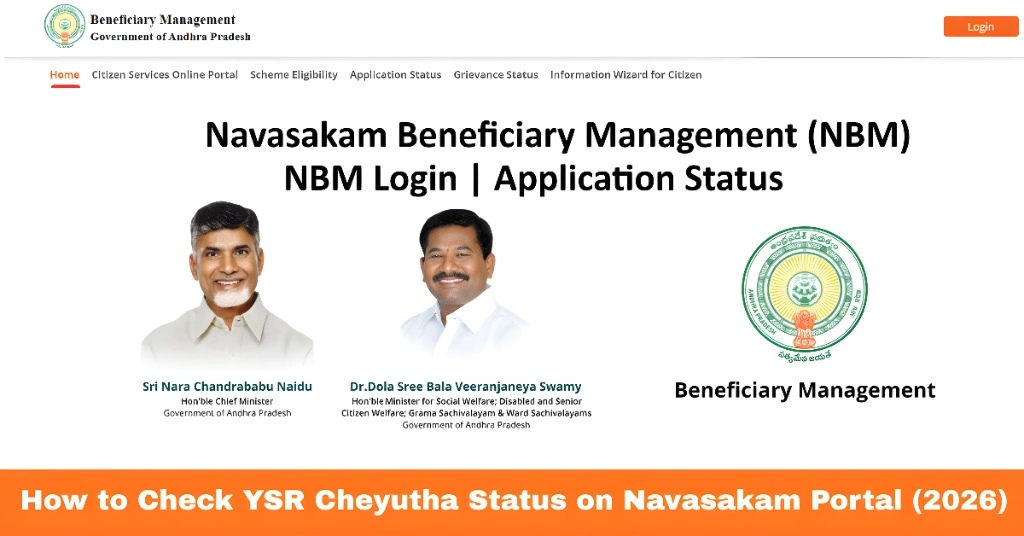
The Navasakam Portal (NBM) is Andhra Pradesh’s official platform for citizens to access welfare schemes, including YSR Cheyutha, a program designed to empower women from marginalized communities by providing financial support.
If you have applied for YSR Cheyutha, it is important to know how to check your application status on the NBM portal. This guide explains step-by-step how to verify your status, understand the portal messages, and take action if there are delays or errors.
What Is YSR Cheyutha?
YSR Cheyutha is a state welfare scheme aimed at women aged 45 to 60 years from economically weaker sections. It provides financial assistance in four installments over a period of time to help women start small businesses, support families, or meet other essential needs.
The scheme is administered through the Navasakam Portal, where beneficiaries can:
Understanding your status ensures timely receipt of benefits.
You can also read: Navasakam Portal: How to Update Your Mobile Number (2026)
How to Check YSR Cheyutha Status Online
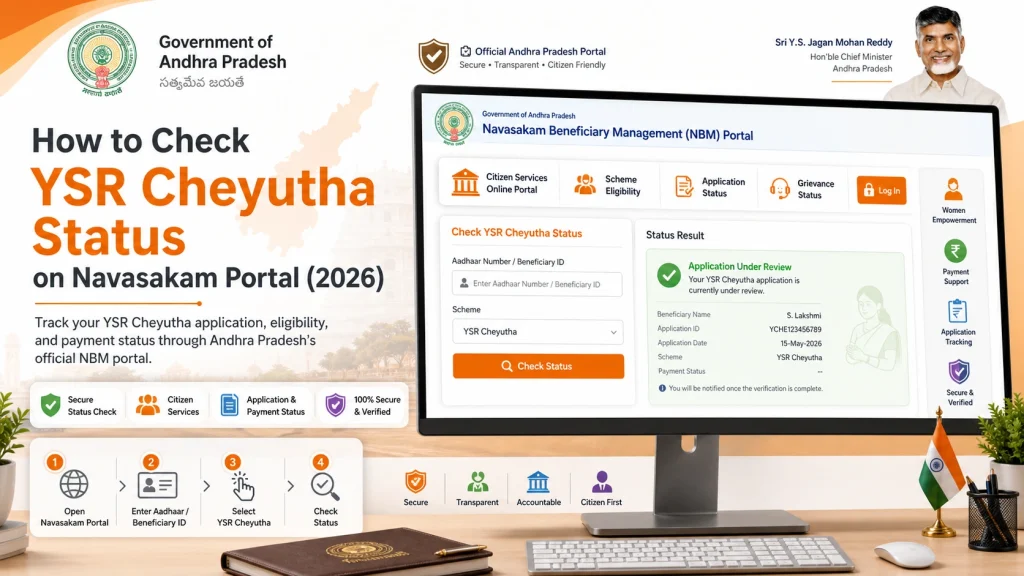
Open a browser and go to gsws-nbm.ap.gov.in, the official NBM portal. Ensure you use a trusted browser like Chrome or Firefox to avoid technical issues.
From the homepage, select YSR Cheyutha under the welfare schemes menu. This section provides information about the scheme and status verification options.
Provide the 12-digit Aadhaar number linked to your application. This ensures the system retrieves your correct application record.
You will receive a One-Time Password (OTP) on your registered mobile number. Enter the OTP to confirm your identity.
, the portal will display:
- Application number
- Date of submission
- Current status (Pending, Under Review, Approved, or Disbursed)
- Any remarks or instructions from the officials
Regularly checking your status helps you track payments and confirm eligibility.
Common Status Messages and Their Meaning
Pending:
Your application is received but verification has not started.
Under Review:
Officials are currently checking your documents and eligibility.
Approved:
Your application has been approved for payment.
Disbursed:
Payment has been successfully transferred to your bank account.
Rejected:
Your application was found incomplete or ineligible. Contact Sachivalayam for corrections.
Understanding these messages allows beneficiaries to take timely action if necessary.
Tips for Smooth Status Checking
Following these tips helps avoid delays and ensures smooth access to your benefits.
FAQs
Final Words
Checking YSR Cheyutha status on the Navasakam Portal is simple and ensures that eligible women receive their benefits on time.
By keeping your Aadhaar and mobile details updated, regularly verifying your status online, and coordinating with Gram/Ward Sachivalayam officials when needed, you can track your application effectively and avoid delays in receiving financial assistance.