Can I Track NBM Payment Status After Approval? | 2026 Guide
If you’ve applied for a welfare scheme through the Navasakam Beneficiary Management (NBM) Portal in Andhra Pradesh and it’s been approved, you’re probably wondering:
Can I track my payment status online after approval?
Yes! You can track your payment status online — and it’s easier than you think. In this guide, I’ll explain exactly how it works and give you helpful tips so you don’t get confused.
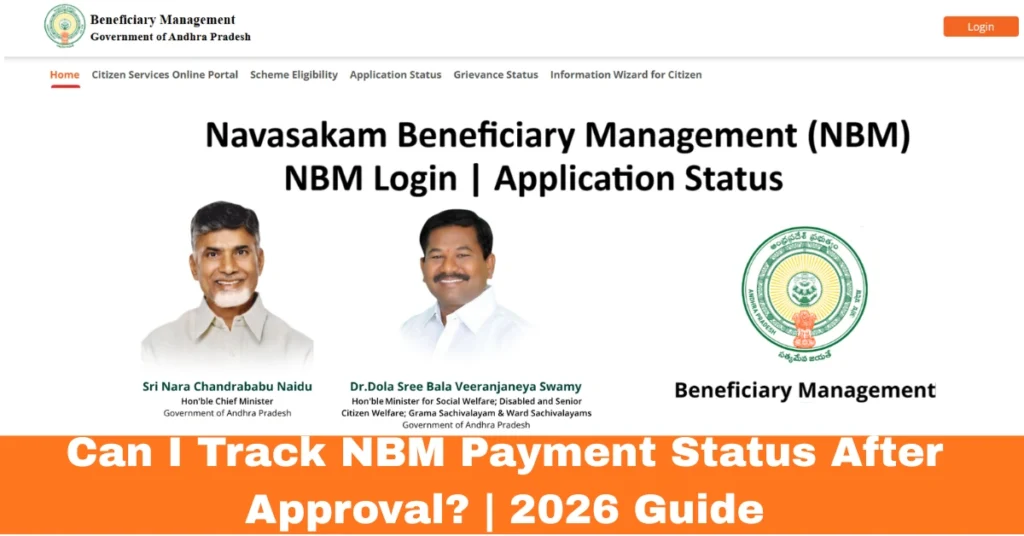
What Is the NBM Portal?
The NBM Portal (Navasakam Beneficiary Management) is a one‑stop online system where Andhra Pradesh residents can:
You don’t need to visit government offices — everything is digital.
You can also read:How to Update Your Personal Details on the NBM Portal 2026
Tracking Your Payment Status on the NBM Portal: A Quick Walkthrough
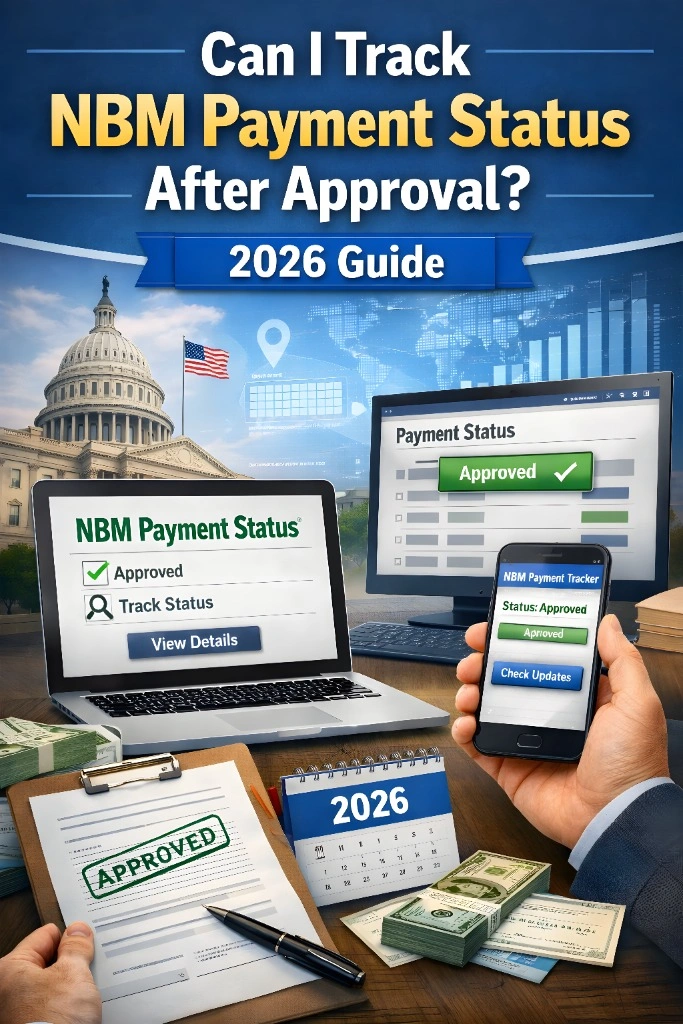
Once your application is marked “Approved” in the NBM portal, you can check if your money has been sent into your bank account. Here’s a simple step‑by‑step (like talking to a friend):
- Open your phone or laptop browser and visit:
https://gsws-nbm.ap.gov.in
- Use your Aadhaar number and mobile‑OTP (one‑time password) linked with your Aadhaar.
This gives you access to your status page.
- Once logged in, find the menu for Application Status or Payment Status.
- This section shows:
- Your application number
- Approval status
- Payment status
- Any extra remarks or notes
- If the payment has been processed, it will usually show:
- “Paid”
- Date of payment
- Amount
- Bank details (sometimes)
- Some versions let you download or print a receipt or record of your payment information.
Why Tracking NBM Payment Status Is Important
When you apply for welfare benefits through the NBM portal, it’s important to know exactly when the payment has been processed. Tracking your payment status not only keeps you informed but also helps you avoid confusion or unnecessary follow‑ups with the authorities. You can track payments with ease, ensuring that you receive what you’re entitled to without delay.
Tips to Track Payment Status Easily
Troubleshooting Common Issues with NBM Payment Tracking
Payment Status Shows “Pending” Even After Approval
This can happen due to backend delays. The approval process may take longer, especially if there’s a backlog or additional verification is required.
Tip: Keep checking the portal every few days to stay updated on the progress.
Payment is “Approved” But Still Not Received
It’s frustrating when your status shows “approved,” but the money hasn’t hit your bank account yet. This might be due to delays in the payment release cycle or bank processing times.
Tip: If you haven’t received the payment within a week, contact your bank to ensure there are no issues on their end.
Why You Might Not See Payment Yet
Even after approval, there are common reasons you might not see a payment right away:
So, it’s normal if you don’t see the payment immediately after approval — give it a little time.
FAQs
Final Words
Tracking your NBM payment status is easy once you know where to look. If your payment shows as “Approved” but isn’t in your bank account yet, don’t panic. Give it a few days, and if it’s still missing, reach out to your local Sachivalayam or bank support for help.
Remember: Stay patient, keep checking, and use the tools available to you on the portal. You’ll get your payment as soon as it’s processed.