How to Update Your Personal Details on the NBM Portal 2026
Updating your personal details on the Navasakam Beneficiary Management (NBM) Portal may seem confusing at first, but don’t worry — I’ve got your back! This guide is meant to simplify the process. The NBM portal, which is part of the Andhra Pradesh government’s welfare initiative, helps citizens apply for various government schemes and track benefits online. Whether you’re trying to update your Aadhaar details, mobile number, bank account information, or something else, I’ll walk you through the process in simple terms. Let’s dive in!
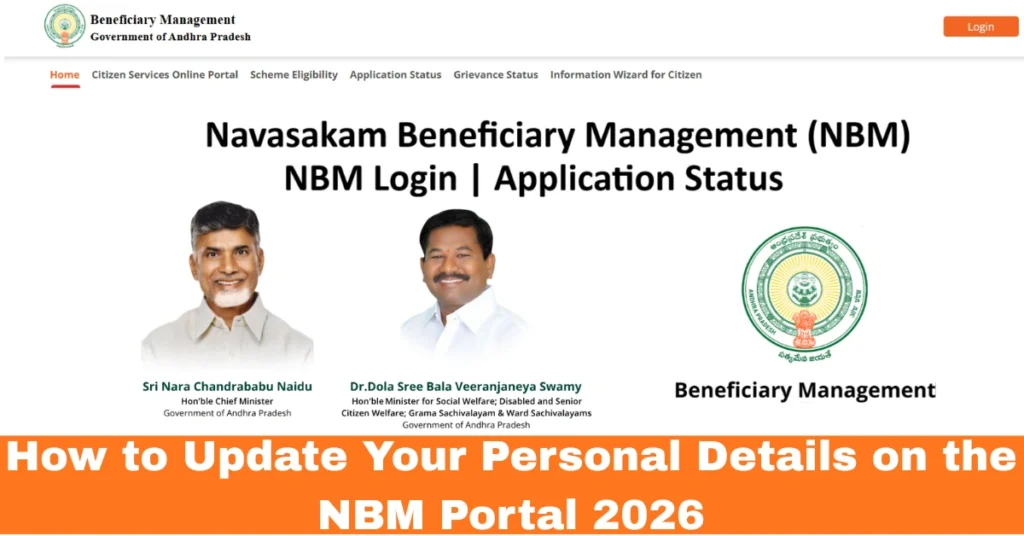
Log In First — Your Starting Point
Before you can change any details, you must log in to the NBM portal:
Tip: If you don’t receive the OTP, wait 2–3 minutes before resending. Make sure your phone number is linked to your Aadhaar.
Go to Your Profile or Dashboard
Once you’re logged in:
If you don’t see it right away, check under “Account Settings” or “My Applications.”
What Details You Can Update
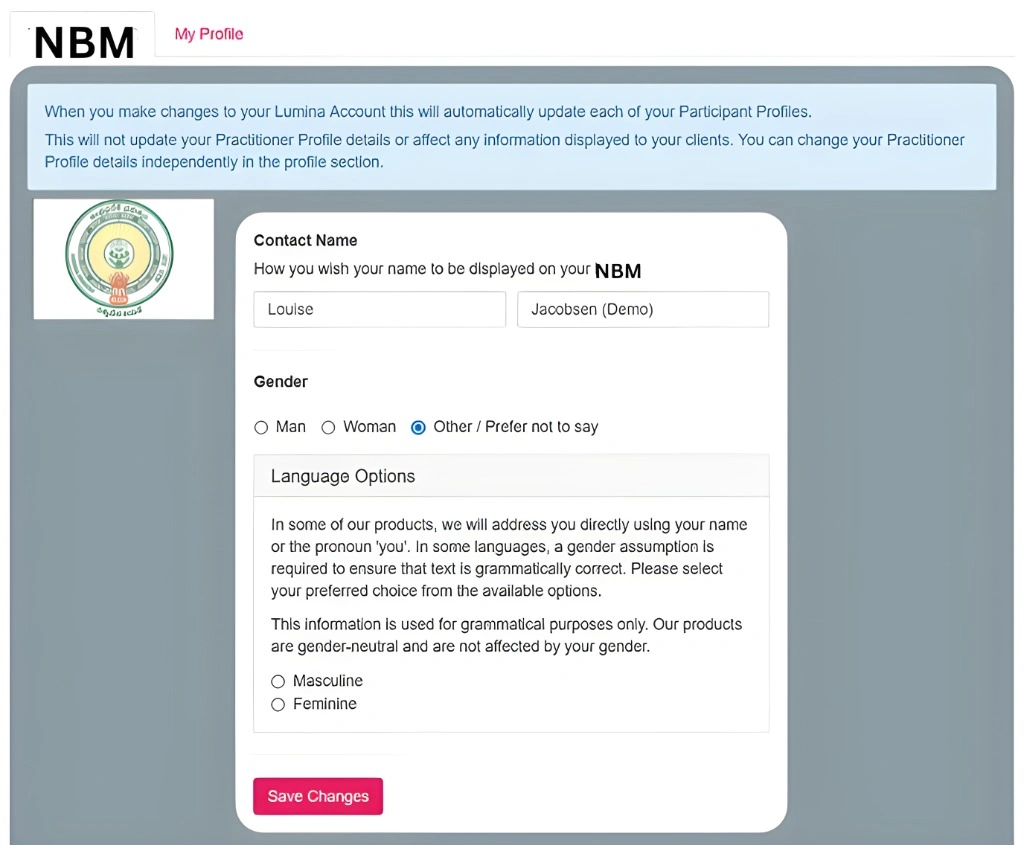
You can typically update:
Important: Some details like name, date of birth, or Aadhaar details may not be editable directly. For those, you usually need to raise a request or grievance. Keep reading!
How to Actually Edit Your Details
Here’s a simple way to go about it:
Tip: If you’re updating bank details, make sure your bank account is linked to your Aadhaar to avoid delays.
Raising a Grievance — What If You Can’t Edit Certain Details?
Sometimes the portal won’t let you edit certain fields (like name or Aadhaar info). If that happens:
Raise a Grievance
Typically, the portal team will review it, and you’ll get a reply on your dashboard or registered phone.
Why this happens: Certain data comes from central records like Aadhaar and can’t be edited directly for security reasons. A grievance request makes sure it’s corrected the right way.
How to Track Your Update Status
After submitting your changes or grievance, you’ll want to know when things are approved or fixed. Here’s how to check:
If it stays under review for too long, you can call your local Gram Sachivalayam office or click on the support links provided on the portal.
Quick Tips for Updating Details Smoothly
You can also read:What Do NBM Status Labels Like ‘Approved’ Mean Update 2026?
FAQs
Final Words
Updating your personal details on the NBM portal doesn’t have to be complicated. By following these simple steps, you can ensure your information stays up-to-date and avoid any issues with government schemes or benefits.
If you face any challenges along the way, don’t hesitate to reach out through the grievance system or support channels. The key is to stay patient and follow through with your updates — and soon enough, everything will be sorted.
Feel free to ask any further questions below or share your experience with updating your details! We’re all in this together.