How to Solve Navasakam Portal Login Problems in 2026
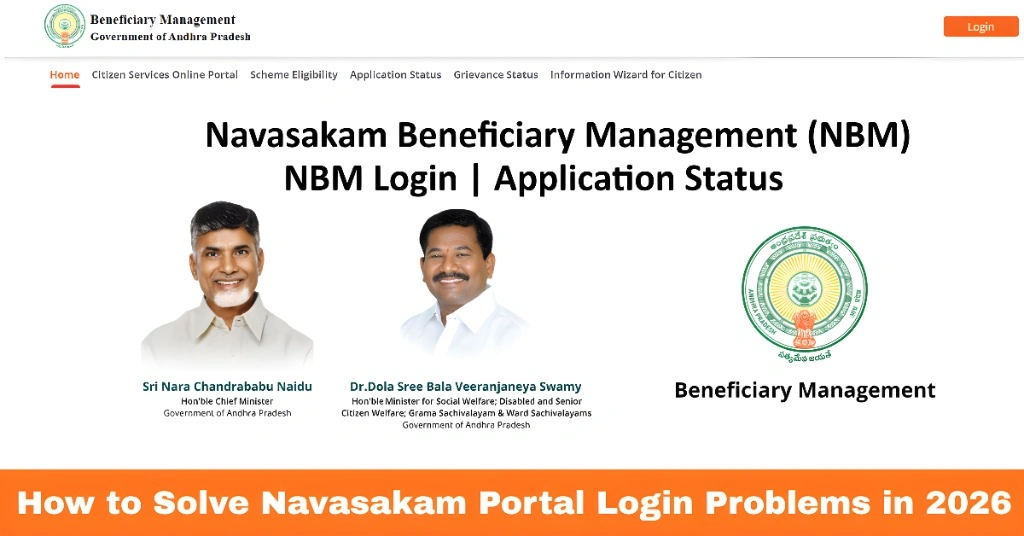
The Navasakam Beneficiary Management (NBM) Portal is the official online platform from the Government of Andhra Pradesh where citizens can access state welfare schemes, check application progress, and monitor benefits.
In 2026, many people are still facing login issues. The good news is most problems have simple solutions if you follow the right steps. This guide breaks it down in a clear and practical way.
What Is the NBM Portal and Why Login Matters
What Is the NBM Portal and Why Login Matters
You can also read: Navasakam Portal FAQs: Quick Answers to Common Questions 2026
Common Login Problems and How to Fix Them
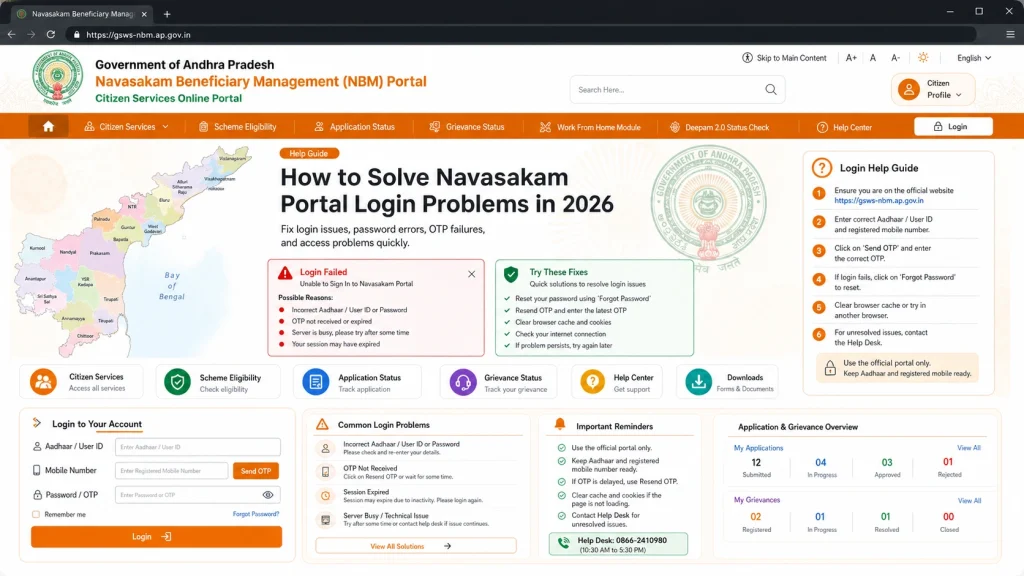
Problem 1: OTP Not Coming
receive the One-Time Password after entering your Aadhaar:
Make sure your mobile number is linked with Aadhaar and active
Wait 5 to 10 minutes before requesting again
Switch from mobile data to Wi-Fi or vice versa and try again
Network delays can
Problem 2: Captcha Errors
fail even when typed correctly.
Clear your browser cache and refresh the page
Try a different browser
Close the tab and reopen the portal
Captcha issues usually happen because the page session expires or your browser stores old data.
Problem 3: Login Still Fails After OTP
If you get an error after entering the OTP:
Close and reopen the portal, then enter your Aadhaar again
Make sure you are using the correct Aadhaar number and OTP
Use a stable internet connection
Alternative Login Paths You Can Try
If full login fails, you can check your application status without a password. Go to the “Application Status” section on the portal homepage, enter your Aadhaar, get the OTP, and view your status.
ne attempts keep failing, visit your local Gram Sachivalayam or MPDO office. Staff there can help with:
- Resetting your login credentials
- Linking your Aadhaar correctly
- Fixing login or application errors
Offline help is usually the fastest way if you are stuck for days.
Always use the official portal link
Keep your Aadhaar number and linked mobile ready
Try logging in during off-peak hours for better speed
Keep your Aadhaar mobile number updated
The NBM Portal does not offer an online password reset. If you forget your username or password, visit your Gram Sachivalayam office. Keep a note of your new credentials so you do not have to repeat the process.
Mobile users sometimes find the site slow or parts do not load properly.
Avoid outdated phones for this portal
Use a desktop or laptop if possible
Use a modern browser
FAQs
Final Words
Login problems on the NBM Portal are common but mostly easy to fix once you know what to do. Start with the official portal link, make sure your Aadhaar and mobile details are correct, and try simple fixes like refreshing your browser or switching networks. If all else fails, local support at your Gram Sachivalayam office will usually resolve the issue quickly.
This portal is a key way for Andhra Pradesh citizens to check welfare benefits and stay updated on scheme progress, so don’t let login problems slow you down.