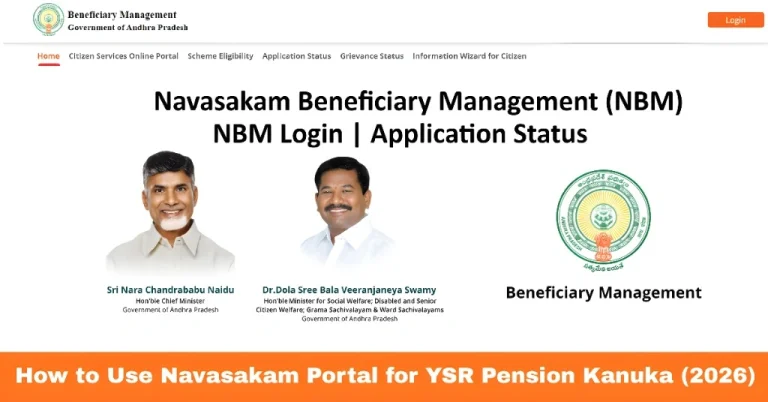
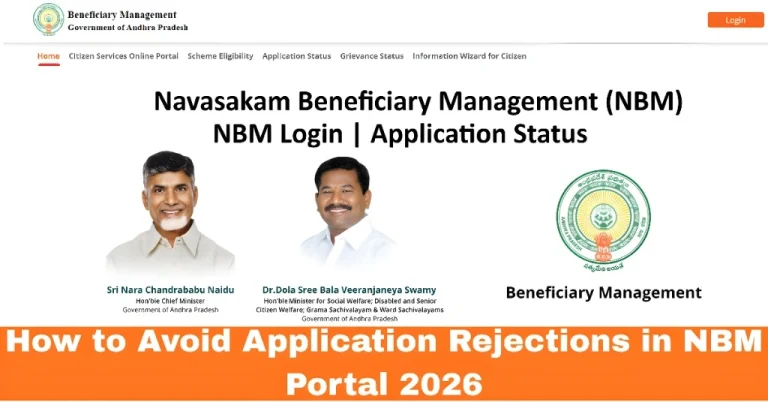
How to Access YSR Welfare Schemes on Navasakam Portal (2026)
The YSR Navasakam Portal is a one-stop digital platform provided by the Andhra Pradesh Government. It allows citizens to apply for and access a variety of YSR welfare schemes, such as YSR Pension Kanuka, YSR Cheyutha, Kapu Nestham, and more. If you’re looking to apply for a welfare scheme or just check your eligibility, this guide will show you how to access and use the Navasakam Portal easily.
Let’s walk you through the steps to access YSR welfare schemes on the portal.
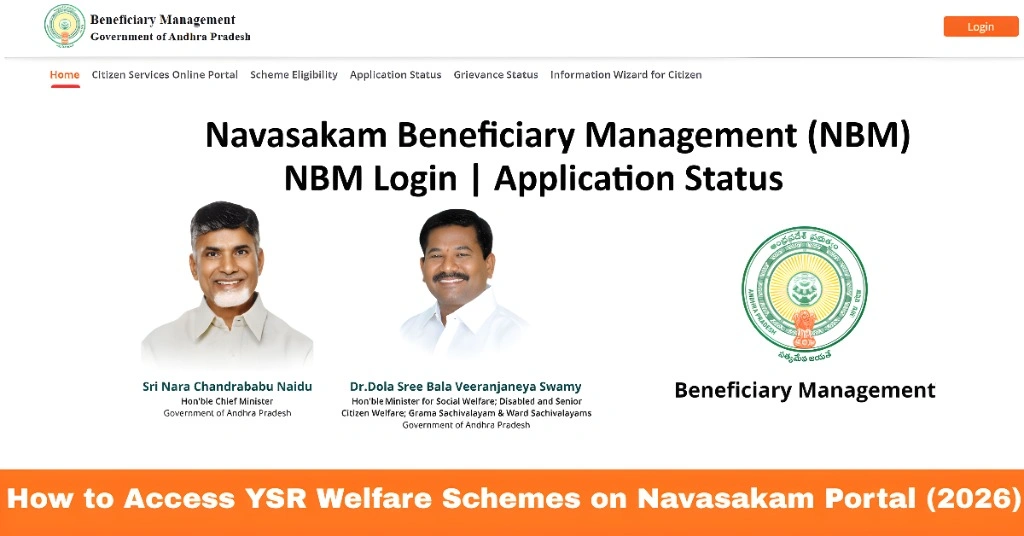
Step-by-Step Guide to Access YSR Welfare Schemes
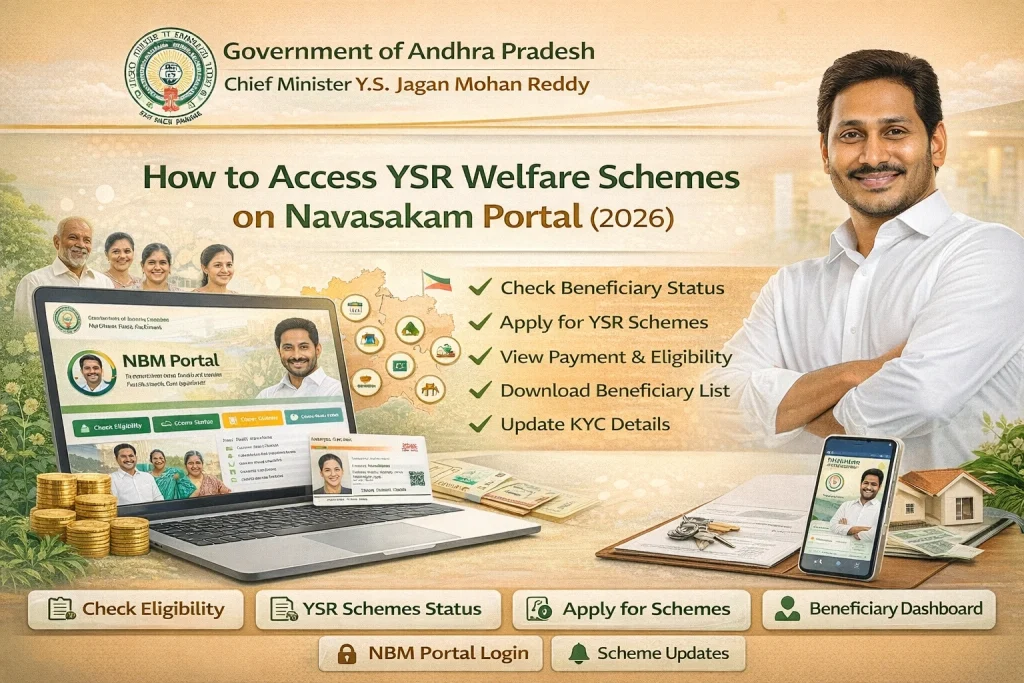
Step 1: Visit the Official Navasakam Portal
To begin, open your web browser and visit the official YSR Navasakam Portal website.
Website URL: gsws-nbm.ap.gov.in
Make sure you’re on the correct site to avoid scams or phishing sites.
Step 2: Log In Using Your Aadhaar Number
The portal requires Aadhaar-based login to access your details and apply for schemes. Here’s how to log in:
Enter your Aadhaar number in the login field.
You’ll receive a One-Time Password (OTP) on the registered mobile number linked to your Aadhaar.
Enter the OTP on the portal to complete your login.
After logging in, you’ll be able to access your profile and all the available welfare schemes.
Step 3: Select the Scheme You Want to Apply For
Once logged in, you’ll see a list of available welfare schemes. These can include:
YSR Pension Kanuka: For senior citizens, widows, and other eligible individuals.
YSR Cheyutha: Financial assistance for women from backward classes.
Kapu Nestham: Assistance for women from the Kapu community.
Vahana Mitra: For owners of vehicles like auto rickshaws or taxis.
YSR Aasara: Financial aid for women’s self-help groups.
To apply for a scheme, simply click on the scheme name you are interested in.
Step 4: Check Eligibility for the Selected Scheme
After selecting a scheme, you can check if you’re eligible by clicking on the “Eligibility” or “Check Eligibility” button. You’ll be asked to provide details such as:
Your family income
Age
Community/Caste
Aadhaar number
Other relevant details depending on the scheme
The portal will instantly tell you if you qualify for the selected scheme based on the entered details.
Step 5: Fill Out the Application Form
If you’re eligible, you’ll be directed to the application form. Fill out the required fields with the correct details, such as:
Personal information (name, address, etc.)
Aadhaar details (for verification)
Income details (for income-based schemes)
Bank details (for direct benefit transfers)
Ensure all the information is accurate to avoid delays or rejections in processing your application.
Step 6: Upload Required Documents
Next, you’ll need to upload the necessary documents. These might include:
Aadhaar Card
Income Certificate
Bank Passbook
Photographs (if needed)
Caste Certificate (for certain schemes)
Ensure your documents are clear, legible, and in the correct format (PDF, JPG, PNG). If your documents are too large, you can compress them using free online tools.
Step 7: Submit Your Application
You will receive a confirmation message or reference number after submission. Keep this reference number safe, as you’ll need it to track your application status later.
Step 8: Track Your Application Status
After submitting your application, you can track its status directly on the portal. Here’s how:
Log in to the portal again.
Navigate to the “Application Status” section.
Enter your reference number or Aadhaar number to check the progress of your application.
The status can show as Under Review, Approved, Rejected, or Disbursed depending on where your application is in the process.
You can also read: Navasakam Portal Login: Common Errors and Fixes Update (2026)
Common Problems and How to Solve Them
Application Status Not Updating: If your application status is not updating, try logging out and logging back in. If that doesn’t work, check if there are any server issues.
Ensure that your mobile number is linked to your Aadhaar and is correct. If the issue persists, visit your nearest Aadhaar center to update your mobile number.
Double-check that the document format and size are within the required limits. If the document is too large, compress it using online tools.
FAQs
Final Words
The YSR Navasakam Portal is a simple and efficient way for residents of Andhra Pradesh to access various welfare schemes and track their applications. By following the steps outlined in this guide, you can easily apply for schemes, check your eligibility, and stay updated on your application status.
Remember to always double-check your information and documents before submitting your application to avoid unnecessary delays. If you face any issues, the portal’s support team is available to assist you.