How to Track Payments for NBM Approved Schemes Update 2026
Once your application is approved on the Navasakam Beneficiary Management (NBM) Portal, the next important step is tracking your payments. Many users apply but then struggle to find where the payment details show up or how to check their benefit status. This guide breaks it down in simple, step‑by‑step terms so you know exactly what to do.
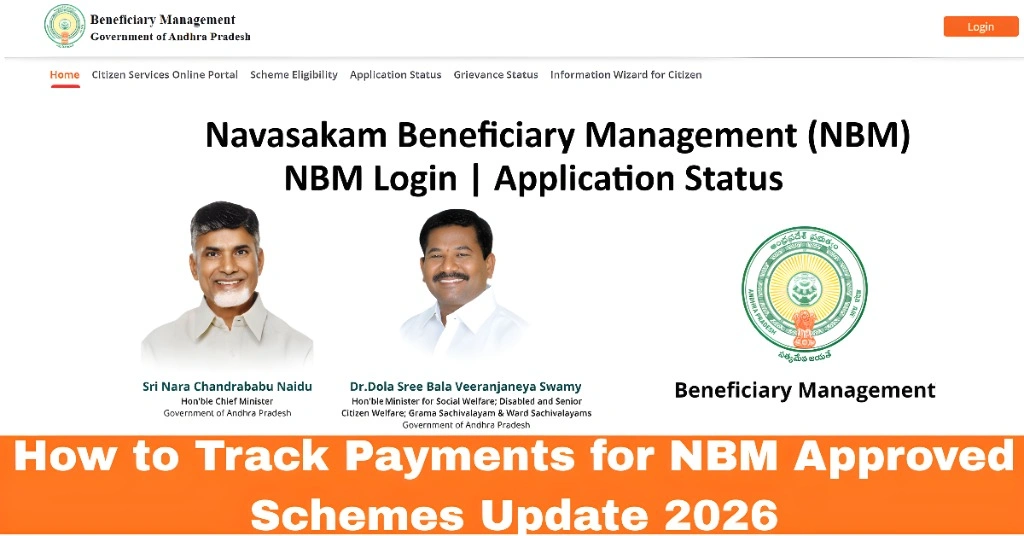
What “Payment Status” Means on the NBM Portal
When you apply for a scheme and it gets approved, the NBM Portal will show different statuses for your payments, such as:
Understanding these stages helps you know where your benefit stands and when you should expect funds.
You can also read:
How to Track Your Payments Step by Step
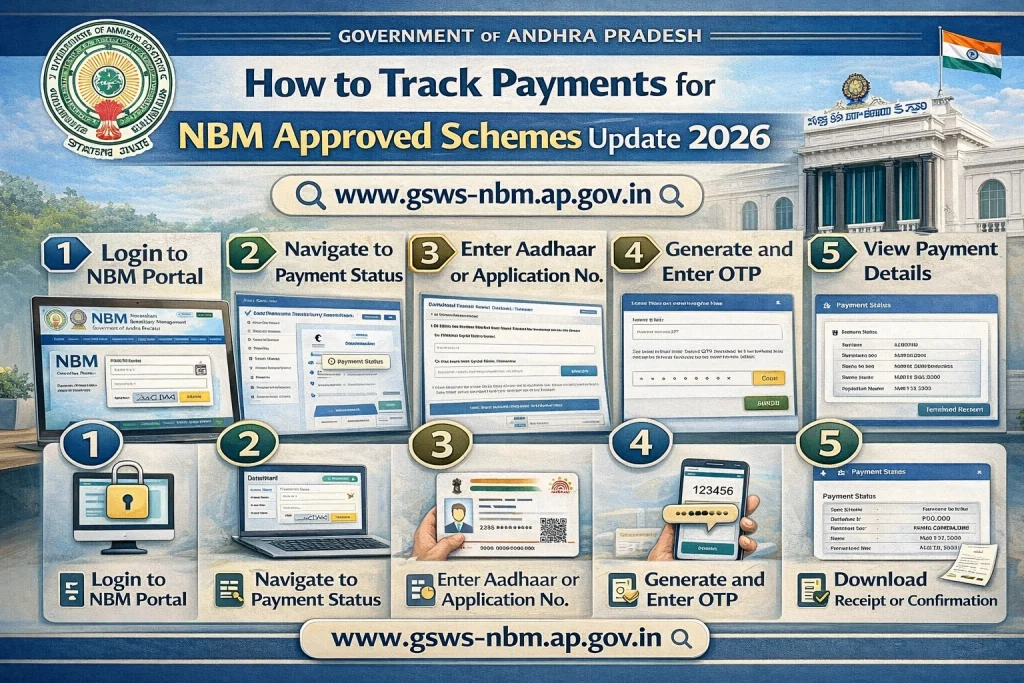
Here’s the easiest way to check your payment status on the NBM Portal:
Log in to the NBM Portal
Enter your Aadhaar number and other login details exactly as you used during the application.
Go to “Application Status”
Once logged in, find the section labeled “Application Status” or “Track Status.” This is usually in the main menu.
Select the Scheme You Applied For
If you applied for more than one scheme, choose the specific scheme you want to check.
Check Approval and Payment Status
On the status page, you will see both the application approval status and the payment status. If your application is approved, the payment status will show stages like “Pending,” “In Progress,” or “Completed.”
View Payment Details (If Available)
Some schemes show additional details after payment is completed, such as:
Date of payment
Amount credited
Bank reference or transaction number
This information helps you confirm that the money has reached your account.
You can also read:Will NBM 2026 Update the Application Process?
Why Your Payment Might Be Delayed
Even after approval, payments can get delayed. Common reasons include:
If your portal shows “Payment Pending” for a long time, check these details and correct them if needed.
What to Do If Payments Don’t Arrive
If your status shows “Payment Completed” but the money isn’t in your account:
Quick Tips to Track Payments Faster
Common Mistakes to Avoid
FAQs
Final Words
Tracking payments for NBM approved schemes doesn’t have to be confusing. Once you know where to look and what each status means, you can stay informed and in control of your benefits. Use the portal’s status page regularly, keep your details updated, and reach out for support if something doesn’t look right.