How to Resolve NBM Login Issues with OTP or Password 2026
Logging in to the NBM Portal should be quick, but many users face problems — especially with OTPs not arriving or passwords not working. These problems can be frustrating, but most of the time they can be fixed easily if you follow the right steps.
Here’s a simple guide to help you resolve common login issues on the NBM Portal.
Why OTP (One‑Time Password) Is Important
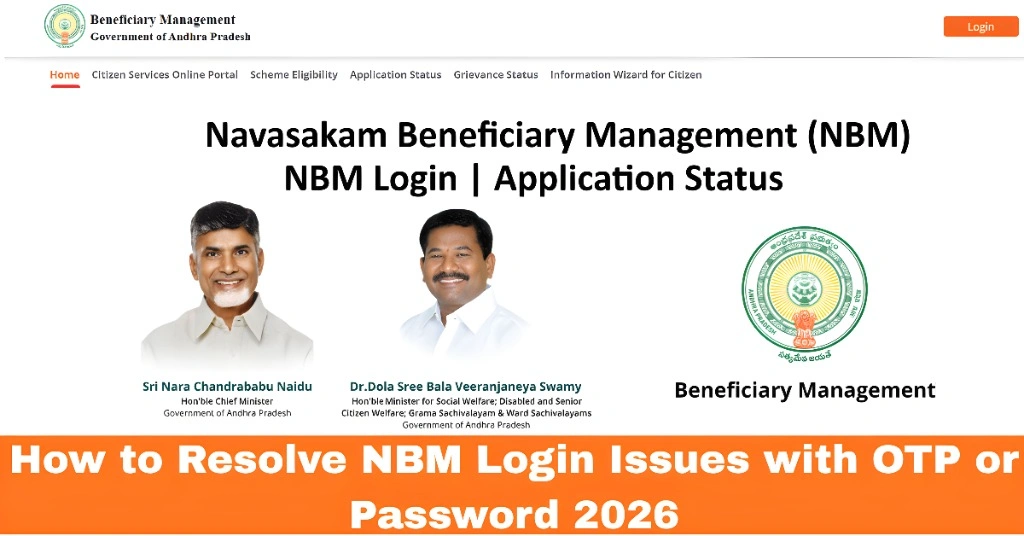
The NBM Portal uses an OTP sent to your mobile number linked to your Aadhaar to confirm your identity. If this doesn’t work, you won’t be able to log in or check your application status.
You can also read:Eligibility Check vs. Application Status on NBM Portal 2026
Common Login Problems and What They Mean
OTP Not Received
If you don’t get an OTP, it may be due to:
Wrong mobile number linked to Aadhaar
Poor network or signal
SMS delays from your telecom provider
Wrong or Expired OTP
OTPs are short‑lived. If you wait too long before entering it, the system may reject it.
Password Not Working
If your login requires a password and it doesn’t work, you may have:
Entered the wrong password
Forgotten it
Used old login details
Step‑by‑Step Fix for OTP Issues
Step 1 — Check Your Mobile Number
Make sure the mobile number you’re using is the same one registered with your Aadhaar. If it’s not, the OTP will never reach you.
Step 2 — Check Your Network
Poor network can delay SMS delivery. Try logging in where you have a stronger signal.
Step 3 — Resend OTP
If the OTP doesn’t arrive within 1–2 minutes, click “Resend OTP.” Avoid asking for multiple OTPs quickly, as this may delay actual delivery.
Step 4 — Wait 2–3 Minutes
Sometimes the SMS system may be slow. Wait a couple of minutes before trying again.
If you still don’t get an OTP, contact your mobile service provider to ensure SMS delivery is not blocked.
Step‑by‑Step Fix for Password or Login Issues
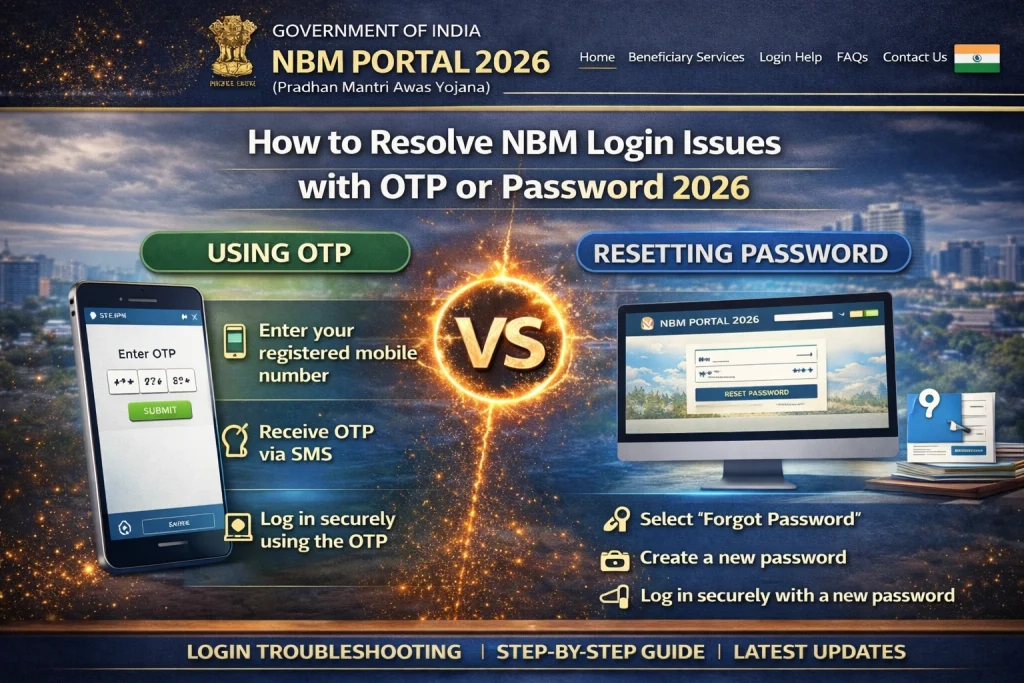
Step 1 — Click “Forgot Password”
If your login uses a password and it’s not working, look for a Forgot Password link. Use it to reset your password using your registered mobile number.
Step 2 — Verify Using OTP
You’ll receive an OTP to reset your password. Make sure you enter it quickly before it expires.
Step 3 — Create a New Password
Choose a simple password that you can remember but is secure. Avoid using very common passwords.
When the Problem Is With Govt Records
If you repeatedly fail to log in because your mobile number isn’t linked to Aadhaar or your Aadhaar details are wrong (name, date of birth, etc.), you won’t be able to receive the OTP or log in.
In such cases:
Visit Your Local Office for Help
If the portal still won’t let you log in after trying these steps, you can visit your local Gram Sachivalayam or welfare office. They can:
FAQs
Final Words
Login issues on the NBM Portal can be annoying, but most of them have simple fixes — usually related to mobile number, OTP delivery, or incorrect login details. Always start by checking your registered mobile number and network signal. Use the portal’s resend OTP or reset password options before trying anything else.
If all else fails, don’t hesitate to visit your local welfare office for help. Once your login is working, you can access your applications more easily and track your welfare benefits without stress.