Eligibility Check vs. Application Status on NBM Portal 2026
The NBM Portal (Navasakam Beneficiary Management) is the official online system by the Government of Andhra Pradesh to help citizens apply for and track welfare schemes — all in one place. On this portal, you’ll see two terms a lot: Eligibility Check and Application Status. They sound similar but mean very different things. Let’s break it down in simple language.
What is “Eligibility Check” on NBM Portal?

Eligibility Check is like asking:
“Am I allowed to apply for this scheme?”
It tells you whether you meet the basic conditions for a specific welfare program before you even apply.
Think of it as the pre‑application step:
If the portal says eligible, that means you can move forward and apply.
If it says not eligible, you won’t be allowed to apply for that benefit yet — and the portal might show reasons (or you may need to contact local officials to fix any incorrect data).
Quick tip: Use the eligibility check before you fill out any application form. It saves time and frustration.
You can also read:Can You Use 2026 NBM Portal Without Aadhaar? Here’s How
What is “Application Status” on NBM Portal?
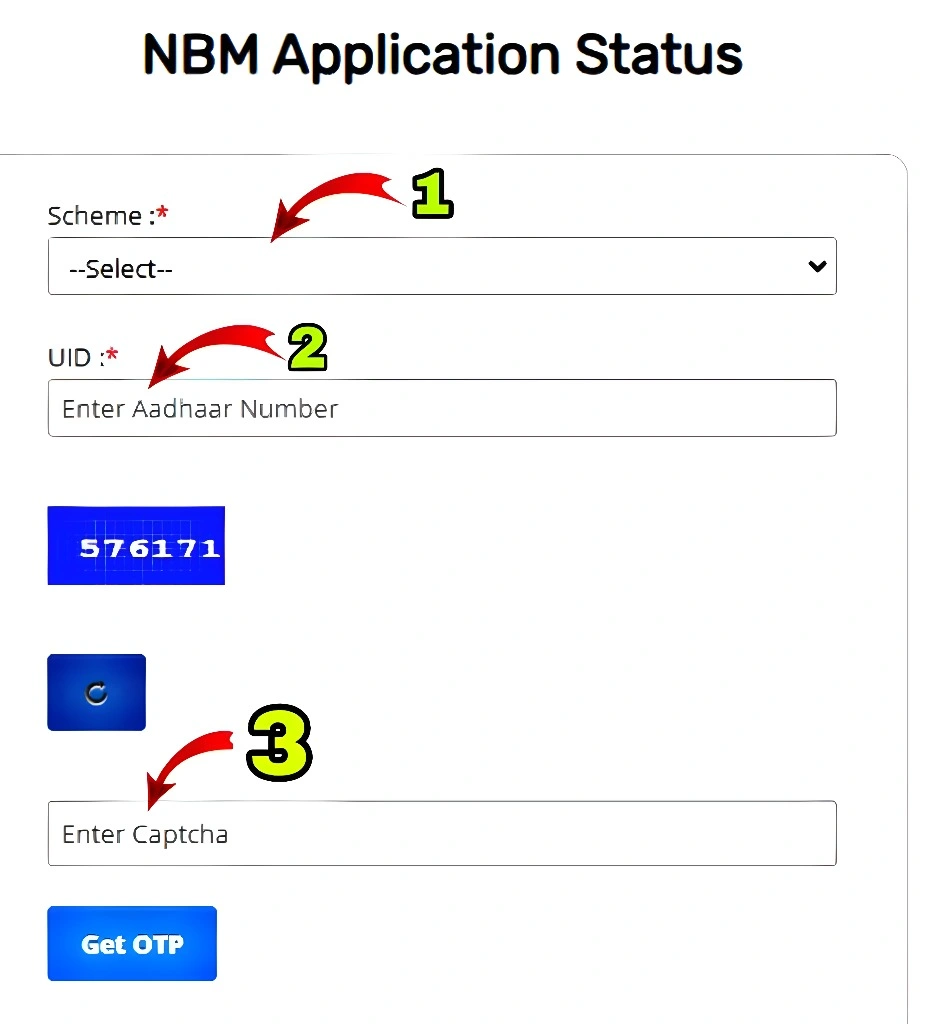
After you apply for a scheme, you’ll want to know what’s happening with your application. That’s where the Application Status comes in.
Application Status tells you:
To check this:
Quick tip: If your status shows Rejected with no clear reason, contact your local Gram Sachivalayam or welfare office — often data mismatches (like wrong caste or income) cause automatic rejection.
Eligibility Check vs. Application Status — Side by Side
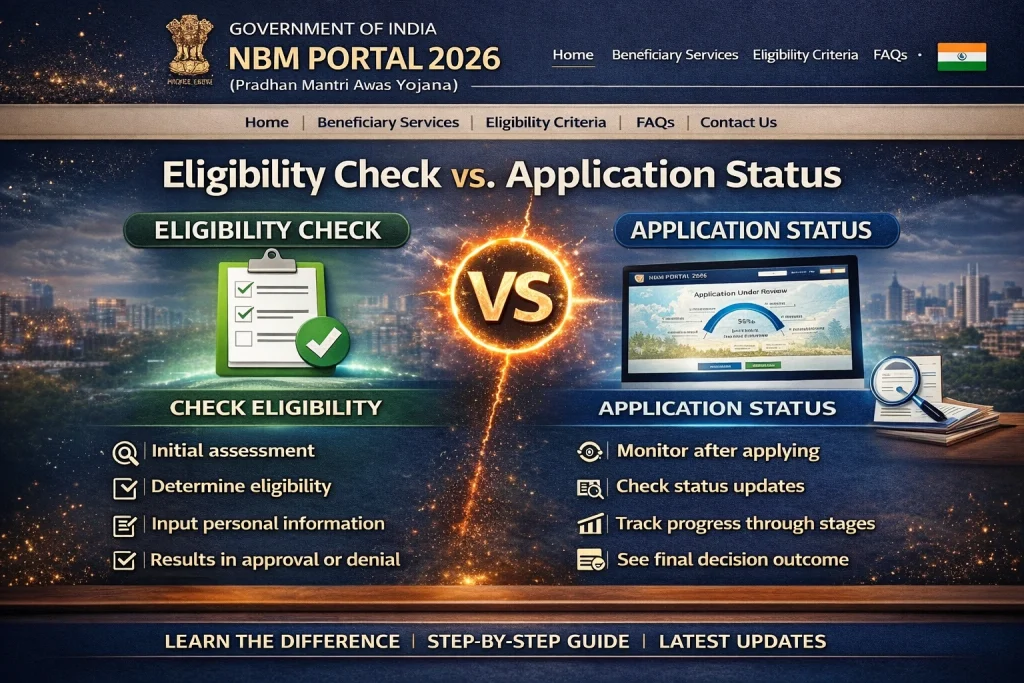
| Feature | Eligibility Check | Application Status |
|---|---|---|
| When you use it | Before applying | After submitting your application |
| What it tells you | If you can apply | How your application is progressing |
| Do you need an application ID? | No (just Aadhaar + scheme) | Yes or Aadhaar + scheme details |
| Can it change over time? | Eligibility can change if your data is updated | Status updates as reviewers process your form |
Understanding Application Rejection
Sometimes, even if you meet the eligibility criteria, your application might get rejected. This can be frustrating, but don’t worry — it’s not the end. Rejections are often due to data mismatches (like wrong information on your Aadhaar or incorrect documents). Always double-check your details before applying, and if rejected, contact the local officials for clarification.
Tip: If your application was rejected, check if your Aadhaar details, income, and caste certificates are correct. Small mistakes can cause big problems!
Steps to Correct Your Application
If your application is rejected or pending, and you’ve noticed discrepancies in your details, you can update your records:
Tip: Keep a copy of all your documents ready, and ensure your phone number is updated in the Aadhaar records for OTPs.
FAQs
Final Words
Think of Eligibility Check as a green signal to apply, and Application Status as your journey tracker after you’ve applied. Both are important, but they serve two different purposes — and knowing the difference saves you time, stress, and confusion.
The NBM Portal is designed to make welfare access easier, but it’s important to understand how these two tools work to ensure your application moves smoothly through the process.