Difference Between Volunteer and Citizen Login on NBM 2026
The NBM Portal (Navasakam Beneficiary Management Portal) plays a crucial role in managing various welfare schemes in Andhra Pradesh, helping both volunteers and citizens access government services easily. However, the login process for both volunteers and citizens is different, and understanding these differences is important to ensure smooth access.
In this article, we’ll explain the key differences between Volunteer Login and Citizen Login on the NBM Portal, so you can easily navigate the portal and use it effectively.
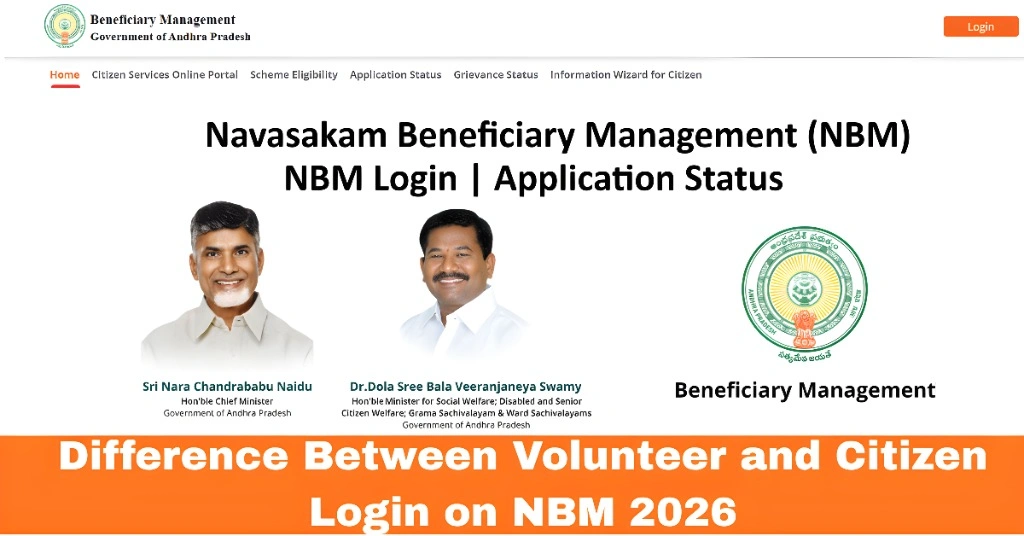
What Is the NBM Portal?
The NBM Portal was introduced by the Government of Andhra Pradesh to streamline welfare services and make them more accessible. The portal helps citizens check eligibility, track applications, and access benefits for various government schemes like Amma Vodi, Rythu Bharosa, Thalliki Vandanam, and more.
There are two main types of logins on the NBM Portal: Citizen Login and Volunteer Login. Let’s dive into what each of these logins is used for and how they differ.
You can also read:Why Can’t I Log into the NBM Portal? Troubleshooting Tips
Citizen Login
A Citizen Login is for individual beneficiaries who wish to access welfare schemes or services directly for themselves or their families. Citizens can use this login to check the status of their applications, update personal information, and monitor their benefits.
Features of Citizen Login:
Application Tracking: Citizens can track the status of their welfare scheme applications (e.g., Amma Vodi, Vidya Deevena).
Personal Information Update: Citizens can update their own or family members’ details, such as contact information, income, and more.
View Benefits: After logging in, citizens can see the list of welfare schemes they are eligible for, their application status, and any pending actions.
No Admin Rights: Citizens have limited access and cannot make changes to the portal’s overall functioning or manage other users’ data.
How to Access Citizen Login:
Volunteer Login
A Volunteer Login is specifically for NBM volunteers, who are typically government employees or designated individuals tasked with helping citizens in their local areas. Volunteers play a key role in facilitating services, ensuring that welfare benefits reach the intended beneficiaries, and assisting with various administrative tasks.
Features of Volunteer Login:
Scheme Management:
Volunteers can access detailed records of citizens who have applied for welfare schemes in their area.
Data Verification:
Volunteers are responsible for verifying and updating the information submitted by citizens.
Access to Multiple Profiles:
Volunteers can view and manage multiple citizen profiles within their assigned jurisdiction.
Admin Rights:
Volunteers have administrative rights to assist in the application process, approve or reject applications, and help citizens complete the required steps.
Report Generation:
Volunteers can generate reports based on citizen data, application statuses, and more.
How to Access Volunteer Login:
Key Differences Between Volunteer and Citizen Login
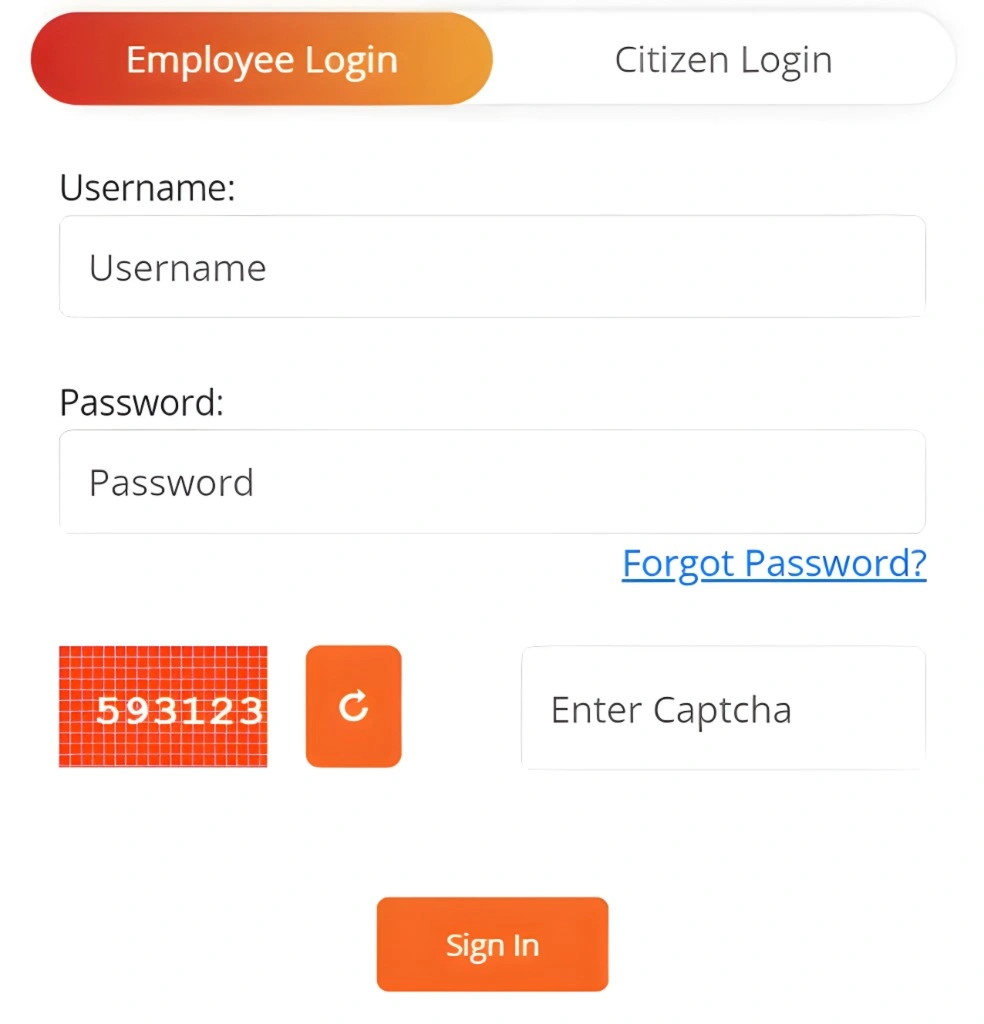
| Feature | Citizen Login | Volunteer Login |
|---|---|---|
| Who Can Access | Citizens, beneficiaries of welfare schemes | Government staff, NBM volunteers |
| Login Method | Aadhaar number + OTP | Username + password |
| Access Level | Limited access to personal information and benefits | Full access to manage and verify multiple citizen profiles |
| Purpose | To check welfare scheme status and update personal information | To assist citizens, verify details, manage applications |
| Responsibilities | Monitoring status and benefits | Facilitating application processes, data verification, and reporting |
Why Are These Different Logins Necessary?
The reason for having two distinct logins — Volunteer Login and Citizen Login — is to ensure that the portal is accessible and functional for both beneficiaries and staff members. While citizens need to track their benefits and application statuses, volunteers need administrative access to manage multiple citizens and ensure proper scheme delivery.
Benefits of This Separation:
FAQs
Final Words
Understanding the differences between the Volunteer and Citizen Login on the NBM Portal can help you navigate the platform more efficiently. Citizens have access to check their applications and manage their personal information, while volunteers assist by verifying applications, managing data, and helping citizens with welfare schemes.
Whether you’re a citizen or a volunteer, knowing which login to use ensures you get the most out of the NBM Portal and play your part in supporting the welfare initiatives of Andhra Pradesh.