Why Can’t I Log into the NBM Portal? Troubleshooting Tips
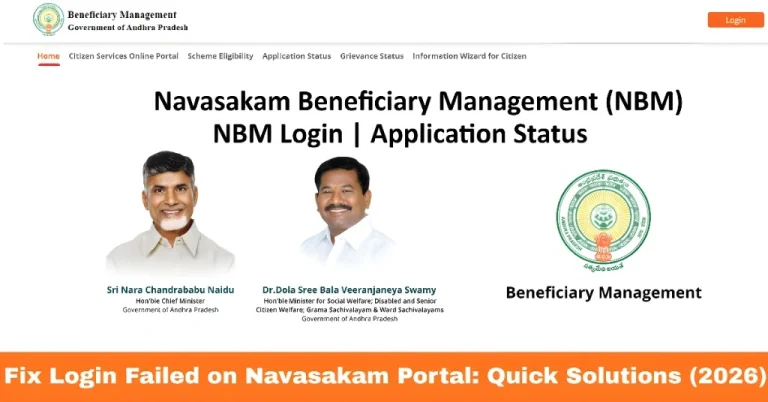
If you’re trying to access the Navasakam Beneficiary Management (NBM) Portal and you can’t log in, don’t worry — you’re not alone. Many people face login problems when checking their scheme application status like Amma Vodi, Thalliki Vandanam, or other welfare schemes from the Andhra Pradesh government.
In this guide, we’ll explain the common reasons login fails, how to fix them step by step, and useful tips so you can access your status easily. Let’s dive in!
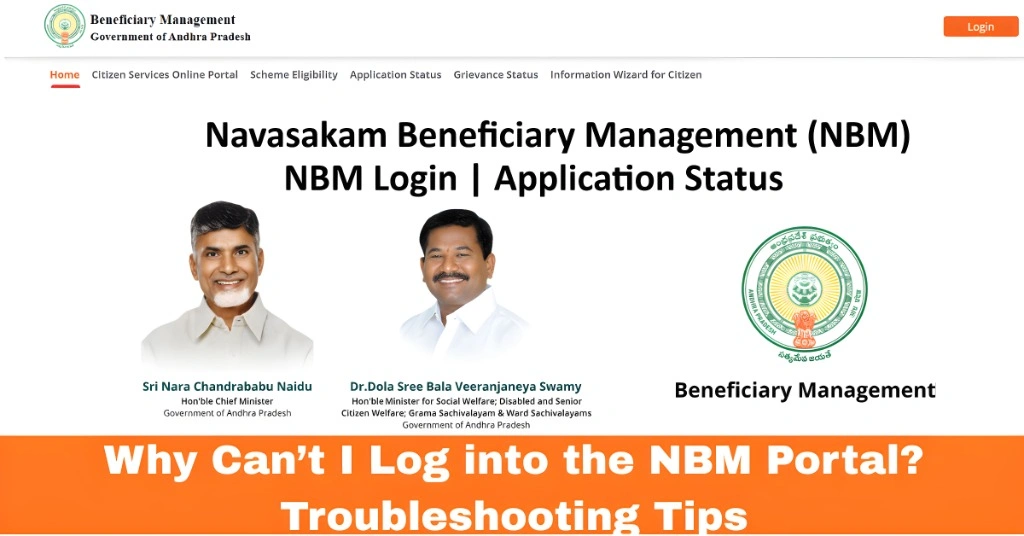
What Is the NBM Portal?
The NBM Portal (Navasakam Beneficiary Management) is the official website where people in Andhra Pradesh can:
You access it through the official government portal.
You can also read:Fix OTP Issues in NBM Portal: Step-by-Step Guide
Why Can’t I Log In to the NBM Portal? Common Reasons
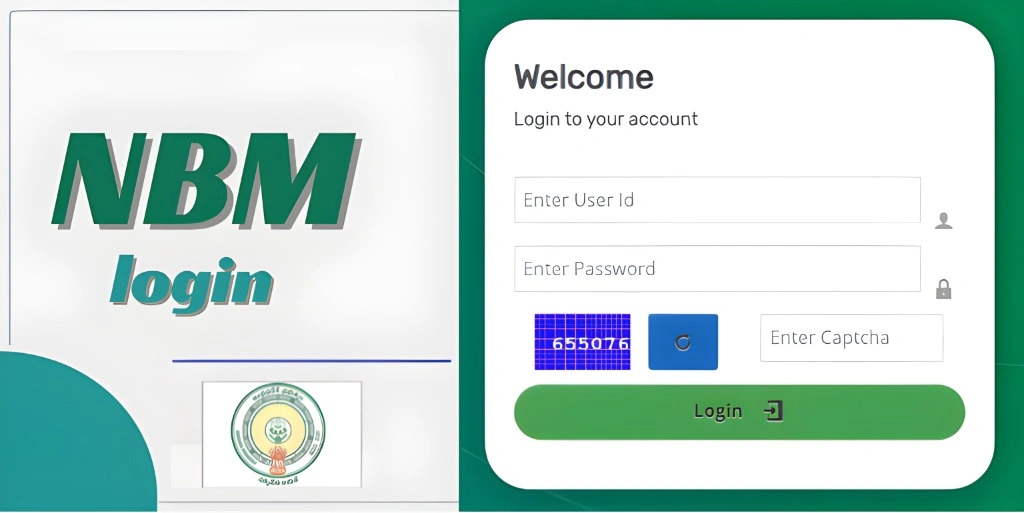
When you can’t log in to the NBM portal, there can be a number of reasons why things aren’t working smoothly. It could be something as simple as entering the wrong details, or maybe a technical issue. The NBM portal requires the correct Aadhaar-linked mobile number and sometimes an OTP (one-time password) sent to that number. If you’re having trouble, don’t panic — here are the most common problems and solutions to fix them.
- Many users expect a simple username/password form, but the portal may require Aadhaar-based verification or OTP (one-time password) sent to the mobile linked with Aadhaar.
- Fix:
- Go to the portal’s Citizen Login or Application Status page.
- Enter your Aadhaar number.
- Click Send OTP and enter the code you get on your phone.
- Tip: If your mobile number has changed since you applied, OTP won’t reach you — see the next point.
- You might not receive the OTP if:
- Your mobile isn’t linked with Aadhaar
- The number changed after you applied
- Network issues on your phone
- Fix:
- Make sure the mobile number on your Aadhaar is active.
- Try again with good network coverage.
- Ask your local Ward Sachivalayam (village secretariat) to update your Aadhaar mobile number if needed.
- Sometimes your phone or browser keeps old pages loaded, which stops login forms from working properly.
- Fix:
- Clear browser cache.
- Close and reopen the browser.
- Try again.
- You can also try a different browser or use incognito/private mode.
- During peak times (like when a scheme list is released), the portal may run slow or show errors.
- Fix:
- Wait 10–15 minutes and try again.
- Try early morning or late evening when traffic is lower.
- Tip: If you see a server-error page, that’s usually temporary.
- If your Aadhaar or the details you’re using don’t exactly match what’s in the system, the portal can fail to log you in or show No Data Available.
- Fix:
- Double-check the number you entered.
- Select the correct scheme and year when checking status.
- Make sure spelling of your name is correct.
- If you are a Ward Volunteer, Digital Assistant, or other staff, your login is different from a citizen login. Manuals for officials show they use a separate username/password instead of Aadhaar/OTP.
- Fix:
- Ask your supervisor for the right login method.
Quick Troubleshooting Checklist
Before you try again:
When Nothing Works
If you still can’t log in:
Visit your Gram/Ward Sachivalayam office
Ask them to check your Aadhaar link, mobile number, or application details on the NBM portal
They can often fix the problem from their side.
Final Tips (Friendly Advice)
More Helpful Tips for NBM Portal Users
How to Reset Your NBM Portal Password?
If you’ve forgotten your login credentials or password, don’t worry! While the portal is mainly based on Aadhaar and OTP, if you’re stuck, visiting the nearest ward office can help. They can assist with resetting any forgotten login details.
Understanding Your Application Status in NBM Portal
When checking your application status, keep in mind that different schemes have different timelines for processing. Your status may show as pending or under verification for longer than expected, especially during peak application periods.
FAQs
Final Words
We hope these troubleshooting steps help you get back into the NBM Portal quickly and easily. If the problem persists, visiting the Gram/Ward Sachivalayam is the best next step. Stay patient, follow the steps, and you’ll be back on track to access your welfare scheme information in no time!
Feel free to share this guide with anyone facing the same issues — you’re not alone!