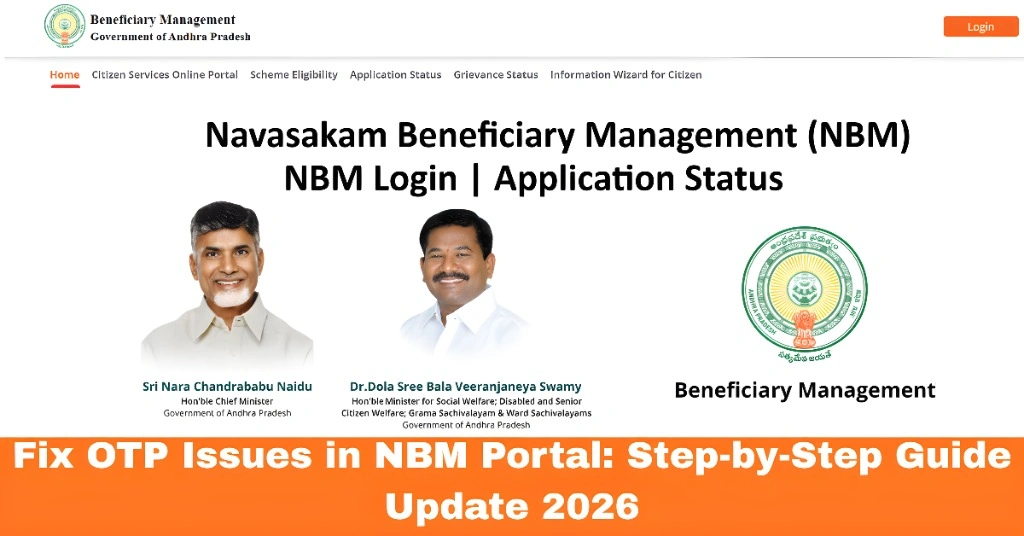
Fix OTP Issues in NBM Portal: Step-by-Step Guide
If you’re facing OTP (One-Time Password) issues when trying to log in to the NBM Portal (Navasakam Beneficiary Management), don’t worry! This is a common issue, and we’re here to help you sort it out.
In this guide, we’ll walk you through step-by-step solutions to fix OTP issues so you can access your application status, check eligibility, or apply for government schemes smoothly.
Why Is OTP Not Coming?
Before jumping into solutions, let’s look at a few common reasons why you might not be receiving your OTP:
Don’t worry, we’ll cover all these in detail and give you practical steps to fix the problem!
You can also read:How to Reset Your NBM Login Password Easily Update 2026
Step 1: Ensure Your Mobile Number Is Linked with Aadhaar
The most common reason for OTP issues is that the mobile number you’ve entered on the portal is not linked with your Aadhaar. If your number has changed or was never linked, you won’t receive the OTP.
How to Fix It:
Check your Aadhaar records: Go to your nearest Aadhaar Enrollment Center or visit the official UIDAI website to check if your mobile number is linked to Aadhaar.
Update your number: If your mobile number is not linked, you can update it at the nearest Aadhaar Enrollment Center.
Step 2: Ensure Proper Network Coverage
If your phone has poor signal or is out of range, the OTP may not come through. Sometimes, even though you have a signal, there could be temporary network glitches.
How to Fix It:
Step 3: Clear Browser Cache or Try Another Browser
Your browser might be storing outdated information that causes issues with OTP generation. Clearing your cache can help fix login and OTP problems.
How to Fix It:
Alternatively, you can try using another browser, such as Chrome, Firefox, or Edge, or try using incognito/private mode to avoid cached issues.
Step 4: Wait a Few Minutes and Retry
If you’ve tried everything and are still not getting the OTP, the issue might be on the server side. During peak times (such as when many people are accessing the portal), the server might get overloaded, leading to delays in sending OTPs.
How to Fix It:
Step 5: Double-Check Aadhaar Details
If the mobile number is linked, and you’ve checked for network issues, the next thing to consider is whether the Aadhaar number or personal details you’re entering are correct.
How to Fix It:
Double-check your Aadhaar number: Make sure you’re entering it correctly without any mistakes or spaces.
Verify your details: If you’ve updated your name or other details recently, the records may not match. Ensure that the name and other information on the portal exactly match the details on your Aadhaar.
Step 6: Contact Support if OTP Still Isn’t Coming
If you’ve followed all the steps and still can’t receive the OTP, you can reach out for technical support.
How to Fix It:
Contact NBM Portal Support: Visit the support page on the portal and submit a help request.
Visit your Ward Sachivalayam: For a more hands-on approach, visit your nearest Gram/Ward Sachivalayam office. They can help you check your Aadhaar link and assist with technical issues.
Step 7: Check for NBM Portal Updates and Notices
Sometimes, the NBM Portal might be temporarily down due to scheduled maintenance or technical upgrades. This could cause delays in OTP delivery or login issues.
How to Fix It:
Check the NBM Portal’s official social media pages or announcements for updates on any maintenance schedules.
If there are no updates, try accessing the portal again after a few minutes.
Step 8: Keep Your Aadhaar and Mobile Information Updated
One of the best ways to avoid recurring OTP issues is to regularly update your Aadhaar details and mobile number linked with it.
How to Fix It:
Visit the Aadhaar Update Center for any changes in your personal details (like address, name, or mobile number).
Regularly check the UIDAI website for any updates related to Aadhaar linkage.
Final Tips for Solving OTP Issues
FAQs
Final Words
We hope these troubleshooting steps help you get back into the NBM Portal quickly and easily. If the problem persists, visiting the Gram/Ward Sachivalayam is the best next step. Stay patient, follow the steps, and you’ll be back on track to access your welfare scheme information in no time!
Feel free to share this guide with anyone facing the same issues — you’re not alone!