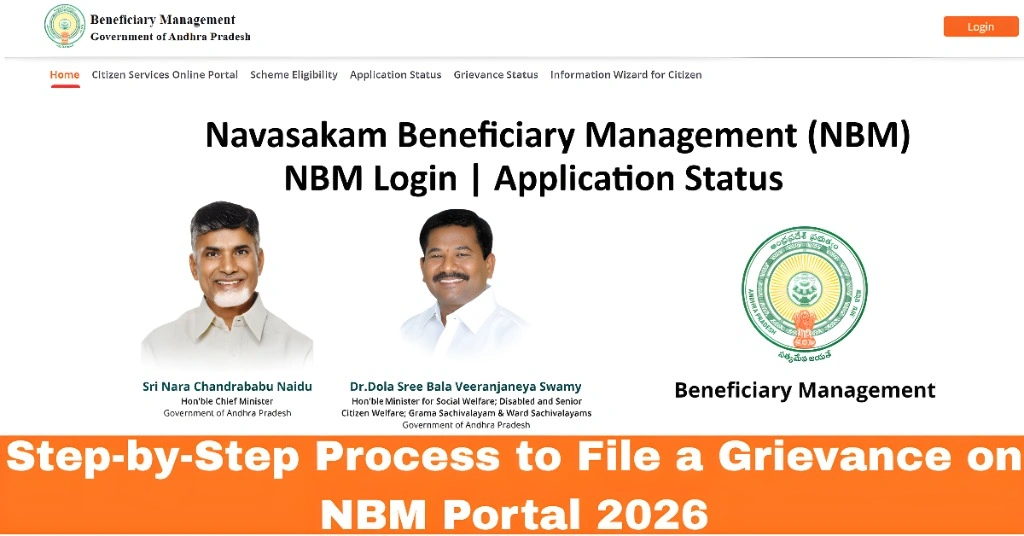
Step-by-Step Process to File a Grievance on NBM Portal 2026
If you’re facing issues with your NBM application — whether it’s incorrect personal details, missing documents, or wrong caste and land information — filing a grievance is the way to go. The Navasakam Beneficiary Management (NBM) Portal provides a simple and official way to report these problems. By raising a grievance, you can officially request corrections and track the progress until it’s resolved. This guide will walk you through the entire process, step by step, so you can easily file your grievance and get your application back on track.
Know What a Grievance Does
A grievance tells the officials that there’s a problem with your application or profile information. It’s an official request for correction or review. This could include things like wrong caste, incorrect land details, missing documents, or eligibility issues. Once you file it, the NBM system generates a Grievance ID that you can use to track progress.
You can also read:How to Correct Wrong Caste or Land Information on NBM 2026
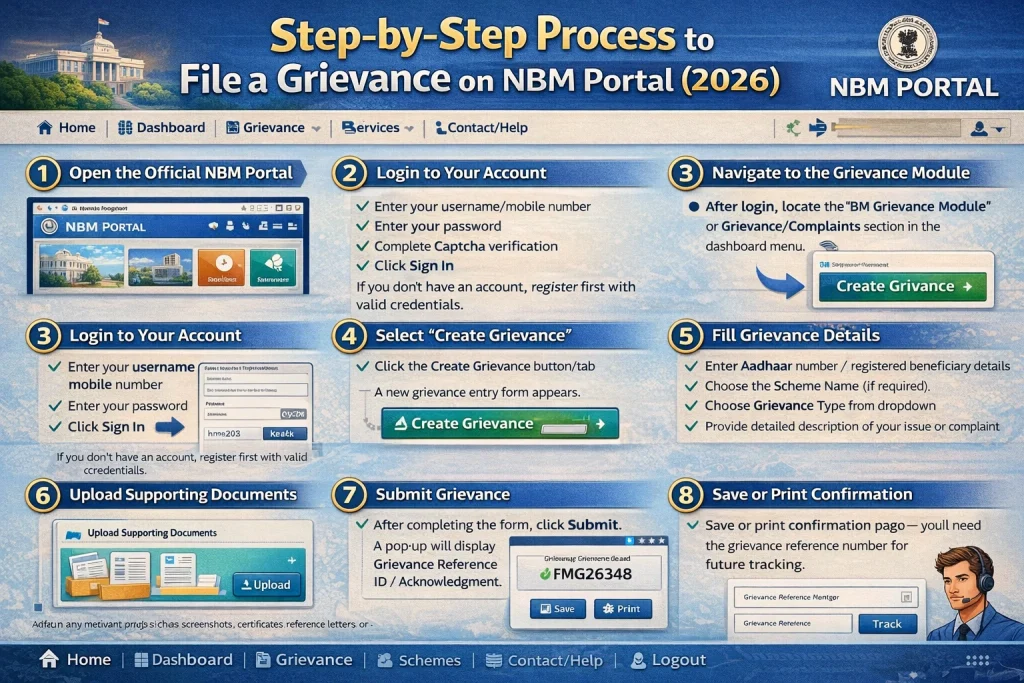
Log In to the NBM Portal
To start, you must log in:
Tip: Make sure your mobile number is linked with your Aadhaar to receive OTP successfully.
Go to the Grievance Section
After logging in:
This section lets you choose the correct category so your concern goes to the right team.
Choose the Grievance Type Carefully
On the grievance page, you’ll usually find a list of issue types such as:
Select the one that best matches your problem. Picking the correct category helps officers review and fix your issue faster.
Describe Your Issue Clearly
Once you select the grievance type:
Tip: Keep a printed or saved copy of what you wrote for your reference.
Attach Supporting Documents
Next, you’ll be asked to upload relevant documents. These help officials verify and fix the issue. Common supporting files include:
Make sure the files are clear, in the right format (PDF or JPG), and within the allowed size.
Submit the Grievance
Once your description and attachments are ready:
Note this ID carefully — it’s your reference to check the status later. You can also take a screenshot or write it down so you don’t lose it.
Track Your Grievance Status
After filing, here’s how to check progress:
You will see whether your grievance is:
This helps you stay updated on whether it’s been accepted or if further action is required.
Follow Up if Needed
If your grievance shows no change after reasonable time (a week or more):
FAQs
Final Words
Filing a grievance on the NBM portal is your right if something is wrong with your application or status. By following this step‑by‑step process, you increase the chances of quick resolution and make sure your welfare benefits are not delayed due to avoidable errors.