How to Correct Wrong Caste or Land Information on NBM 2026
Seeing the wrong caste or land details on your NBM application can be confusing and stressful. This information affects whether you get benefits from welfare schemes, so getting it corrected matters. Luckily, there’s a clear way to fix these problems — and you don’t have to be a tech expert to do it.
The NBM portal pulls data from official government records, so if the source information is outdated or incorrect, it will show up wrong on the portal. To correct it, you need to follow a process that includes raising grievances and sometimes submitting supporting documents to officials. Here’s how to do it step by step.
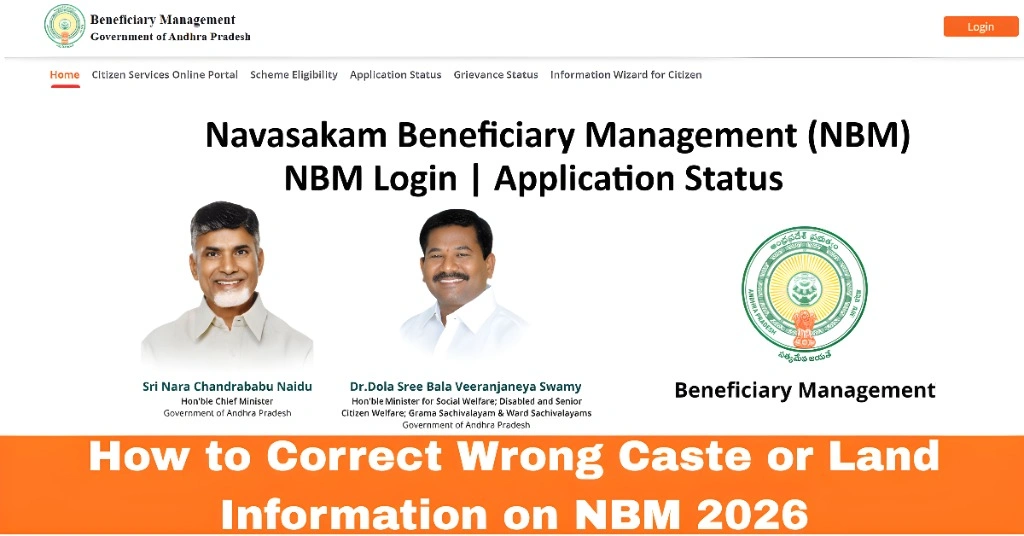
Step 1: Identify What’s Wrong
Before you start fixing anything, make sure you understand exactly what’s incorrect:
Understanding the specific problem will help you use the correct process to fix it.
You can also read:Fix Errors in Your NBM Application: Step‑by‑Step Update 2026
Step 2: Collect the Right Documents
For caste corrections, this usually includes:
For land corrections, you might need:
Collect clear, scanned copies so they’re ready when you raise a grievance.
Step 3: Log In and Raise a Grievance in NBM
The main tool for correcting errors on the NBM portal is the Grievance Module. Here’s how to use it:
This creates an official request that officials must review.
Step 4: Submit a Service Request (If Needed)
For land corrections, a grievance alone is not always enough. After you raise the grievance:
This step is important for correcting:
Step 5: Track the Update Status
After submitting the grievance and service request:
If the status doesn’t change after a few days, you can follow up at your local Gram Sachivalayam office or ask your assigned volunteer for help.
Quick Tips to Smooth the Process
FAQs
Final Words
Fixing wrong caste or land information on the NBM portal is important for getting your welfare benefits without trouble. Most corrections happen through the grievance process and sometimes require help from local revenue officials. Be patient, keep your documents ready, and follow up regularly to ensure your details get corrected.