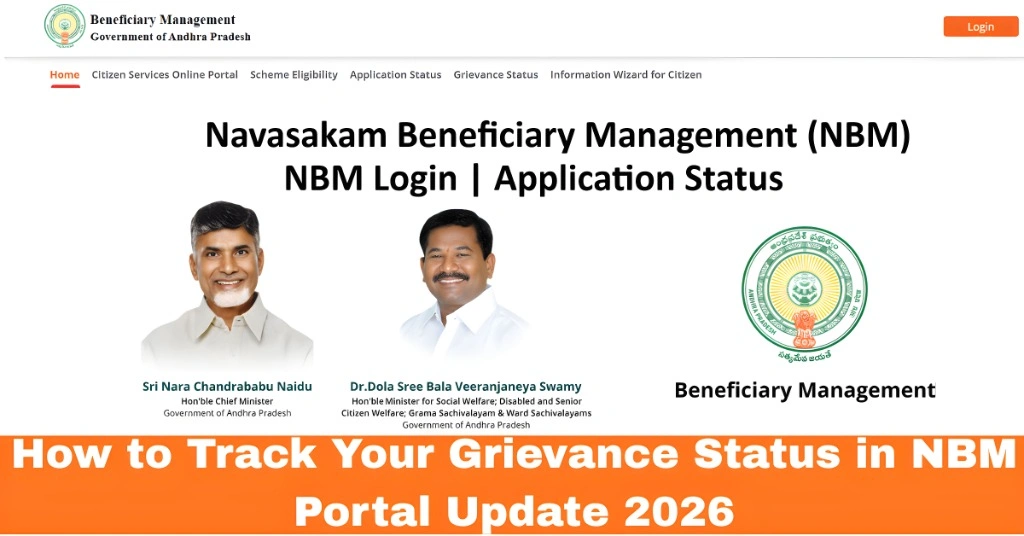
How to Track Your Grievance Status in NBM Portal
Keeping an eye on your grievance status in the Navasakam Beneficiary Management (NBM) Portal is important after you’ve reported an issue. Whether you’ve raised a grievance for wrong details, missing documents, or application errors, tracking your grievance helps you know when officials have reviewed it, if they need more information, or when it’s finally resolved. This guide will walk you through the entire process in easy steps — no confusion, no guesswork.
Why Tracking Your Grievance Status Matters
Once you file a grievance on the NBM portal, it doesn’t automatically mean the issue is fixed. Your grievance goes into a queue, and officials review it before taking action. Tracking your grievance helps you:
Simply put, tracking gives you peace of mind and clarity.
You can also read:Step-by-Step Process to File a Grievance on NBM Portal 2026
Step 1: Get Your Grievance ID Ready

After you filed your grievance on the NBM Portal, you should have received a Grievance ID. This is the most important reference number for tracking. If you didn’t save it earlier:
Without this ID, it’s harder to track the exact grievance.
Step 2: Visit the NBM Portal and Log In
You will now land on your dashboard.
Step 3: Go to the Grievance Status Section
Once logged in:
This section is specifically for checking the status of any grievance you or someone from your family has filed.
Step 4: Enter Your Grievance ID or Aadhaar Number
On the Grievance Status page:
The portal will then show the current status of your grievance.
Step 5: Understand the Grievance Status Labels
The NBM Portal typically shows one of the following:
Each label gives you a clear idea of what’s happening and whether any action is required from you.
Step 6: What to Do Next Based on the Status
Here’s how to act based on what you see:
Under Review
Just wait. Most grievances take a few days to a couple of weeks for review.
Action Taken
Check the remarks and see what officials have updated or changed.
Resolved
If it’s resolved, log in to the portal again and verify that the problem you raised has been fixed.
Needs More Info
Quickly upload the required documents or fix the details requested by officials.
Step 7: Follow Up If Needed
If there is no update for a long time:
Tips to Track Faster and Easier
FAQs
Final Words
Tracking your grievance status on the NBM portal helps you stay updated and ensures your problems don’t get stuck in limbo. By following these easy steps, you’ll always know what’s happening with your request and what to do next.