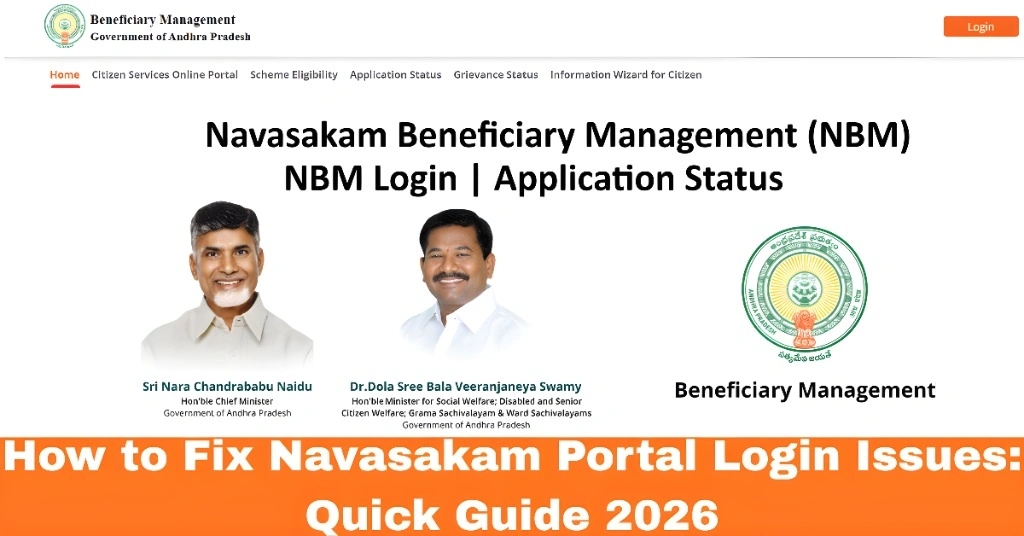
How to Fix Navasakam Portal Login Issues: Quick Guide 2026
If you’re trying to log into the Navasakam Beneficiary Management (NBM) Portal and facing problems, you’re not alone. Many residents of Andhra Pradesh experience login issues, from problems receiving OTPs to entering the wrong Aadhaar number. In this guide, we’ll walk you through the most common reasons for login issues and how you can fix them quickly and easily. This way, you’ll get back to using the portal without any hassle!
The Navasakam Portal is designed to help citizens access government welfare schemes online, making it easier to apply for and track your benefits. However, login troubles can often stop users from accessing these services. Let’s take a look at how you can troubleshoot these issues and solve them in minutes.
What Causes Login Problems?
Here are the most common causes for login issues:
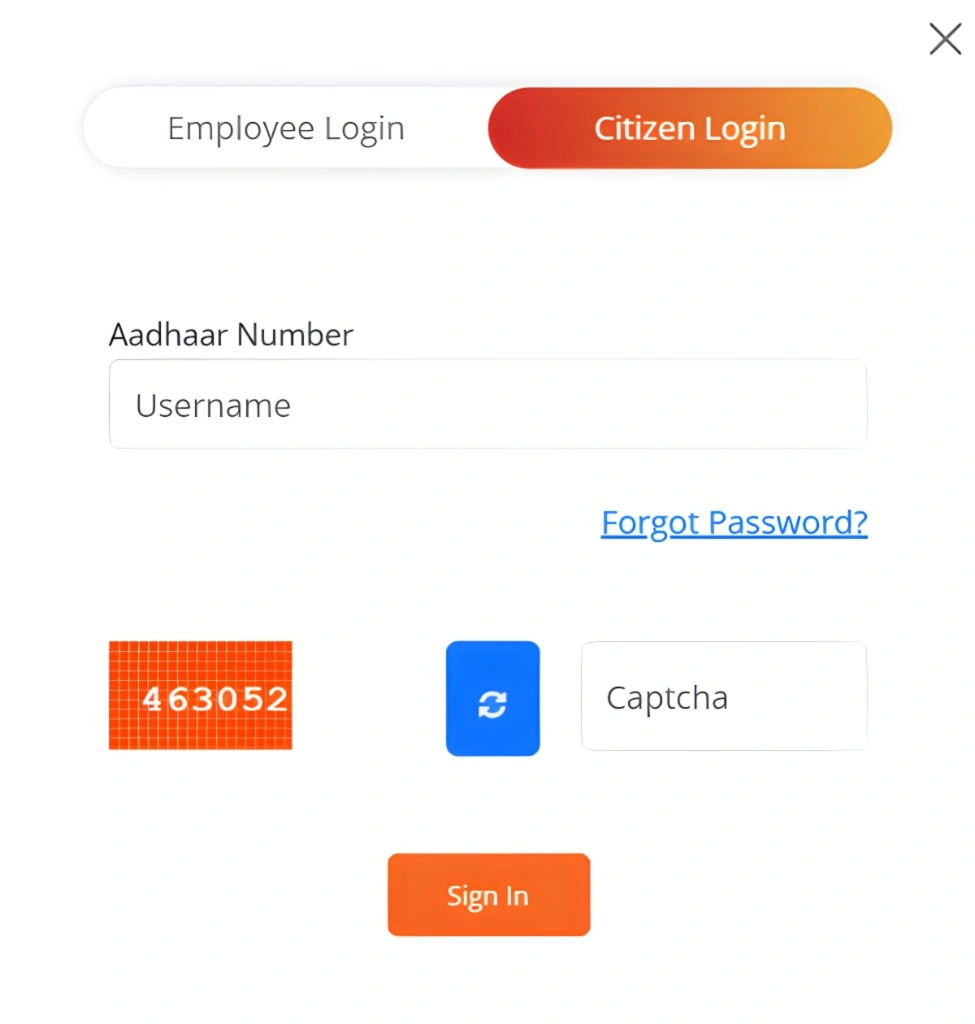
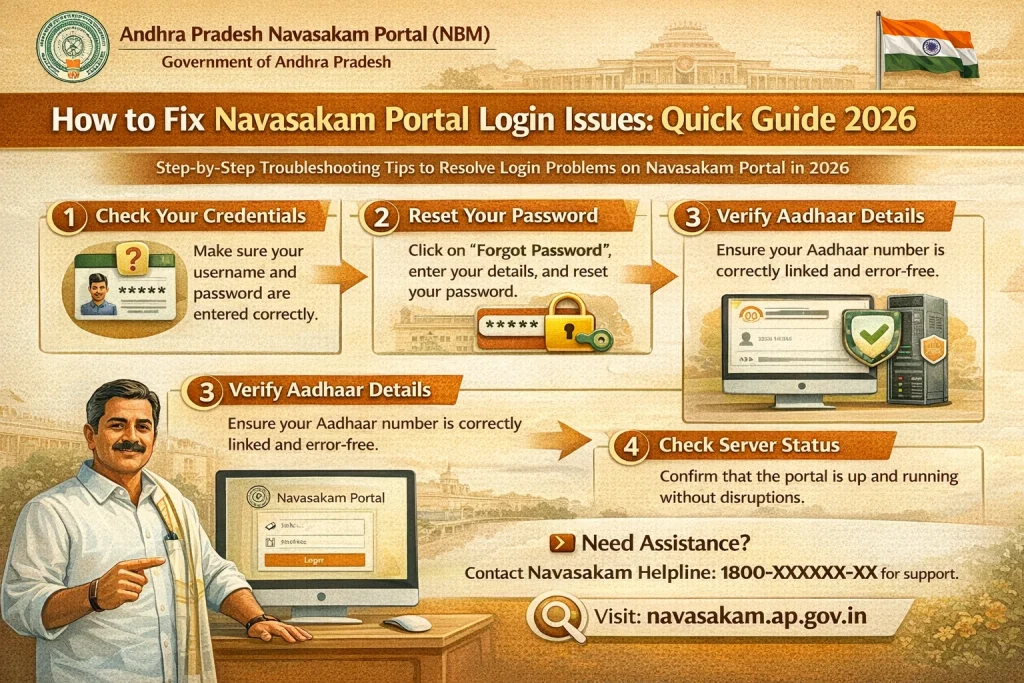
How to Fix Login Issues: Step-by-Step Guide
Here’s a simple, step-by-step approach to fixing common login issues:
- This is the number used for login, and entering it incorrectly is one of the main reasons users face login issues.
- Ensure that you typed the 12-digit Aadhaar number correctly.
- Avoid any spaces or dashes between digits.
- Tip: If you see a message saying “invalid Aadhaar number,” double-check your number for any mistakes.
- The Navasakam Portal sends an OTP (one-time password) to your registered mobile number for login.
- Wait 30–60 seconds after clicking “Get OTP.”
- If the OTP still doesn’t arrive, click “Resend OTP.”
- Tip: Check your phone’s network signal. Poor network connection can delay the SMS.
- If the portal is slow or not working, it may be an issue with your browser.
- Try clearing the cache and cookies in your current browser.
- Alternatively, open the portal in another browser like Google Chrome or Mozilla Firefox.
- Tip: Using a desktop browser often provides better results than a mobile browser.
- Sometimes, too many users can cause the server to slow down.
- If the portal seems stuck or is not loading, wait 10–15 minutes and try again.
- Tip: This can happen during peak hours, so trying at different times can help.
- Always use the official government portal for Navasakam.
Avoid third-party websites that could lead to login or security issues.
The correct link is the official Navasakam Portal login page.
You can also read: 2026 NBM Portal Updates: What’s New for Citizens?
How to Fix Common Navasakam Portal Errors on Mobile
If you’re using the portal on your phone, there are a few things you can do to ensure it works smoothly:
FAQs
Here are some frequently asked questions (FAQs) that might help:
Final Words
Login issues on the Navasakam Portal are common, but most problems can be easily solved by following these quick and simple steps. Whether it’s checking your Aadhaar number, waiting for the OTP, or switching browsers, you can usually get back on track in just a few minutes.
Remember, if you’re still having trouble, don’t hesitate to reach out to customer support or wait for some time if there’s heavy server traffic. Once you’ve sorted out the login issues, you’ll be able to take full advantage of the portal’s services, apply for welfare schemes, and stay updated on your application status without leaving home.
With these tips in mind, you can make your Navasakam experience much smoother. Good luck, and if you face any more problems, feel free to reach out for more help!