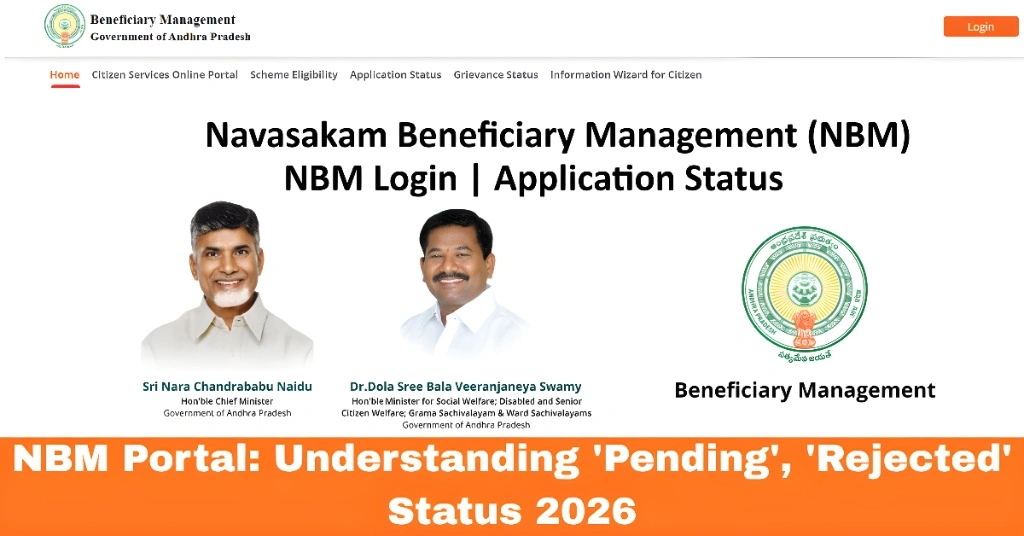
NBM Portal: Understanding ‘Pending’, ‘Rejected’ Status 2026
If you’ve applied for a welfare scheme through the Navasakam Beneficiary Management (NBM) Portal in Andhra Pradesh, you might have noticed that your application status is either “Pending” or “Rejected”. Understanding what these statuses mean is crucial for figuring out what’s happening with your application and what you need to do next.
In this article, we’ll break down the “Pending” and “Rejected” status labels, explain what they mean, and guide you on how to resolve any issues that might be causing these statuses.
What Does “Pending” Status Mean?
When your application status is marked as “Pending,” it means that your application has been received but is still waiting for review and approval. The authorities responsible for processing applications are yet to review the details or verify the documents you’ve submitted.
You can also read: How to Fix Navasakam Portal Login Issues: Quick Guide 2026
Why Is My Application “Pending”?
Here are some common reasons why your application may be marked as Pending:
Application in the Review Process: The authorities are still reviewing the details you provided, including your eligibility for the welfare scheme.
High Volume of Applications: If there’s a high number of applications being processed, it may take some time for yours to be reviewed.
Incomplete Verification: Sometimes, the verification process may take longer due to missing details or additional checks.
What Should I Do if My Application is Pending?
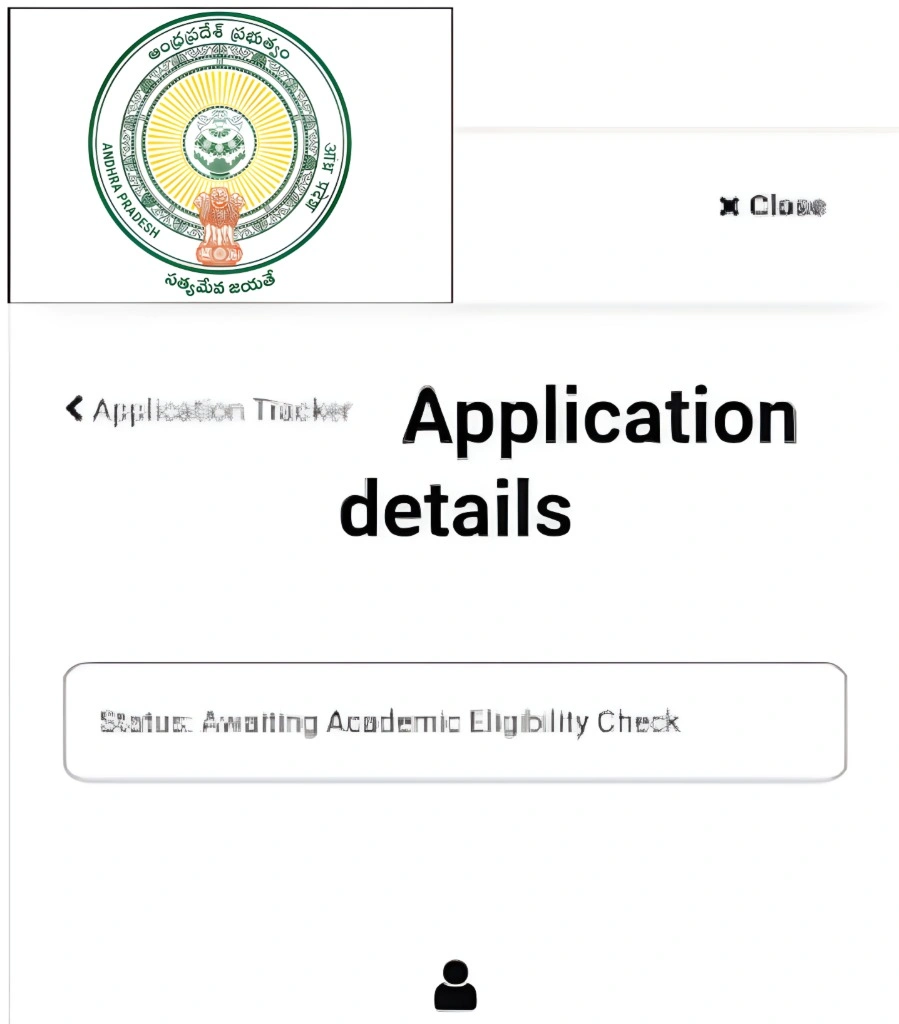
Be Patient: Processing times can vary depending on the scheme and the volume of applications. It may take a few days or weeks for your application status to update.
Double-Check Your Details: Make sure all the information you submitted is accurate and complete. If you find any errors or missing documents, update them as soon as possible.
Check Back Regularly: Keep checking the Navasakam Portal to see if the status changes. It may take a little time, but your application will eventually be reviewed.
What Does “Rejected” Status Mean?
If your application status shows “Rejected,” it means that the authorities have reviewed your application, and they have decided not to approve it. This could be due to a variety of reasons, such as ineligibility for the scheme or issues with the information you provided.
Why Was My Application Rejected?
Here are some common reasons for a rejected status:
Ineligibility: If you don’t meet the eligibility criteria for the welfare scheme you applied for, your application may be rejected.
Incorrect or Missing Information: If your application was incomplete or contained incorrect details (such as a wrong Aadhaar number or missing documents), it could lead to rejection.
Aadhaar Mismatch: If the details provided in your Aadhaar records don’t match the ones you entered in the application, the system may automatically reject it.
What Should I Do if My Application is Rejected?
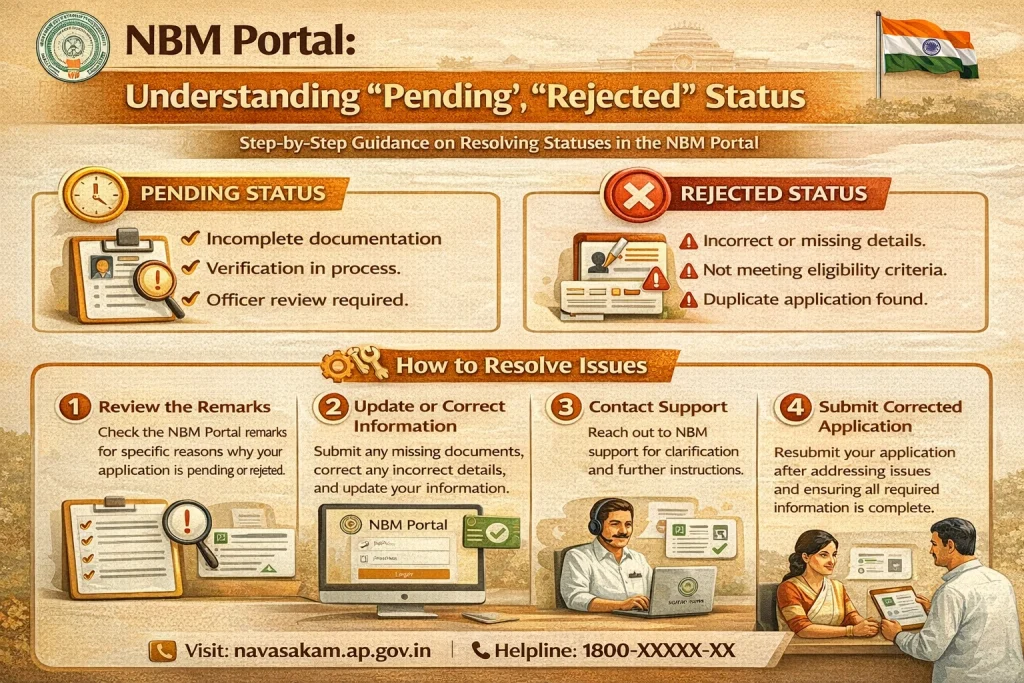
Review the Rejection Reason: If you received a rejection notice, it will usually include a reason for the rejection. Understanding why your application was rejected will help you fix the problem.
Fix the Errors: If the rejection was due to incorrect details or missing documents, make the necessary corrections. You may need to resubmit the application with updated information.
Contact Customer Support: If you’re unsure why your application was rejected, reach out to Navasakam customer support. They can provide you with more detailed information about the rejection and guide you through the process of reapplying if necessary.
FAQs
Final Words
If your Navasakam application status is marked as “Pending” or “Rejected”, don’t panic. In most cases, these statuses can be resolved with a little patience and by ensuring that your application is complete and accurate.
Remember, Pending simply means your application is under review, while Rejected typically indicates an issue that needs to be addressed. Be sure to check the status regularly, and if necessary, contact customer support for help with any issues.