Fix Missing Info in NBM Portal | Step-by-Step Guide 2026
If you applied for a welfare scheme on the Navasakam Beneficiary Management (NBM) Portal and found that some of your application information is missing or incorrect, don’t worry — this happens to many people. The good news is that you can fix missing or wrong details before it affects your approval and payment.
In this guide, I’ll show you the easy steps to find missing information, correct it, and update your NBM application so it moves forward smoothly.
Why Missing Information Happens in NBM Applications
Missing details can happen for several reasons:
If any required details are missing, the portal may delay your approval or mark the application as incomplete.
You can also read:Can I Track NBM Payment Status After Approval? | 2026 Guide
How to Check if Your Application Has Missing Information
Step 1: Log In to the NBM Portal
Open the NBM website in your browser and log in using your Aadhaar number and OTP.
Step 2: Go to Your Application Status
After login, find the section called Application Status or My Applications.
Step 3: Look for Warning Messages
The portal usually shows alerts like:
“Information Missing”
“Document Not Uploaded”
“Please Complete Details”
This tells you exactly
How to Fix Missing Information in NBM Application
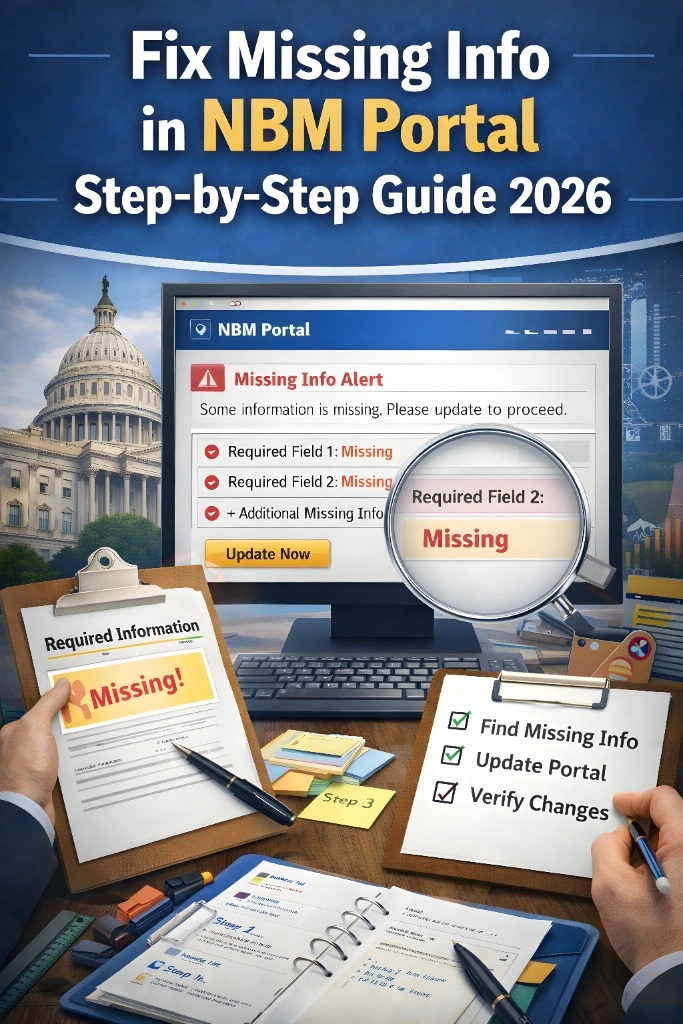
Step 1: Identify What Is Missing
Check the message carefully. It could be:
Missing photo or signature
Missing proof of income
Wrong bank account details
Unlinked mobile number
Step 2: Gather Required Files
Before fixing it, make sure you have:
Clear scan of your documents
Correct bank passbook screenshot
Aadhaar details ready
Mobile number linked to Aadhaar
Step 3: Re‑Enter or Upload the Missing Info
Go back into your application form and:
Enter the missing data
Upload the correct files
Save changes before exiting
Step 4: Review Before Submitting
Double‑check every section. A small mistake can cause another delay.
Common Fields That Often Need Fixing
Here are the parts of the NBM application where missing information shows up most:
Personal Details
Name, date of birth, gender, address — sometimes these are incomplete.
Bank Details
Account number, IFSC code, and branch — these must be correct or payment can fail.
Document Uploads
Income proof, caste certificate, residence proof — missing or blurry documents often get rejected.
Mobile Number
If your mobile is not linked to Aadhaar, you can’t receive OTP or status updates.
Tips to Avoid Missing Information Problems
What Happens After You Fix Missing Information?
Once you correct the missing details:
How Long Does It Take to Update the Application?
Usually, the update happens within a few days after you submit the missing details. If it takes longer, don’t worry — the portal may still be processing older applications first.
FAQs
Final Words
Finding missing information in your NBM application can be frustrating, but it’s not a dead end. If you follow the steps above, you can correct the information and keep your application on track.
Take your time, gather the right documents, and make sure everything is entered correctly. Once done, your application will get a better chance of approval and timely payment.
You’re close — just fix the missing details and keep moving forward.