How to Check NBM Application Status in 2026
If you’ve applied for welfare schemes through the Navasakam Beneficiary Management (NBM) Portal in Andhra Pradesh, you may be wondering how to check the status of your application. The portal allows you to track your application in real-time, making it easier to stay updated on the progress of your welfare benefits.
In this guide, we’ll show you how to quickly check your NBM application status in 2026 and what you should do if you encounter any issues.
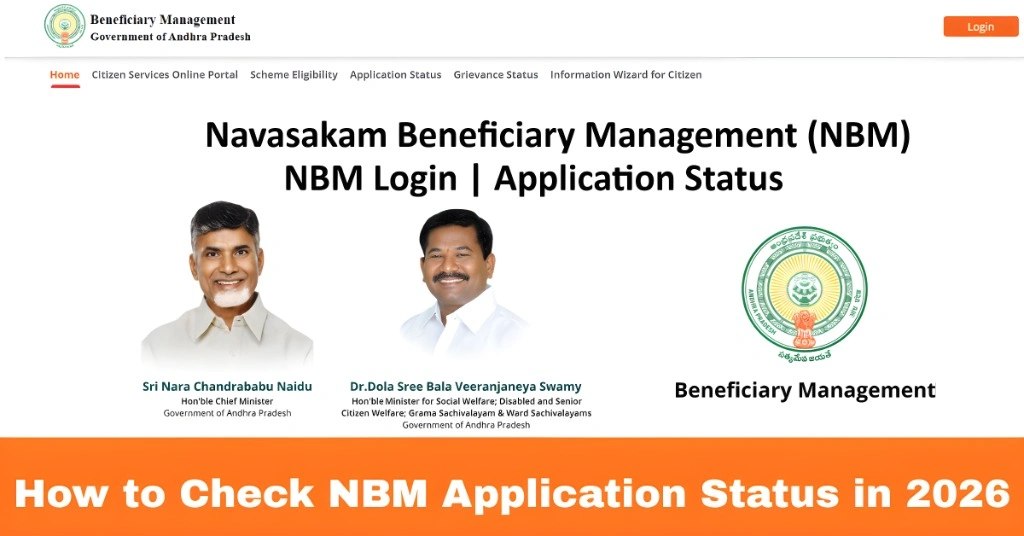
Step-by-Step Guide to Check NBM Application Status
Here’s a simple and easy way to check the status of your NBM application:
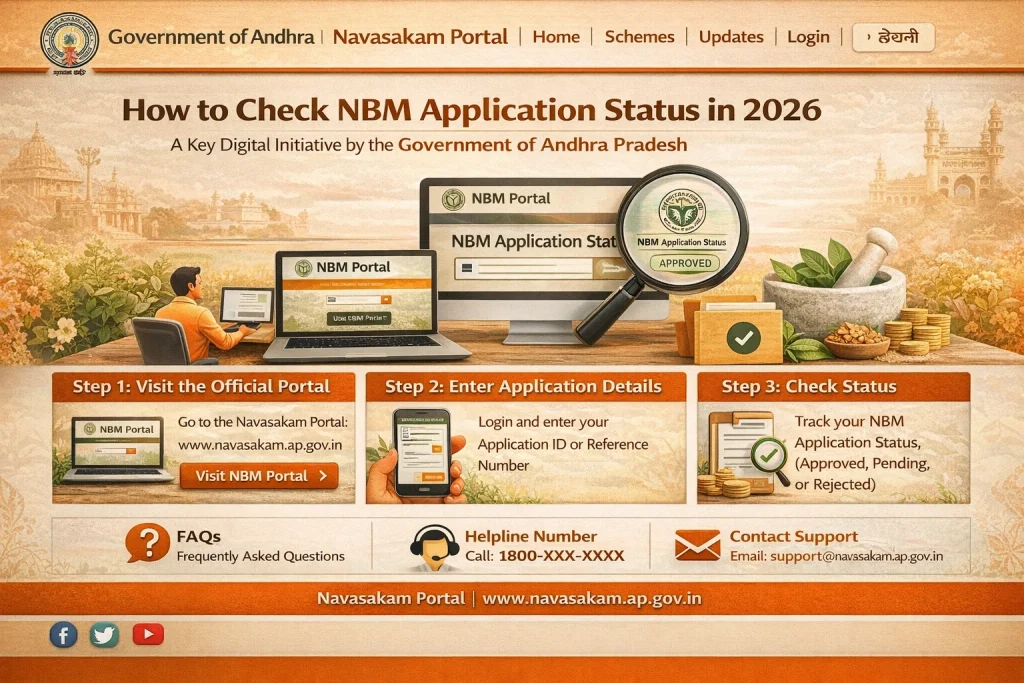
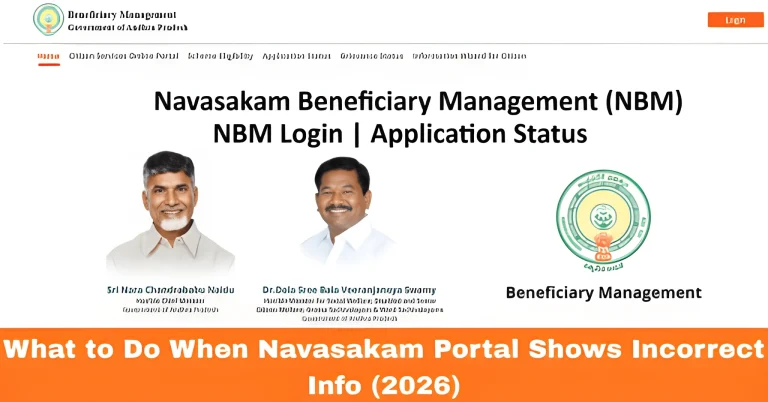
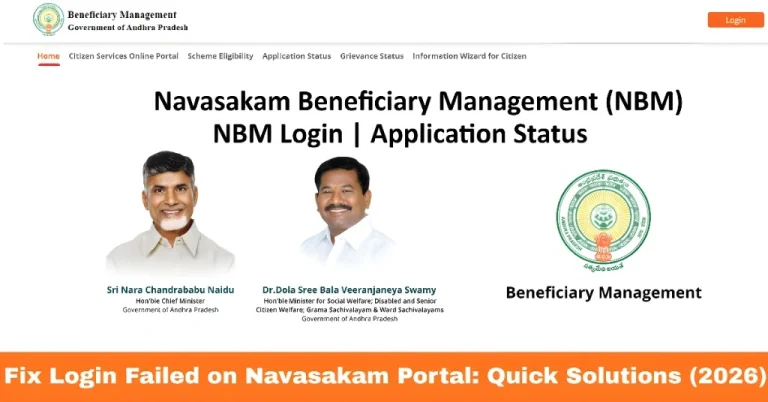
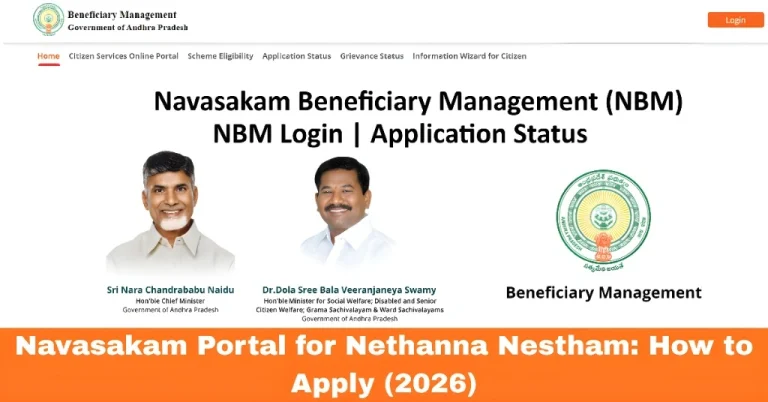
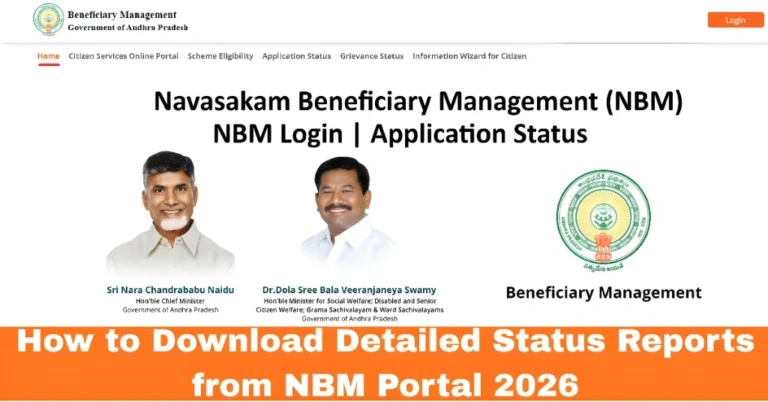
Go to the official Navasakam Beneficiary Management (NBM) Portal. The official portal can be accessed from your computer or smartphone.
On the homepage of the portal, you’ll find various options. Look for the ‘Application Status’ section.
To check the status, you’ll need to enter some key details like:
Mobile Number: The mobile number linked to your Aadhaar (for OTP verification).
Aadhaar Number: The 12-digit Aadhaar number linked to your application.
Once you enter the required information, click Submit. You’ll receive an OTP (One-Time Password) on your registered mobile number. Enter the OTP to verify your identity.
After entering the OTP, the portal will display the current status of your application. You’ll see whether it’s “Pending,” “In Progress,” “Approved,” or “Rejected”. The status will give you an overview of where your application stands in the process.
Tip: If your application status shows “Pending” or “In Review,” it means that your application is still being processed by the authorities.
You can also read: Why My NBM OTP Isn’t Working & How to Solve It Update 2026
What to Do if You Encounter Issues While Checking Your Status
If you’re unable to check your application status, here are some things to consider:
Double-Check Your Details
Make sure you’re entering the correct Aadhaar number and the mobile number linked to your Aadhaar. A small mistake can prevent the status from showing.
Check for Server Issues
If the portal is down or taking a long time to load, it might be due to server overload. Try again after some time, especially during off-peak hours.
Ensure Your Mobile Number is Linked to Aadhaar
The OTP will be sent to the mobile number linked with your Aadhaar. If your mobile number is not linked to Aadhaar or hasn’t been updated, you won’t receive the OTP.
Wait for Application Processing
If your status is still showing as “Pending” or “In Progress,” you may need to wait until the authorities process your application. You can check the status again after a few days.
Contact Customer Support
If you’ve followed all the steps and still can’t check your status, contact the Navasakam Portal customer support for assistance. They can help you resolve any issues.
FAQs
Final Words
Checking your NBM application status is easy and can be done quickly through the Navasakam Portal. By following these simple steps, you can stay updated on the progress of your application and know if there are any issues. Remember to check your details carefully, ensure your mobile number is linked to Aadhaar, and wait for processing if necessary.
If you run into any problems, don’t hesitate to reach out to the Navasakam customer support team. With these tips, you’ll be able to manage your application status without any hassle.