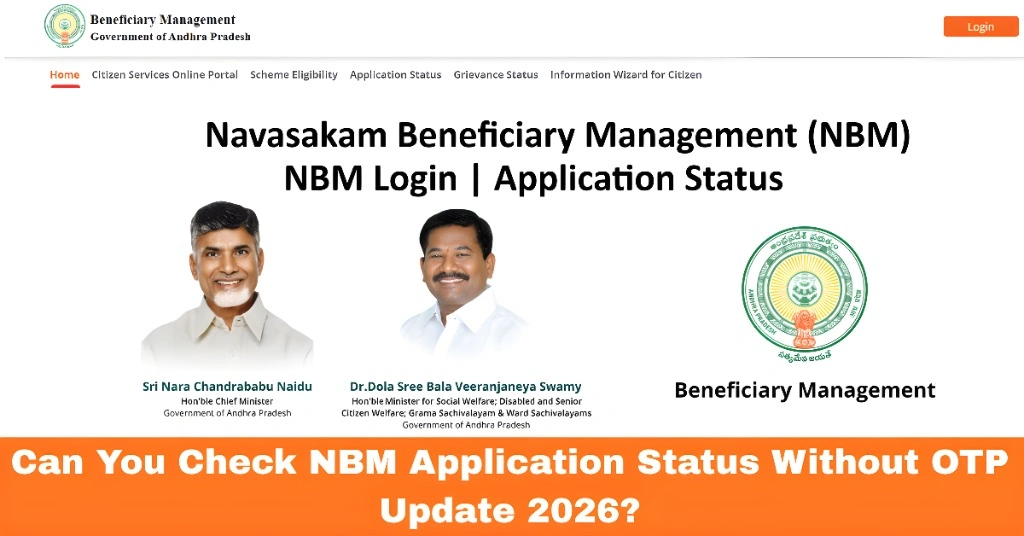
Can You Check NBM Application Status Without OTP Update 2026?
If you’re applying for a scheme through the Navasakam Beneficiary Management (NBM) Portal and want to check your application status, you might be wondering whether you can do this without entering an OTP (One-Time Password). This guide answers that question and provides you with useful tips for checking your status smoothly.
What Is OTP in the Navasakam Portal?
An OTP is a temporary code sent to your registered mobile number to verify your identity when you log in to the Navasakam Portal. It’s used to ensure that only you can access your personal and application details.
You can also read: How to Fix Missing Documents in Navasakam Portal Uploads 2026
Can You Check the NBM Application Status Without OTP?
In short, no, you cannot check your NBM application status without an OTP. The OTP is part of the portal’s security measures to make sure that no one else can access your private information.
Why Is OTP Necessary?
Security: The OTP helps confirm that the person checking the application is the one who registered.
Privacy: It ensures your details, like your personal information and application status, remain secure.
How to Check NBM Application Status with OTP?
To check your application status, follow these simple steps:
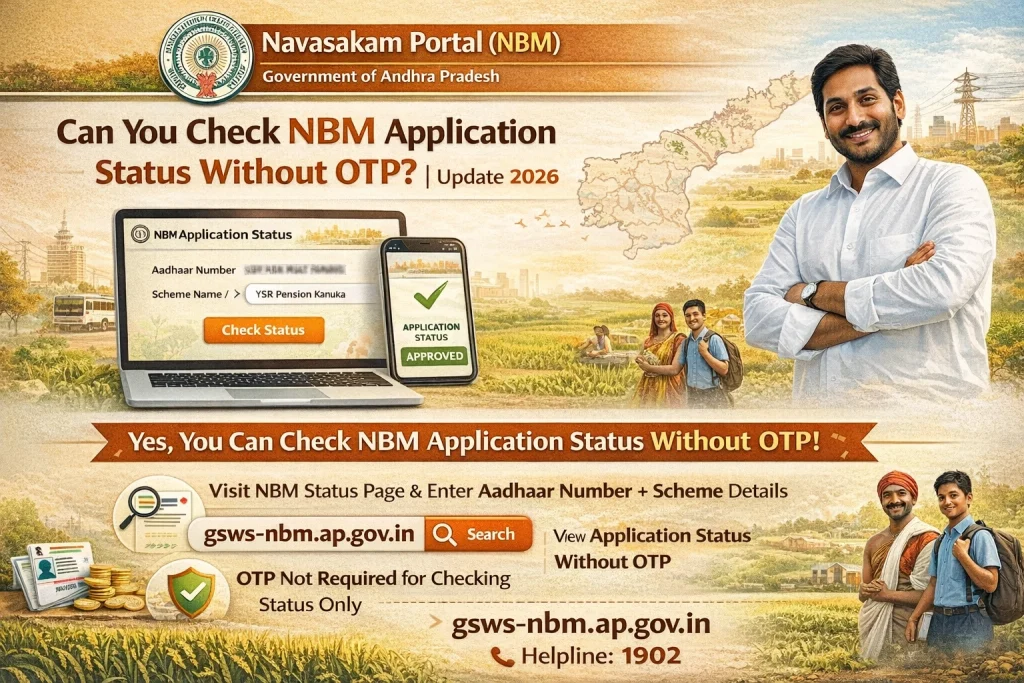
Visit the official Navasakam Portal.
On the login page, enter your Aadhaar number or the required details.
Click on the “Request OTP” button. The OTP will be sent to the mobile number you’ve registered with.
Once you receive the OTP on your phone, enter it in the designated box.
After successful verification, you can access your application details, including its status.
Can You Skip OTP?
Currently, the Navasakam Portal does not offer an option to check your status without the OTP, as this would reduce security. The OTP is a mandatory step for accessing your private information, ensuring that unauthorized users cannot view or modify your application.
Tips for Successful OTP Usage
Ensure Your Phone Number Is Registered
Make sure the mobile number registered with the portal is active and can receive SMS messages.
Check Network Connectivity
If you don’t receive the OTP, check your phone’s network connection. Sometimes, poor signal or network issues can delay SMS delivery.
Avoid Typing Mistakes
Double-check the OTP to make sure you’ve typed it correctly. OTPs are case-sensitive and time-sensitive.
Request a New OTP
If you don’t receive the OTP, you can always request a new one by clicking the “Resend OTP” button.
What If You’re Unable to Receive OTP?
If you’re unable to receive your OTP, follow these steps:
FAQs
Final Words
While you cannot check your NBM application status without an OTP, the process is simple and quick. The OTP is there for your protection and ensures your data is safe. If you run into issues, check your network connection, registered mobile number, or reach out to support for help. With these tips, you’ll be able to quickly track your application status on the Navasakam Portal.
Good luck with your application, and don’t hesitate to ask if you need more help navigating the portal!