Track NBM Scheme Benefits and Payment Status Online 2026
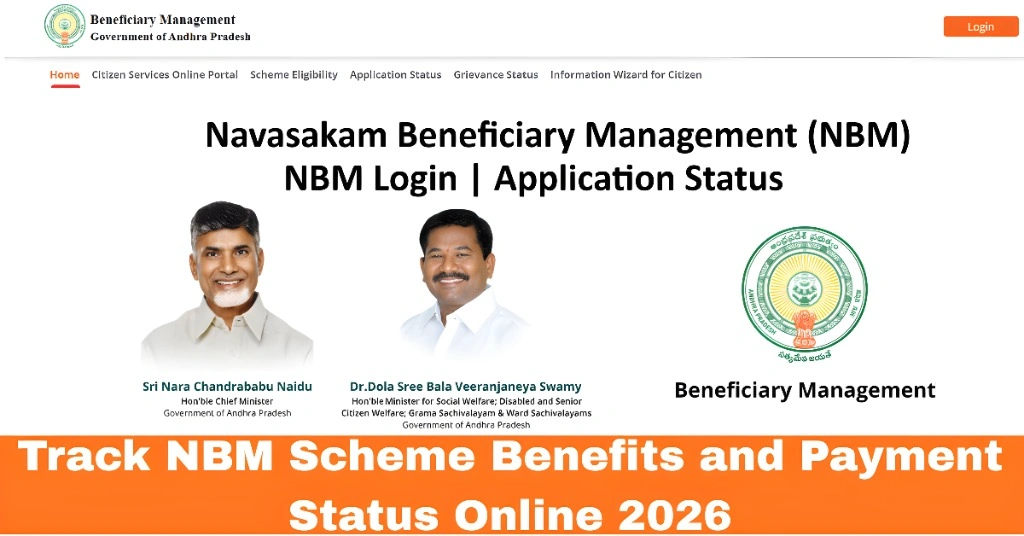
If you’ve applied for welfare schemes through the NBM Portal (Navasakam Beneficiary Management Portal) in Andhra Pradesh, one of the most important things you’ll want to check is the benefits and payment status. The good news is that you can do this online without visiting government offices.
This guide explains how to track your NBM scheme benefits and payment status clearly and easily.
What Is Payment Status on the NBM Portal?
When you apply for a government scheme on the NBM portal, your application goes through several stages like:
The payment status tells you whether the benefit money has been released, processed, or is still pending.
Tracking this online helps you know when your payment will reach your account.
You can also read:How to Resolve NBM Login Issues with OTP or Password 2026
Step by Step Track NBM Scheme Benefits and Payment Status Online
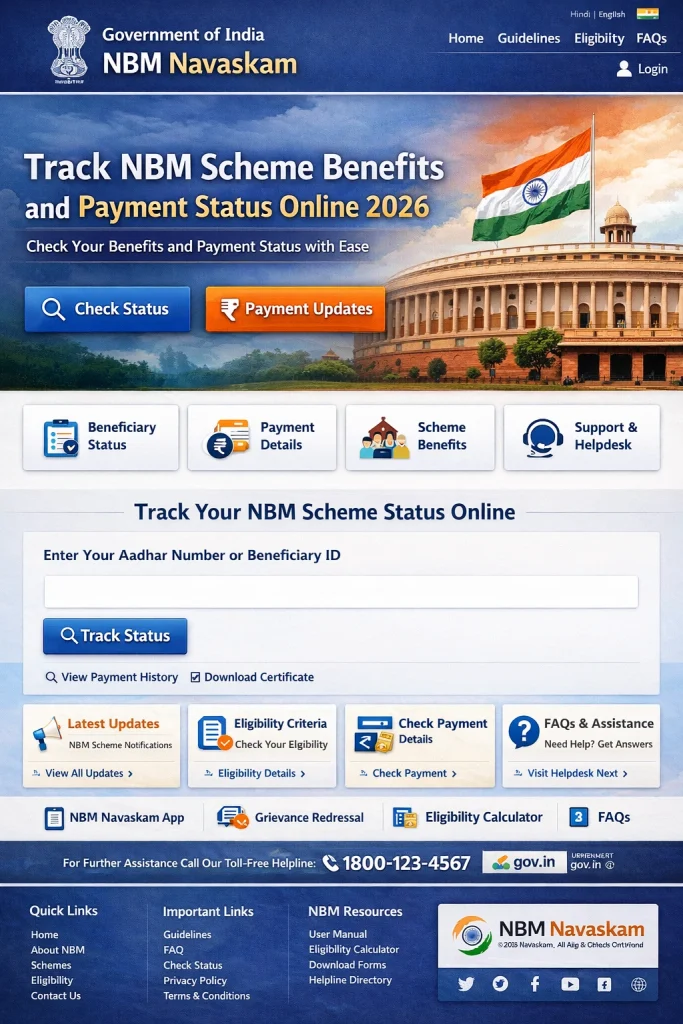
- Open your web browser and go to the official NBM portal by typing the correct address:
- gsws‑nbm.ap.gov.in
- Make sure you are on the official site to avoid errors.
- Once the portal loads, look for the section labeled:
- Payment Status or Benefit Status
- This option is usually visible on the homepage or menu of the portal.
- To check the status, you will be asked to enter your Aadhaar number:
- • Enter your 12‑digit Aadhaar number
- • Make sure it matches the number you used in your application
- Incorrect Aadhaar numbers may show no record found.
- After entering your Aadhaar number, choose the welfare scheme you applied for. Popular schemes include:
- • Amma Vodi
- • Kapu Nestham
- • YSR Shaadi Tohfa
- • Pension benefits
- Choosing the correct scheme helps the portal display the correct payment details.
- After entering your details:
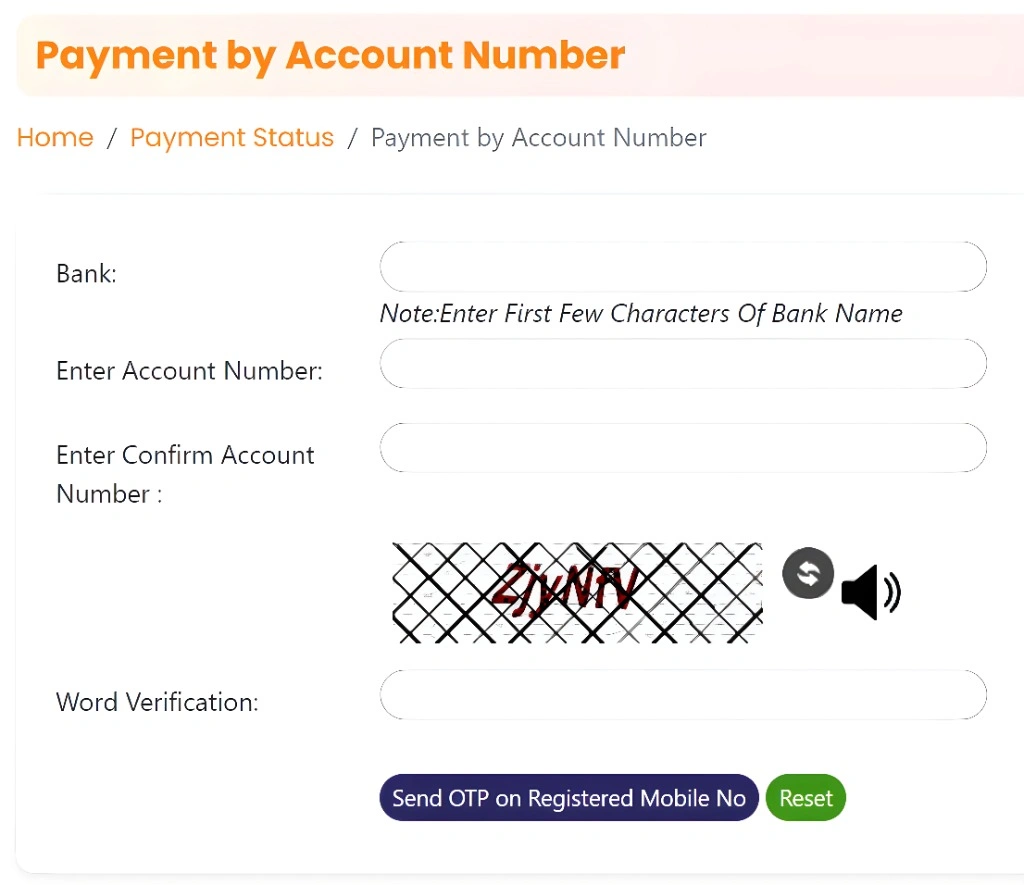
- • The portal will send an OTP (one‑time password) to your registered mobile number
- • Enter the OTP to verify your identity
- This step ensures that only you can see your benefit and payment status.
- Once verified, the portal will show your:
- • Application status
- • Approval date
- • Payment processing status
- • Payment release date (when available)
- • Bank account details where payment is credited
- This lets you know whether your benefit has been sent to your bank account or is still in process.
What Different Status Messages Mean
Here are some common payment status terms and what they mean:
Understanding these terms helps you know what to expect next.
What to Do If Payment Status Is Not Showing
If the portal doesn’t show your payment status, try these tips:
If it still doesn’t show, contact local officers at your Gram Sachivalayam or use the Grievance section on the portal for help.
Tips to Track Payments Easily
These tips help you avoid errors and get your information quickly.
FAQs
Final Words
Tracking your NBM scheme benefits and payment status online is simple if you know the right steps. Just go to the official NBM portal, enter your Aadhaar number, choose your scheme, verify with OTP, and you’ll see the status you need.
If the status doesn’t show or seems wrong, double‑check your details and reach out for help through the grievance section or local officials.
By staying informed and checking regularly, you can make sure your benefit reaches you without unnecessary delays.