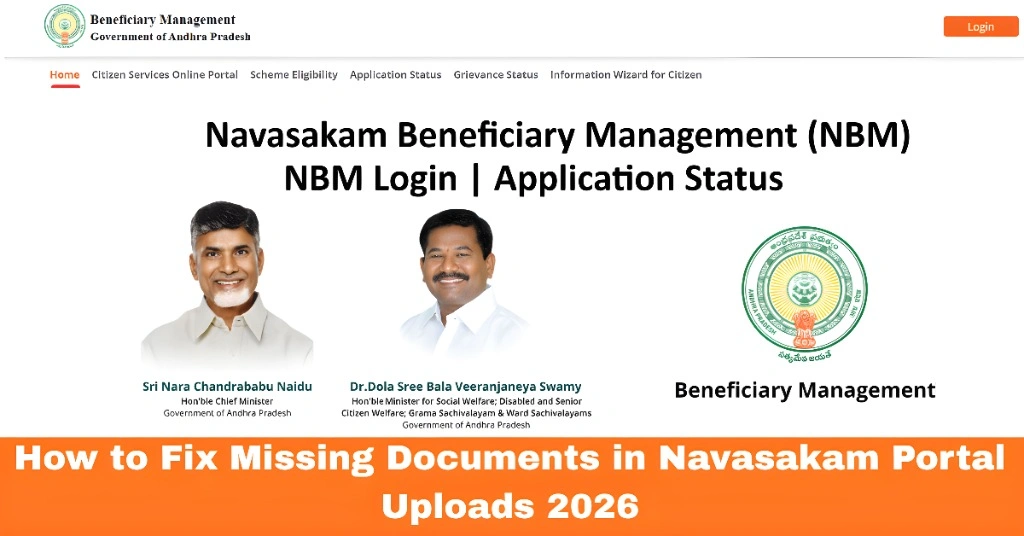
How to Fix Missing Documents in Navasakam Portal Uploads 2026
If you’re applying for welfare schemes on the Navasakam Portal (NBM) and your documents didn’t upload correctly, don’t worry — this guide explains exactly how to fix that in easy steps. Think of it like fixing a missing photo you forgot to attach in an email — simple and quick.
What Does “Missing Documents” Mean?
When you apply on the NBM Portal, the system needs certain documents (like Aadhaar, income proof, certificates, etc.) to verify your eligibility.
If one or more of these documents didn’t upload properly, your application might show as incomplete, pending, or may be rejected later.
Why Missing Documents Happen
Here are the most common reasons:
These are simple mistakes — so don’t worry, they can be fixed.
You can also read: How to Track Your NBM Application Status: Complete Guide 2026
Quick Tips Before You Start
Step-by-Step: Fix Missing Documents on Navasakam Portal
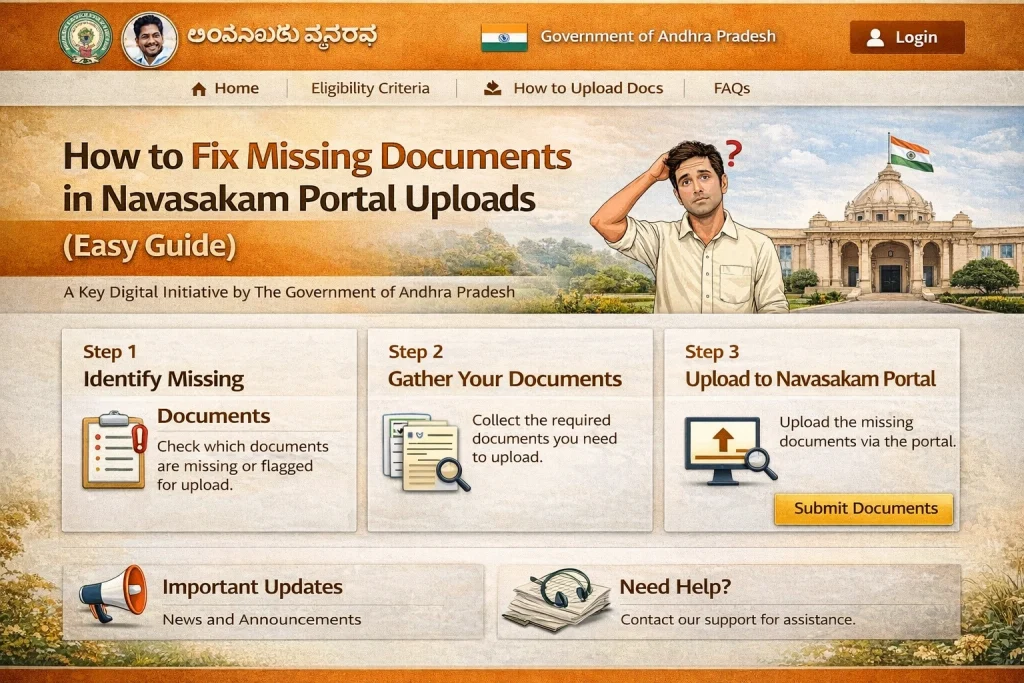
- Go to the official NBM login page. Enter your Aadhaar number and login with OTP or password.
- Once logged in, find the section that lists your submitted applications.
- Look for notes like:
- “Pending Documents”
- “Documents Missing”
- This tells you exactly which documents are missing.
- Before re-uploading:
- Make sure each file is clear and readable
- Save files in proper format (PDF or JPG)
- Keep them below the portal’s size limit
- Example: Instead of uploading a large photo straight from your phone, use a scanner app to create a clean, small PDF.
- In the application details, you should see a button like “Upload Documents.”
- Click it
- Select the correct files
- Upload one by one
- Wait for the upload to finish
- After all files show as uploaded, save your application and submit it again. A confirmation message should appear.
- Always keep a record — like a screenshot or the application number — for later tracking.
Common Issues You Might Face While Uploading Documents
Even though uploading your documents sounds easy, there are common problems you might run into. Here’s how to deal with them:
File Size Too Large
If your document exceeds the allowed size, it won’t upload. Try reducing the image or file size by using a compression tool online.
Wrong File Format
Always check the guidelines for acceptable formats like PDF, JPG, or PNG. If you’re uploading the wrong file type, simply convert it using free online tools.
Poor Quality Images
Blurred or unclear images will be rejected by the portal. Always use clear, high-quality photos. If you’re scanning a document, use a scanner app that offers a high-resolution setting.
What If You Still Can’t Upload?
If the portal still rejects your files, visit your nearest welfare office — officials can assist with document upload.
Check Internet & Try Another Browser
Sometimes slow internet or an outdated browser can block uploads.
Use a Different Device
Try uploading from another phone, tablet, or computer.
Ask Help at Local Seva Centers
If the portal still rejects your files, visit your nearest welfare office — officials can assist with document upload.
Common Mistakes to Avoid
FAQs
Final Words
Fixing missing documents in the Navasakam Portal is really about being organized with your files. Treat it like packing your suitcase neatly before a trip — once everything is in the right place, the journey becomes smooth.
Remember, the key to a successful application is clear, small, and correctly formatted documents. Following the steps above will make the process easier and faster, allowing you to complete your welfare application with confidence.