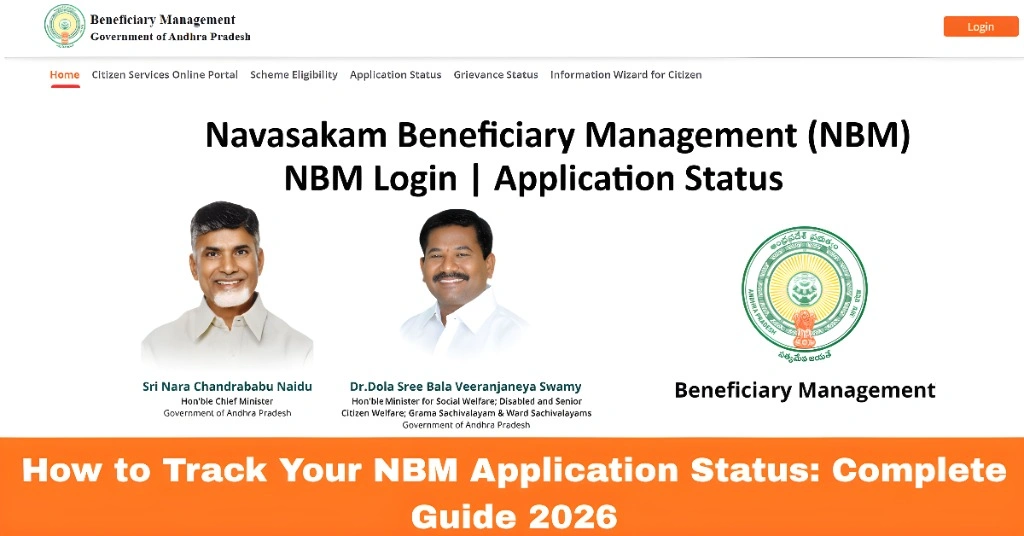
How to Track Your NBM Application Status: Complete Guide 2026
If you’ve applied for welfare schemes through the Navasakam Beneficiary Management (NBM) Portal in Andhra Pradesh, you’ll likely want to track the progress of your application. Thankfully, the NBM Portal makes it easy to track your application status online. Whether you’re waiting for approval or just checking in on your submission, this guide will show you how to check your NBM application status in 2026 and keep tabs on your welfare benefits.
Why Tracking Your NBM Application Status is Important
Tracking your application status allows you to:
By following this guide, you’ll be able to track your application efficiently without any hassle.
You can also read: What Does 2026 Navasakam Application Status Mean? Explained
Step-by-Step Guide to Track Your NBM Application Status
Here’s how you can track your NBM application status using the official Navasakam Portal:
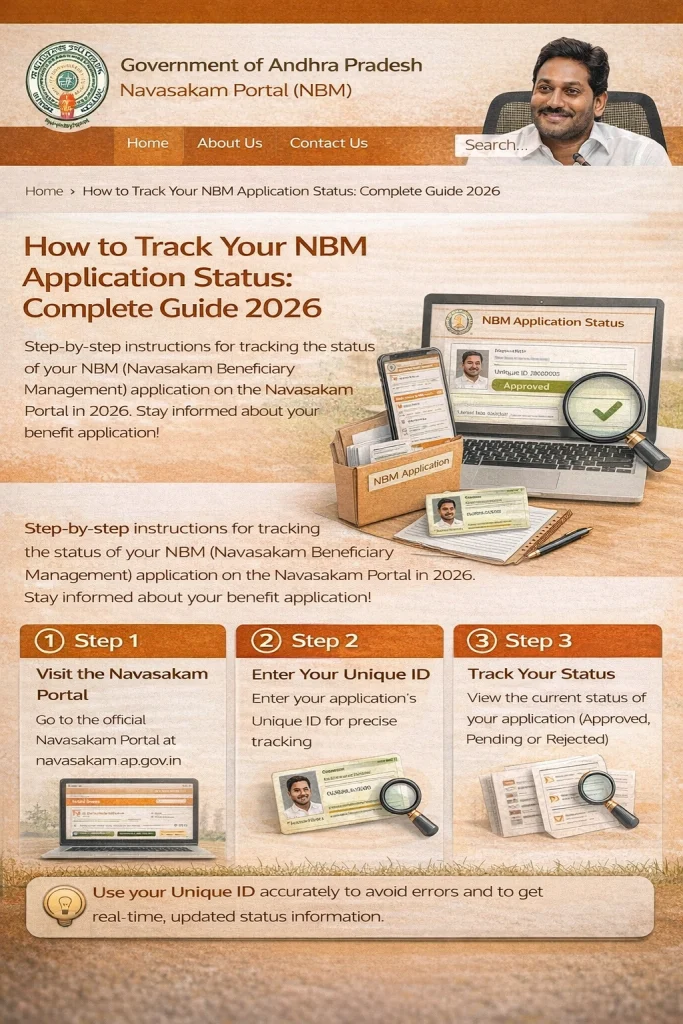
First, you need to visit the official Navasakam Beneficiary Management Portal. You can do this on a desktop or mobile device.
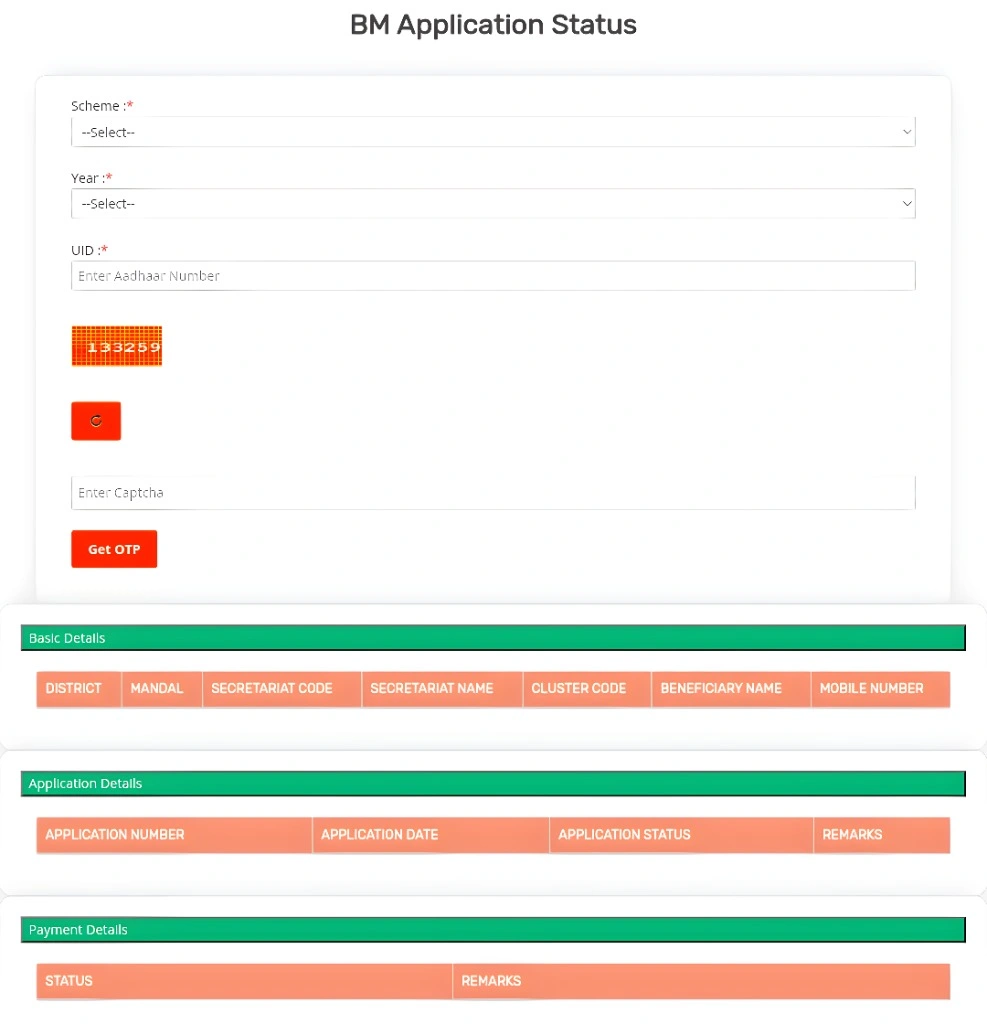
Once on the portal’s homepage, you’ll see various options. Look for the ‘Application Status’ section, usually located in the main menu or under a prominent heading.
To track the status, you’ll need to enter the following details:
Mobile Number: The mobile number linked with your Aadhaar (for OTP verification).
Aadhaar Number: The 12-digit Aadhaar number you used to apply.
After entering your details, you’ll need to verify your identity using an OTP (One-Time Password). The OTP will be sent to the mobile number linked to your Aadhaar.
Enter the OTP in the required field and click Submit.
Once the OTP is verified, the portal will display the current status of your application. You’ll see if it’s:
If the status shows “Pending” or “In Review,” it means that your application is still being processed.
Tip: If your status shows “Approved,” congratulations! You’ve been accepted for the scheme.
Common Issues and Solutions While Tracking NBM Application Status
Here are some common issues people face when trying to track their NBM application status, and what you can do to solve them:
- If you’ve entered incorrect details (such as an incorrect Aadhaar number or mobile number), the portal won’t be able to retrieve your status.
- Solution: Double-check the Aadhaar number and mobile number you entered. Ensure there are no typos or errors.
- Sometimes, you might not receive the OTP required to check the status.
- Solution: Wait for a minute and check your signal. If you still don’t receive the OTP, click Resend OTP or make sure your mobile number is correctly linked to your Aadhaar.
- If the portal is slow or unresponsive, it may be because of high traffic, especially during peak times.
- Solution: Try again later, preferably during off-peak hours, like early mornings or late evenings.
- Type your 12-digit Aadhaar number that is linked with your active mobile number into the required field.
FAQs
Final Words
Tracking your NBM application status is a straightforward process, and by following the steps above, you can easily stay updated on the progress of your application. Whether your status is “Pending” or “Approved,” knowing where your application stands will help you plan and act accordingly.
Remember, if you encounter any issues, like not receiving the OTP or a “Pending” status that doesn’t change, take the necessary steps to resolve them or contact customer support for assistance.