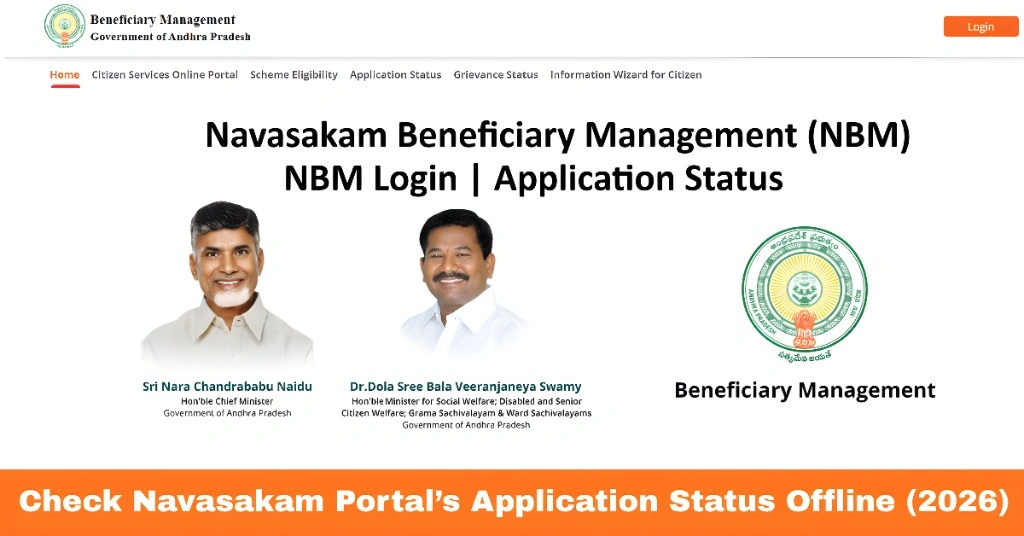
Check Navasakam Portal’s Application Status Offline (2026)
The Navasakam Portal (NBM) is the official platform of the Government of Andhra Pradesh that allows citizens to apply for, track, and manage welfare schemes such as Amma Vodi, YSR Pension, Vahana Mitra, and Kapu Nestham. While the portal is designed for online access, many beneficiaries prefer or require offline methods due to poor internet connectivity or unfamiliarity with digital systems.
Offline status verification is a reliable alternative for ensuring your application is correctly processed, confirming payments, and resolving discrepancies. This guide provides detailed steps, tips, and advice to check your NBM application offline efficiently.
Why You Might Want to Check Status Offline
Not every citizen has easy access to smartphones, computers, or stable internet. Sometimes the online portal may be slow, temporarily down for maintenance, or not display updated information. Offline verification allows you to:
Confirm application receipt:
Ensure your application has been successfully submitted to NBM.
Check verification progress:
Know if your documents are under review or if additional information is required.
Correct errors:
Identify mistakes such as missing certificates, wrong Aadhaar details, or bank information.
Get official guidance:
Receive clear instructions from Sachivalayam staff about what is required to complete the process.
Offline access ensures that even those who are digitally untrained can reliably track the status of their welfare applications.
You can also read: How to Access Navasakam Schemes on Your Mobile Device (2026)
How to Check Navasakam Application Status Offline
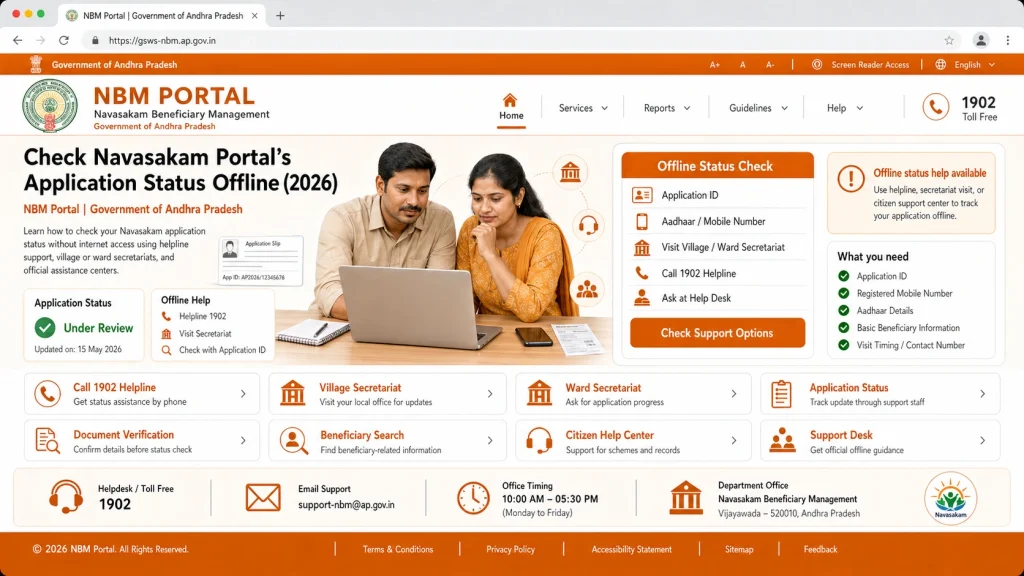
Gram or Ward Sachivalayam offices serve as the physical interface between citizens and the NBM Portal. They maintain backend access to all applications submitted in their area. Visiting in person allows officials to quickly pull up your application, review its status, and provide guidance.
Carry the following:
- Aadhaar Card: Essential for identification.
- Application Reference Number: If you have a receipt or confirmation slip, bring it for faster lookup.
- Supporting Documents: Caste certificates, income proofs, or any documents submitted with the application.
Having all documents ready helps officials verify your identity and application efficiently.
Inform the officer that you want to check the status of your NBM application. They can:
Identify if any documents are missing or need correction
Pull your application from the NBM system
Verify whether it is Pending, Under Review, Approved, Disbursed, or Rejected
Many offices provide a printout or written confirmation of your application status. This serves as proof of submission and can be used in case of future discrepancies or payment issues.
If your status is still Pending or Under Review, ask the official about the estimated timeframe and any additional steps you can take. Offline communication often helps resolve delays faster than waiting for the online portal to update.
Benefits of Checking Status Offline
Checking your application offline offers several advantages:
Immediate assistance:
Officials can guide you in real-time, helping resolve issues instantly.
Reliable verification:
Avoid errors that can happen due to wrong login details or portal glitches.
Inclusive access:
Beneficiaries without internet or smartphones can still confirm their status.
Opportunity to correct details:
Minor errors or missing documents can be rectified immediately, reducing delays.
Peace of mind:
Knowing your application status from an official source eliminates uncertainty.
Tips for a Smooth Offline Status Check
To make your visit efficient and successful:
These tips ensure that your offline check is quick, accurate, and stress-free.
Understanding Status Updates Offline
When you check your application offline, you will likely encounter the following status terms:
Pending:
Your application has been submitted but is waiting for verification.
Under Review:
Officials are currently checking your documents and eligibility.
Approved:
Your application meets all requirements and is eligible for benefits.
Disbursed:
Funds or benefits have been transferred to your bank account.
Rejected:
Your application was found incomplete or ineligible. Officials can guide on correcting issues.
Understanding these terms offline allows you to take immediate corrective action if needed.
FAQs
Final Words
Checking your Navasakam Portal application status offline is a reliable, secure, and inclusive method for beneficiaries without internet access or who prefer personal assistance. By visiting your local Gram or Ward Sachivalayam, carrying all necessary documents, and confirming your application details, you can quickly verify your status, correct errors, and stay informed about welfare benefits.
Offline verification complements online tracking, ensuring that all citizens have equal access to government programs and support.