How to Track Navasakam Payments and Pending Status (2026)
If you’ve applied for welfare schemes through the Navasakam Beneficiary Management (NBM) Portal in Andhra Pradesh, one of the most important steps is tracking your payments and understanding pending statuses. Knowing how to check this online saves you time, avoids confusion, and helps you get your benefits without delays.
This guide explains how to track payments and pending statuses step by step and what the different statuses mean — in clear and easy language.
Why Tracking Payments and Status Matters
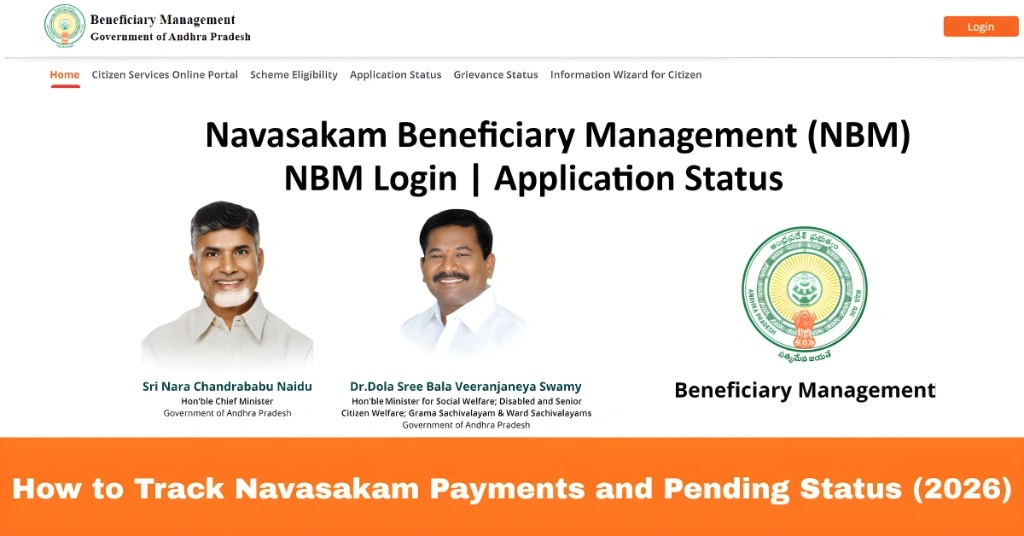
Once you complete an application on the Navasakam portal, the next step is to confirm whether your application is processed and whether payments (if any) have been released. Many applicants get stuck wondering why their money hasn’t arrived or why their application still shows pending. Tracking your payment and status online gives you real‑time visibility into your application and helps you take action if something is delayed.
You can also read: Will There Be a Navasakam Mobile App in 2026?
Step‑by‑Step: How to Track Your Navasakam Payments and Status
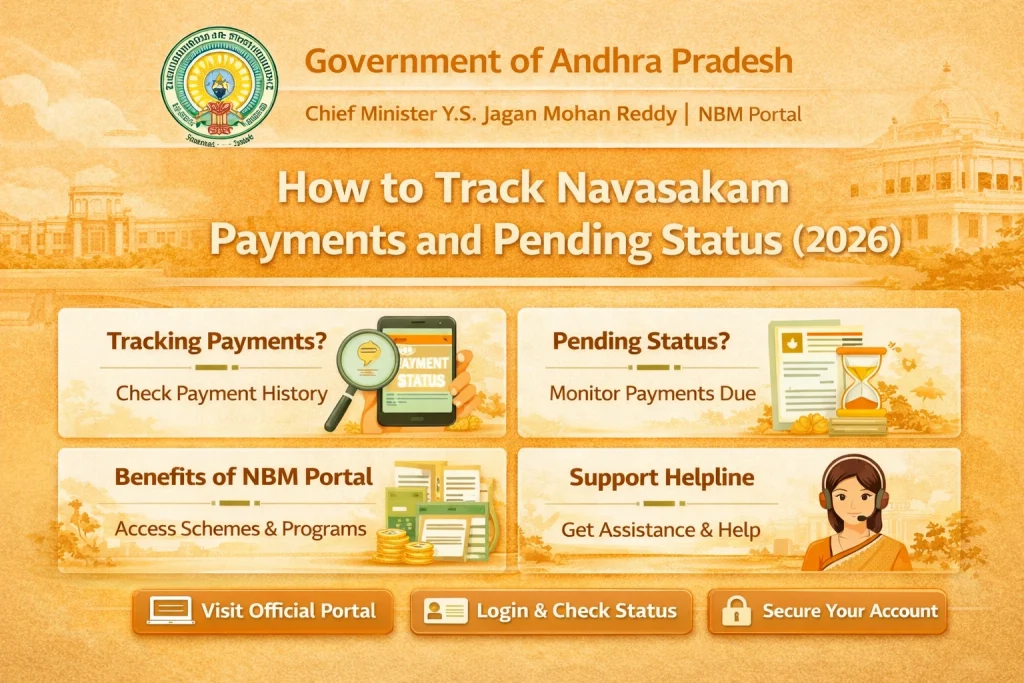
Visit the Navasakam Portal
Open your web browser and go to the official Navasakam portal using a reliable internet connection.
Log in to Your Account
Use your registered details:
Aadhaar number
Mobile number linked to Aadhaar
OTP verification (One‑Time Password)
Enter the OTP sent to your mobile to securely log in.
Go to “Application Status”
After logging in, look for a menu or section titled:
Application Status
My Applications
Track Status
Payment Status
Click on it to see a list of all the schemes you applied for.
Select the Scheme You Want to Track
You may have applied for more than one welfare scheme. Each application will have:
Scheme name
Application date
Status (Pending, Approved, Rejected)
Payment information
Click on the scheme you want to check.
How to Understand the Status Messages
- If the status shows Pending, it means:
- The portal received your application
- Officials haven’t finished reviewing it yet
- You may need to wait a few days
- Tip: If it stays pending for more than 15–20 days, consider checking if any documents are missing.
- If the status shows Approved:
- Your application is accepted
- Now it may move to the payment process (if a benefit involves money)
You may see details like:
Payment reference
Approval date
Expected payment date
- If the status says Rejected:
- Fix the issue and resubmit if allowed
- There may be an issue with your documents or eligibility
- Look for a reason shown on the portal
- When the payment is released, the portal usually shows:
- Payment completed
- Payment date
- Transaction reference number
This means the benefit has been transferred to your bank account.
- It means your application is approved, but the payment is not yet released
- This can happen due to processing time or bank verification
- In many cases, you just need to wait a few more days.
Tips for Tracking Navasakam Payments Successfully
What to Do If Your Status Is Taking Too Long
If your application or payment stays in Pending for longer than expected:
Check for Missing Documents
Go to your application page and see if any document shows “Not Uploaded” or “Needs Correction.”
Raise a Grievance Use the Grievance Support feature on the portal to report delays.
Visit a Common Service Center (CSC) If you need hands‑on help, a CSC operator can check and guide you.
Contact SupportYou can send an email to the official support contact or visit the nearest Sachivalayam office for assistance.
FAQs
Final Words
Tracking your Navasakam payments and pending status is an important part of staying informed about your welfare benefits. With just a few steps online, you can see whether your application is still in review, approved, or if the payment has been completed. Regular tracking helps you understand where your application stands — and lets you take action sooner if something needs correction.
If you’re unsure about any message or status, ask for help using the portal’s grievance feature or visit a Common Service Center (CSC) for assistance. Staying updated means you won’t miss the benefits you qualify for — and that’s what the Navasakam Portal is meant to help you achieve.