Step-by-Step Guide to Checking YSR Navasakam Benefits (2026)
The YSR Navasakam portal is a government platform for Andhra Pradesh citizens to access welfare schemes, track applications, and monitor benefits. Many beneficiaries want to check their benefits quickly but are unsure how to navigate the portal.
This guide explains, step by step, how to check your YSR Navasakam benefits in 2026.
What Are YSR Navasakam Benefits
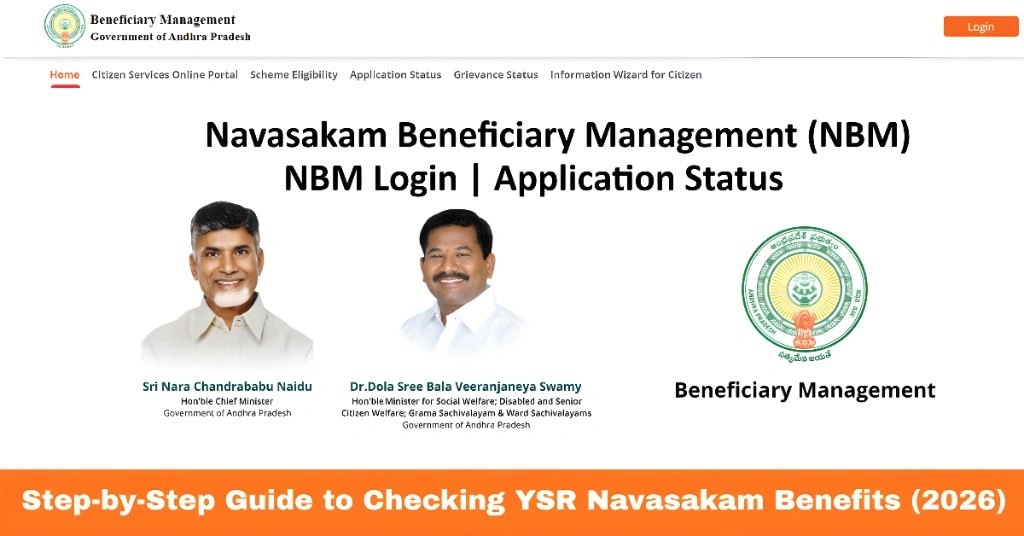
YSR Navasakam benefits include various welfare schemes aimed at improving the financial and social support of residents. These benefits can include:
Checking your benefits ensures that you are receiving what you are eligible for and helps track the status of payments. By understanding the benefits offered under each scheme, you can better plan your finances and know which programs to apply for.
You can also read: How to Download Navasakam Application Receipts Update (2026)
Step-by-Step Guide to Checking YSR Navasakam Benefits
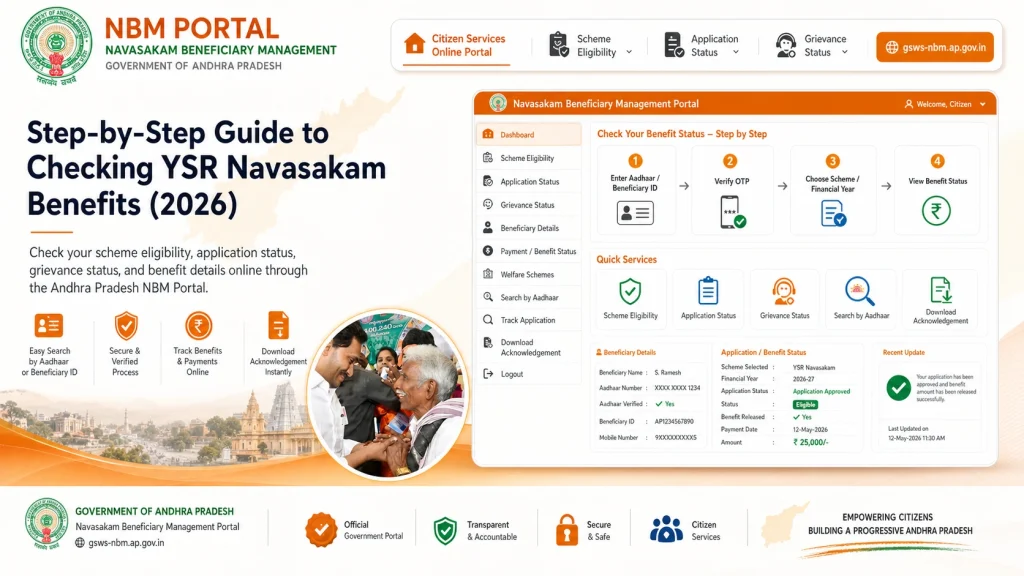
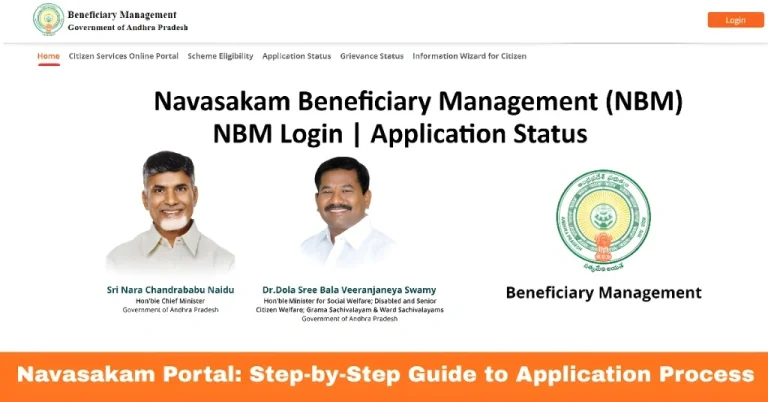
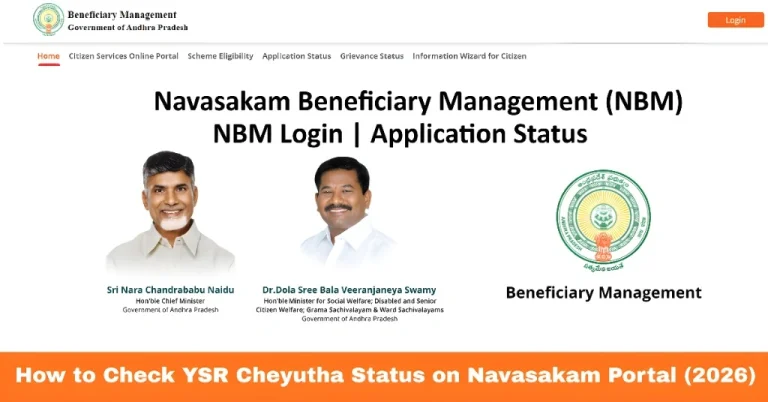
- To check your benefits, go to the official Navasakam Beneficiary Management (NBM) portal at gsws-nbm.ap.gov.in.
- Always use the official portal to avoid login errors or fraud. Bookmark the portal for easy access, and avoid searching for it via search engines to prevent opening unofficial or outdated links.
- Enter your Aadhaar number
- Click Get OTP
- Enter the OTP received on your registered mobile number
- Logging in securely ensures your benefit details remain confidential. Always ensure your Aadhaar-linked mobile number is active; otherwise, OTP verification may fail.
- ng in:
- Look for a tab or menu labeled “My Benefits” or “Application Status / Benefits”
- You will see a list of schemes you have applied for or are eligible for
- This section provides a clear overview of your benefit amounts and status. You can easily see which schemes are pending, approved, or disbursed.
- Click on the specific scheme to see details such as:
- Benefit amount
- Payment status
- Disbursement date
- Eligibility remarks
- Checking scheme-wise details helps you confirm whether you have received the correct benefits and ensures you are aware of any pending documents or verification requirements.
- any users are concerned about delays in payment. To track payments:
- Note the status indicators such as “Pending,” “Approved,” or “Disbursed”
- Check if the amount has been transferred to your linked bank account
- If the payment is delayed, you can contact your local Gram Sachivalayam office
- Tracking your payment ensures timely follow-up and prevents missing benefits. Some schemes may show “Approved” but take a few days to reflect in your bank account.
Understanding Benefit Eligibility Criteria
Before applying for benefits, it’s important to understand eligibility criteria. Each scheme has specific rules based on income, family size, age, or category.
Knowing your eligibility reduces confusion when checking your benefits and avoids delays in disbursement.
Common Errors and How to Fix Them
Users often encounter errors when checking benefits:
OTP not received:
Ensure your mobile number is linked to Aadhaar and request a new OTP after a few minutes
Incorrect application displayed:
Double-check your Aadhaar number
Portal slow or unresponsive:
Try logging in during early morning or late evening
Unable to download receipts:
Clear your browser cache or try a different browser
These simple fixes resolve most common problems without requiring offline visits.
Mobile Users: How to Avoid Common Issues
Many people access the portal on mobile devices, which can sometimes cause loading or display issues.
Mobile users can also enable browser desktop mode if certain options don’t display properly.
Tracking Updates and Notifications
The YSR Navasakam portal sends notifications for status changes or benefit disbursements.
Tracking updates ensures you stay informed and can take prompt action if any additional verification is required.
Tips for Smooth Access
These tips reduce common login errors and make checking benefits faster and easier.
FAQs
Final Words
Checking your YSR Navasakam benefits is straightforward if you follow the right steps. Always use the official portal, ensure your Aadhaar and mobile details are correct, and track payments regularly.
By understanding eligibility criteria, tracking updates, and knowing how to fix common errors, you can manage your welfare benefits efficiently and avoid delays.