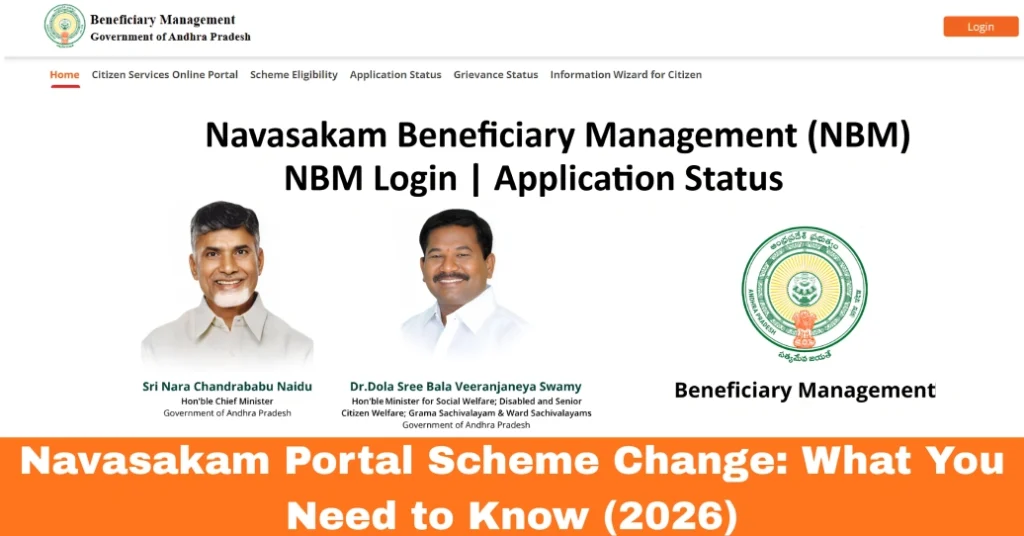
Navasakam Portal Scheme Change: What You Need to Know (2026)
Many people in Andhra Pradesh use the Navasakam Beneficiary Management (NBM) Portal to apply for welfare schemes, check eligibility, and track benefits online. But what if you want to change the scheme you applied for, switch to a more suitable one, update your choice, or correct a mistake? This article explains exactly how scheme change works, when you can change it, and what you should keep in mind. The language is simple and clear so you can follow every step without confusion.
Understanding Scheme Change on Navasakam Portal
The Navasakam Portal brings together many government welfare schemes — such as financial support programs, health benefits, education aids, and livelihood assistance — under one login. Once you apply for a specific scheme, your application is usually processed based on your eligibility and submitted documents. But sometimes people apply for the wrong scheme, choose the wrong category, or find better benefits in another program later. In such cases, knowing how to change your scheme or correct your application helps you avoid delays and increases your chances of getting the right benefit faster.
You can also read: How to Raise a Request for Navasakam Scheme Errors 2026 Guide
Can You Change Your Scheme After Applying?
Yes — but only under certain conditions
Once your application has been submitted, the NBM system treats it as a formal request for a specific scheme. In many cases, you cannot simply “switch” schemes online with one click like choosing a different product. That’s because:
common reasons For Portal Scheme Change
Here are common reasons people look to make a scheme change:
You applied for the wrong scheme
Maybe you selected a scheme that doesn’t match your needs — for example, a pension plan when you wanted education support.
You now qualify for a better benefit
Eligibility sometimes changes if your income or details change, or if there are new schemes added that suit you better.
You made a mistake during application
This includes selecting the wrong category, putting wrong family details, or uploading incorrect documents.
Your application is still pending
If your application is still “under review” or “pending,” you may have more options to request a change before it’s finalized.
How to Request a Scheme Change on the Navasakam Portal
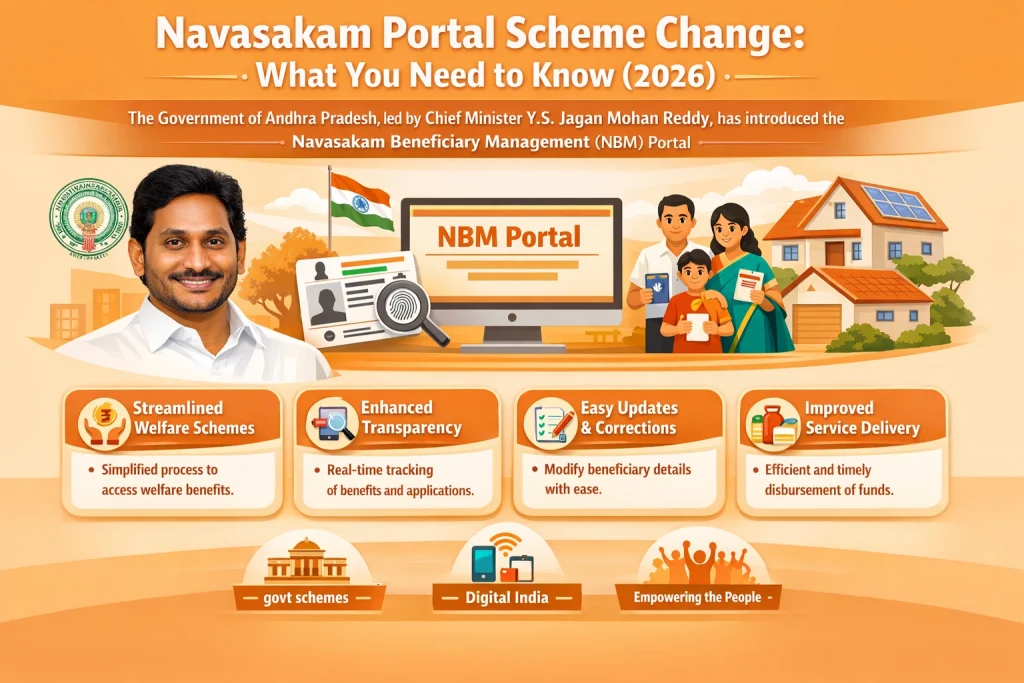
Since the portal does not offer a direct “change scheme” button after submission, here’s how you can go about it:
- Log in to the Navasakam portal at gsws-nbm.ap.gov.in
- Go to Application Status
- Check if your application is still Pending, Under Review, or Approved
- If your status is still pending, there’s a better chance you can request a change before processing completes.
- If the application is in pending or not yet approved:
- Look for a Cancel / Withdraw option in your dashboard
- This stops the current application so you can start fresh
- Make sure you note any reference numbers before withdrawing
- If there is no option:
- You may need to raise a grievance or support request (explained next)
- Many scheme changes happen through the Help / Grievance section when the system does not allow direct edits:
- Log in to the Navasakam Portal
- Go to Help / Grievance
- Select “Application Correction / Scheme Change”
- Explain clearly:
- Your current scheme
- Why you want to change it
- Which scheme you want instead
- Upload supporting documents if required
- Submit and note the grievance ID
- Officials will review your request and may approve the change if it’s valid and your application is not fully processed yet.
- If the portal doesn’t let you change the scheme online:
- Visit a Common Service Center (CSC) in your area
- CSC operators know the Navasakam system and can help you:
- Withdraw an application
- Fill out the right scheme
- Upload corrected documents
- Raise requests on your behalf
- This is especially useful if you’re not comfortable with online forms.
Important Tips Before You Change a Scheme
FAQs
Final Words
Changing your scheme on the Navasakam Portal isn’t always a one‑click process, but it can be done when you understand the steps. First, check if your application is still pending. You can often withdraw it or raise a request for correction or change. Using the Grievance / Support feature or getting help at a Common Service Center (CSC) makes the process easier.
By acting early and providing clear reasons with valid documents, you increase the chances of getting your scheme updated correctly so you can receive the benefits you truly need.