How to Track Your Navasakam Application with Reference ID
The YSR Navasakam portal is an official platform by the Andhra Pradesh government that allows citizens to apply for welfare schemes, check their application status, and track benefits.
After submitting an application, the Reference ID becomes your key tool to monitor progress. This guide explains how to track your Navasakam application using the Reference ID in 2026.
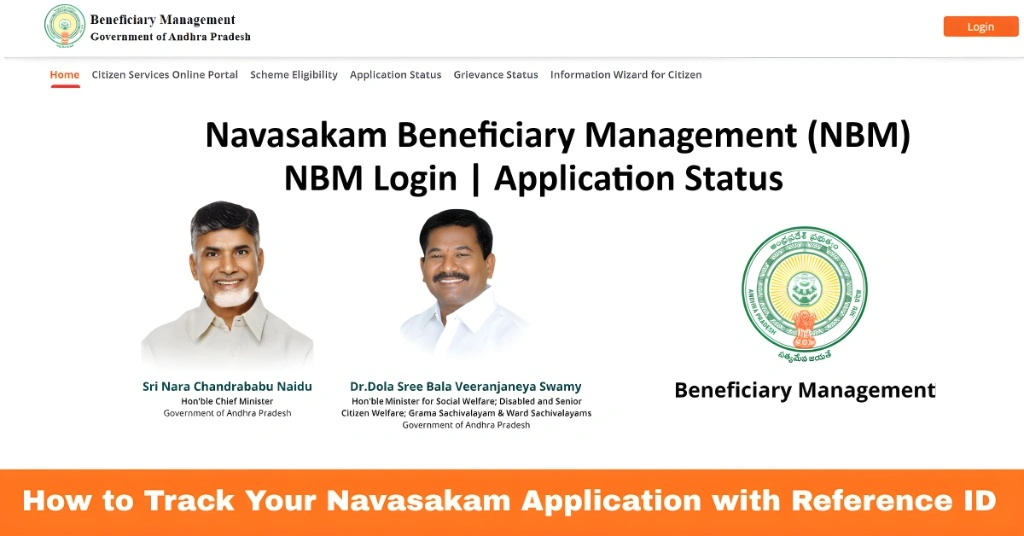
What Is a Navasakam Reference ID
A Reference ID is a unique number generated when you submit an application on the Navasakam portal. It acts as a tracking code and contains:
Using this ID ensures you can check the status of your application online accurately and quickly.
You can also read: Navasakam Portal Eligibility: What You Need to Know (2026)
Step by Step Track Your Navasakam Application with Reference ID
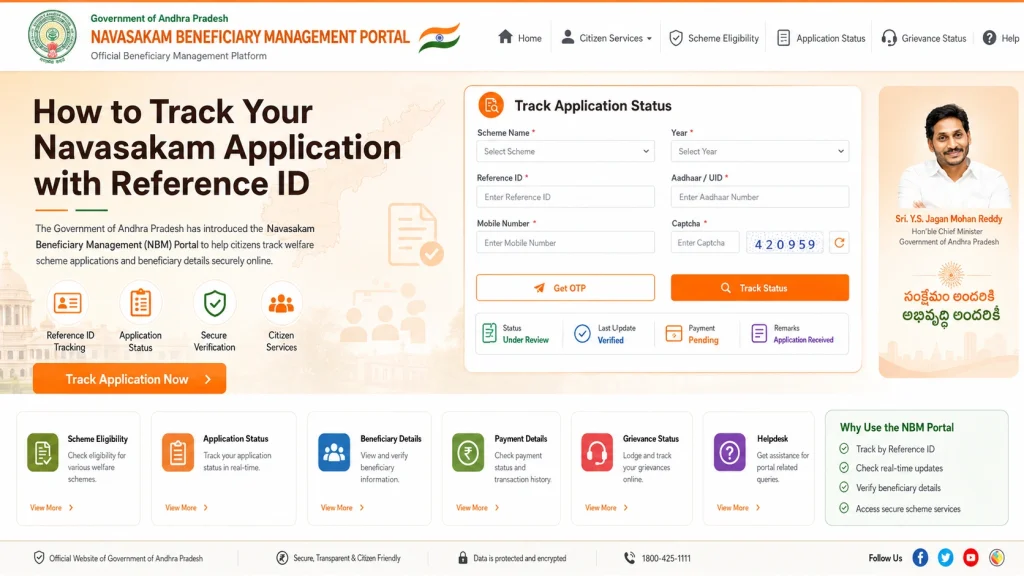
- Go to the official NBM portal at gsws-nbm.ap.gov.in.
- Always use the official site to prevent errors or fraud. Bookmark the portal for quick access and avoid unofficial websites.
- Look for “Application Status” or “Track Application” on the homepage
- This section is designed for tracking applications using the Reference ID
- The portal allows you to monitor the progress of your application even without a full login in some cases.
- Input your Reference ID received after application submission
- Enter your Aadhaar number if required
- Click Submit or Check Status
- The Reference ID ensures the portal retrieves the correct application without errors.
- Once submitted, the portal will display:
- Application Status: Pending, Under Process, Approved, or Rejected
- Scheme Name: The program applied for
- Submission Date: Date of application
- Payment Status (if applicable): Whether funds have been disbursed
- Knowing these details helps you track approvals and prepare for any follow-up action.
- Some applications allow you to download a PDF of your application status
- Save the PDF for future reference or verification at your local office
- Keeping a copy ensures you have proof in case of delays or discrepancies
How to Verify Your Reference ID
Sometimes, users may enter a Reference ID incorrectly or receive an invalid ID message.
Check the format:
Reference IDs usually follow a specific numeric format; ensure all digits are entered correctly.
Cross-check with confirmation receipt:
The ID is generated during submission; verify it against the acknowledgment you received.
Update records:
Make sure your Aadhaar and mobile number are linked correctly as these details are tied to your Reference ID.
Verifying the Reference ID before checking status reduces errors and ensures you are tracking the correct application.
What to Do If Application Status Is Not Updated
Sometimes the status shows pending for longer than expected. Here’s what to do:
Proactively following up ensures timely approval and prevents delays in receiving benefits.
Common Issues While Tracking Applications
Incorrect Reference ID: Double-check every digit
Portal slow or unresponsive: Try tracking during early morning or late evening
OTP issues: Make sure your registered mobile number is active
Browser problems: Use an updated browser for smooth access
Following these tips resolves most issues without requiring offline visits.
Tips for Efficient Tracking
FAQs
Final Words
Tracking your Navasakam application using Reference ID is simple once you follow the right steps. Always use the official portal, verify your Reference ID, and monitor your application regularly.
By understanding how to check status, verify your Reference ID, and follow up if updates are delayed, you can ensure you receive your welfare benefits promptly and without issues.