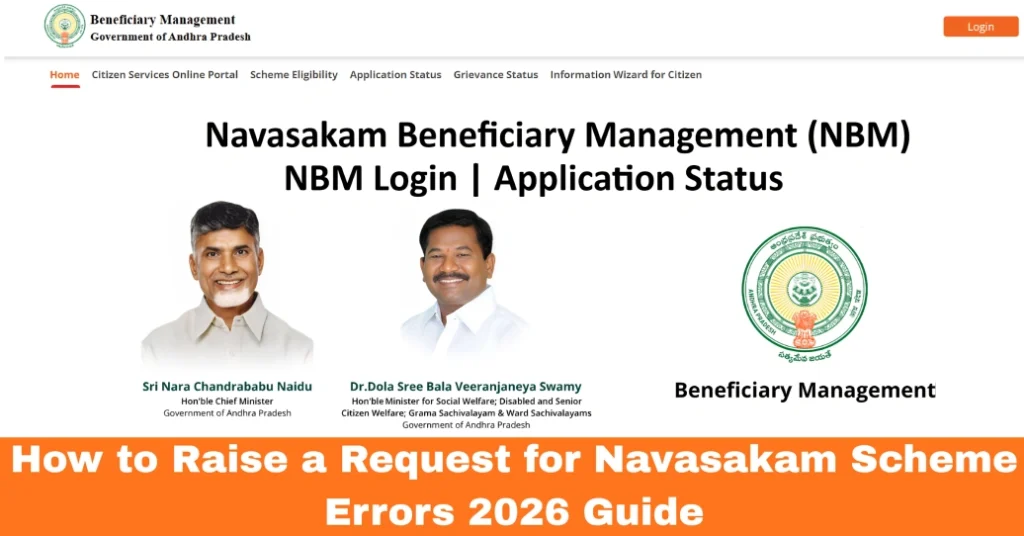
How to Raise a Request for Navasakam Scheme Errors 2026 Guide
When you apply for a welfare scheme on the Navasakam Beneficiary Management (NBM) Portal and your application has mistakes — like wrong personal details, incorrect document uploads, or application status errors — you can raise a request to fix those errors. This guide will help you understand when, why, and how to raise a correction or error request so your application can move forward smoothly.
Why Raising a Request Matters
If your application has errors, the portal may keep it in a stuck or pending state, delay approval, or even reject it. By raising a formal request to fix the issue, you tell the officials exactly what is wrong and how it should be corrected. This speeds up processing and reduces confusion for both you and the welfare department. Unlike submitting a brand‑new application, a request targets the specific error and helps officials resolve it faster.
You can also read: How to Check Navasakam Eligibility for Amma Vodi (2026 Guide)
When Should You Raise a Request?
You can raise a request when:
If your application status says “Needs Correction”, “Document Rejected”, or “Error”, it means the portal is waiting for your request or correction.
Step‑by‑Step: How to Raise a Request for Scheme Errors
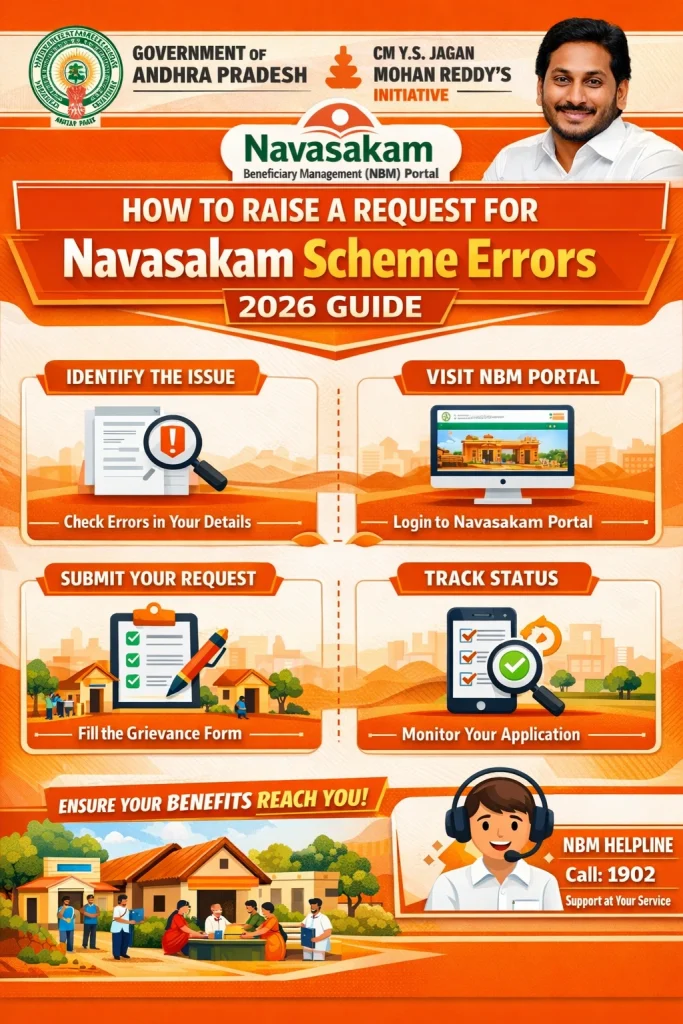
Visit the Official Navasakam Portal
Open your web browser and go to the official portal:
https://gsws‑nbm.ap.gov.in
Log In to Your Account
Use your registered details:
Aadhaar number
Mobile number linked to Aadhaar
OTP verification
Make sure your mobile phone is active to receive the OTP.
Go to “My Applications” or “Application Status”
After logging in:
Click on My Applications
Or select Track Status
You will see a list of all schemes you’ve applied for.
Select the Application with Errors
Specific Occupations: Certain schemes are tailored to people in specific occupations, such as:
Drivers (auto, taxi, and cab drivers)
Artisans (e.g., tailors, weavers)
Gender: Some schemes are for women or have age-specific requirements.
Look for “Raise Request” or “Correction Request”
Once you open the specific application, look for a button or link that says:
Raise Request
Correction Request
Report Error
Update Details
Click that link to start the process.
Choose the Type of Error
The portal may show options such as:
Personal Details Incorrect
Document Upload Errors
Bank Account Issues
Wrong Scheme Selected
Other Errors
Select the type that matches your problem.
Describe the Error Clearly
In the form, write a simple but clear description of what’s wrong and how it should be fixed.
Example:
“Uploaded Aadhaar card page was unclear. Please allow me to upload a new clear copy.”
“The name on my application was entered incorrectly. It should match my Aadhaar exactly.”
Write only the facts and keep the message clear.
Upload Supporting Documents (If Needed)
If the issue is with documents (like blurry, incomplete, or wrong uploads), attach the correct documents here:
Aadhaar card
Bank account page
Caste or income certificate
Make sure:
The file format is correct (PDF, JPG, or PNG)
The file size is under the portal limit
Submit the Request
Click Submit Request or Send Request.
The portal will usually issue a Request ID. Save this number. You can use it to track progress later.
How to Check Your Request Status
Tips to Raise a Successful Request
These small steps help avoid delays and speed up the correction process.
FAQs
Final Words
Raising a request for scheme errors on the Navasakam Portal is an important step to make sure your welfare application is processed correctly. Whether it’s a typo, bad document upload, or wrong scheme choice, the system lets you ask for corrections so officials can fix them.
Just remember to describe the problem clearly, attach the right documents, and save your request ID so you can track progress. If you ever feel stuck, Common Service Centers are there to help you complete the request and guide you through the steps.