Why Your Navasakam Portal Application Isn’t Approved 2026
If you’ve applied for a welfare scheme on the Navasakam Beneficiary Management (NBM) Portal but your application status still shows “Not Approved,” “Pending,” “Rejected,” or “Under Review”, it can be frustrating. Don’t worry — this happens to many applicants. The good news is that most reasons are fixable.
This guide explains the common reasons your application isn’t approved, what each status means, and how you can fix it so your welfare benefits are processed without unnecessary delays.
Why Applications Sometimes Don’t Get Approved
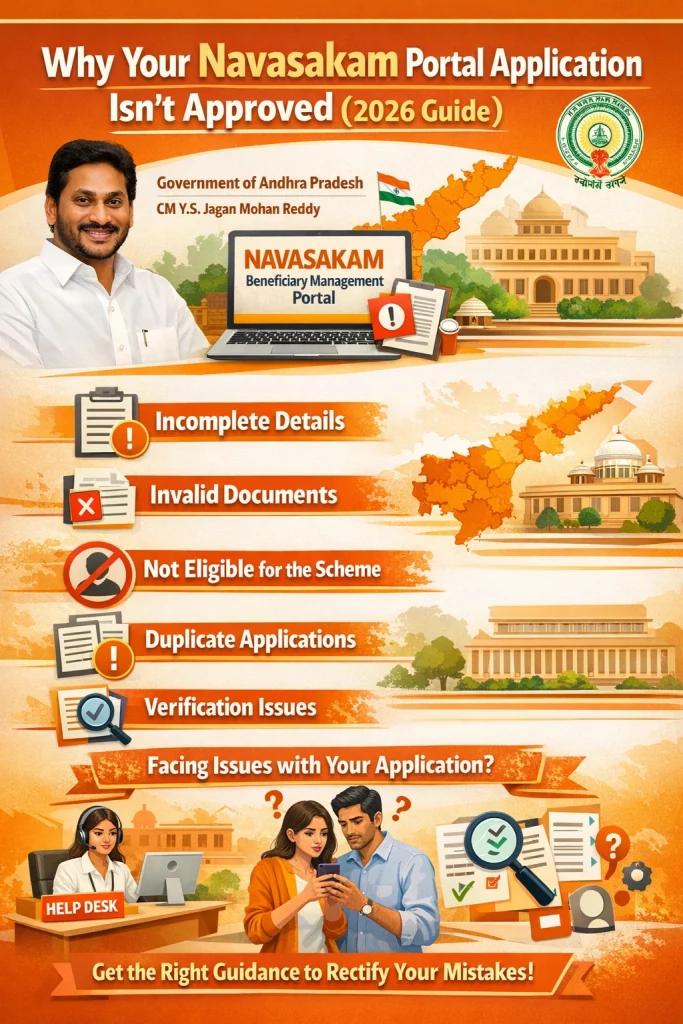
The Navasakam Portal is designed to process welfare applications efficiently, but each application goes through a series of checks such as eligibility rules, document verification, Aadhaar matching, and bank detail confirmation. If there’s any mismatch or missing item, the system may not approve your application. Sometimes the delay is purely technical, but often it’s due to incorrect details, missing documents, or failure to meet eligibility criteria. Understanding these reasons helps you take the right action.
You can also read: What’s New on Navasakam Portal in 2026 Latest Update?
Your Documents Are Missing or Unclear
Why This Happens
Uploaded files (like Aadhaar, income certificate, bank passbook, caste certificate, address proof) may be:
How to Fix It
Personal Details Don’t Match Official Records
Common Mismatches
How to Fix It
Even a small spelling difference can cause the system to reject approval.
Eligibility Criteria Are Not Met
Possible Issues
Each scheme has rules based on:
If you don’t meet the eligibility conditions, the system won’t approve your application.
How to Fix It
Incorrect Bank Account or IFSC Details
Why This Matters
The government sends benefit payments (like DBT) directly to your bank account linked with Aadhaar. If your bank or IFSC is wrong, approval may be withheld.
How to Fix It
Application Is Still Being Processed (“Under Review” or “Pending”)
Why It Happens
Some applications take time due to:
This doesn’t always mean rejection — it may just need more time.
What You Can Do
You Selected the Wrong Scheme
Why This Happens
Some applicants choose a scheme they are not eligible for, or they meant to apply for a different one (e.g., applying for pension instead of student support).
How to Fix It
Technical or Portal Errors
Common Scenarios
How to Fix It
Application Was Rejected Without a Clear Reason
Sometimes the portal shows Rejected but doesn’t explain why.
What to Do
Providing all correct documents and details often resolves these rejections.
Tips to Improve Your Chances of Approval
These tips help reduce errors and get approvals faster.
FAQs
Final Words
Not getting an approval on your Navasakam portal application doesn’t always mean denial. In many cases, the issue is a simple mistake or missing detail — and that’s fixable. By double‑checking your documents, personal information, eligibility criteria, and bank details, you increase your chances of approval and ensure your welfare benefits reach you on time.
If you feel stuck, use the grievance or support feature on the portal or visit a Common Service Center (CSC) for personal help. With accurate information and correct steps, your application can move forward smoothly.