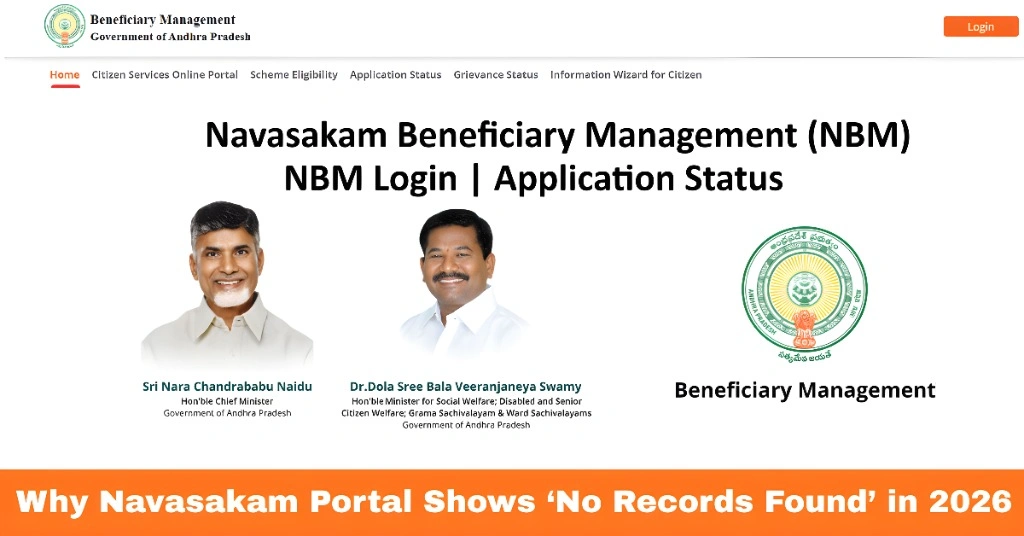
Why Navasakam Portal Shows ‘No Records Found’ in 2026
The Navasakam Portal (NBM), also known as the Navasakam Beneficiary Management System, is the official online platform launched by the Government of Andhra Pradesh to help citizens apply for, track, and manage welfare schemes from home. Millions of people use this portal to check application and payment status for various social welfare programs, including Amma Vodi, YSR Cheyutha, Kapu Nestham and others. However, a common issue many users encounter is the message “No Records Found” when they try to verify their beneficiary status. This can be confusing, especially after submitting an application, but there are several simple reasons why it happens and steps you can take to fix it. Understanding these causes can help you check your status smoothly and avoid unnecessary frustration.
Common Reasons for ‘No Records Found’ on Navasakam Portal
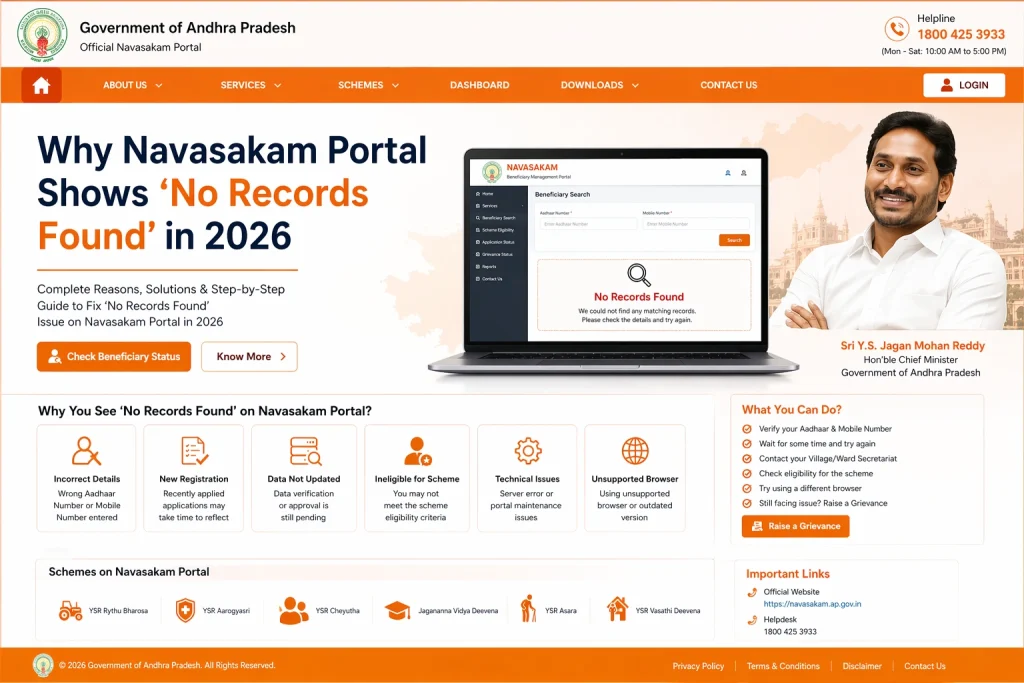
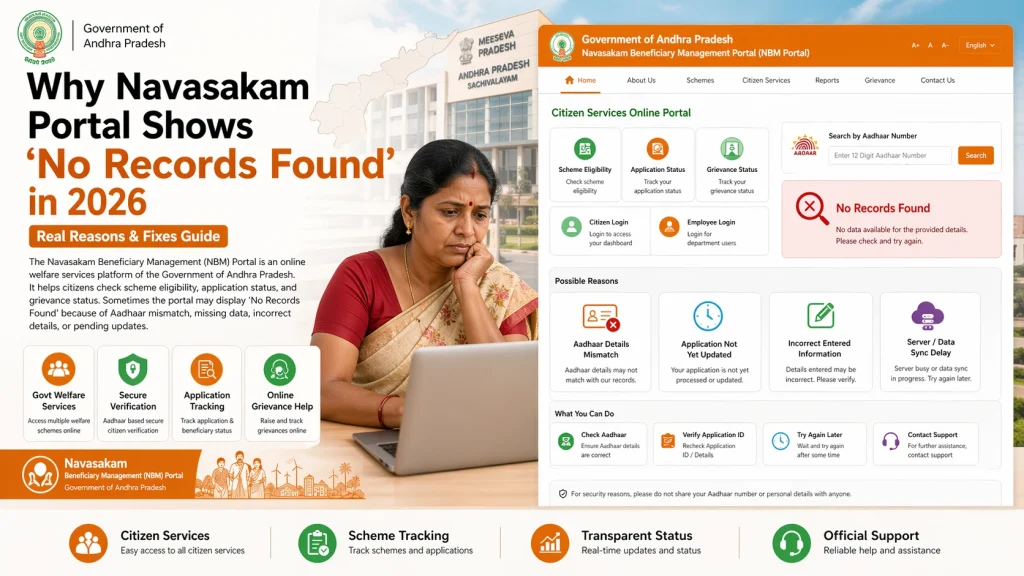
When the portal returns “No Records Found,” it means that the system could not locate any matching record for the details you entered. This usually happens for the following reasons:
The NBM portal relies on your Aadhaar number and registered mobile number for verification and status checks. If either number is entered incorrectly or is not linked properly, the portal will not be able to find your application record.
Many welfare applications are first collected by local volunteers or Gram/Ward Sachivalayam staff and then uploaded to the NBM system. If your details haven’t been uploaded yet, the portal will not display any records.
Newly submitted applications can take a few days to enter the system and appear in the database. If you check immediately after applying, the portal may show no results until the data is fully processed.
The status check feature often requires you to select the correct welfare scheme and application year. Choosing the wrong option can lead to no matching results.
Sometimes the portal faces maintenance or technical issues which temporarily prevent records from displaying. Trying again later often resolves this.
You can also read: Navasakam Portal: Verify Beneficiary Status Instantly (2026)
How to Fix the ‘No Records Found’ Message
If you see this message when trying to check your status, try these steps:
Double‑Check Your Details
Make sure you have entered your Aadhaar number and mobile number exactly as they are registered with the portal.
Wait a Few Days
If you just submitted your application, give the system some time to sync the data.
Contact Your Local Sachivalayam
Ask the volunteer or Gram/Ward Sachivalayam staff whether your details have been uploaded to the portal.
Try a Different Device or Browser
In rare cases, browser issues can block the portal from displaying results correctly.
Ensure Correct Scheme Selection
Verify that you have selected the right welfare scheme and application year before checking status.
Tips to Prevent This Issue in the Future
Keep your Aadhaar and mobile number updated so the portal can match your details quickly during verification. Always confirm with the Sachivalayam staff after submitting an application that your data has been uploaded. This simple step helps avoid “No Records Found” errors when checking status online.
Understanding Status Updates on NBM Portal
Once your details appear on the portal, your application status may show messages such as “Pending,” “Under Verification,” “Approved,” or “Disbursed.” Understanding what these terms mean helps you know exactly where your application stands and whether you need to take any action. “Pending” usually means your application is still being reviewed, while “Disbursed” indicates funds have been transferred. “Approved” confirms eligibility, and “Rejected” means you may need to correct details or approach Sachivalayam for clarification.
When to Seek Help from Officials
If you have tried all fixes and still see “No Records Found,” it’s best to visit your local Grama or Ward Sachivalayam. Officials there can check backend records, confirm whether your application is uploaded, and help correct any errors in your details so that your status appears correctly on the NBM portal.
FAQs
Final Words
The “No Records Found” message on the Navasakam portal is a common issue, but it usually doesn’t mean your application is lost. Most of the time, it’s caused by simple reasons like delays in data upload, incorrect details, or processing time. By checking your Aadhaar and mobile details, confirming upload with local Sachivalayam staff, and giving the system a little time, you can usually resolve this and see your beneficiary status online.
The NBM Portal aims to make accessing welfare benefits easy and transparent, and knowing how to fix common roadblocks will help you get the information you need without stress.