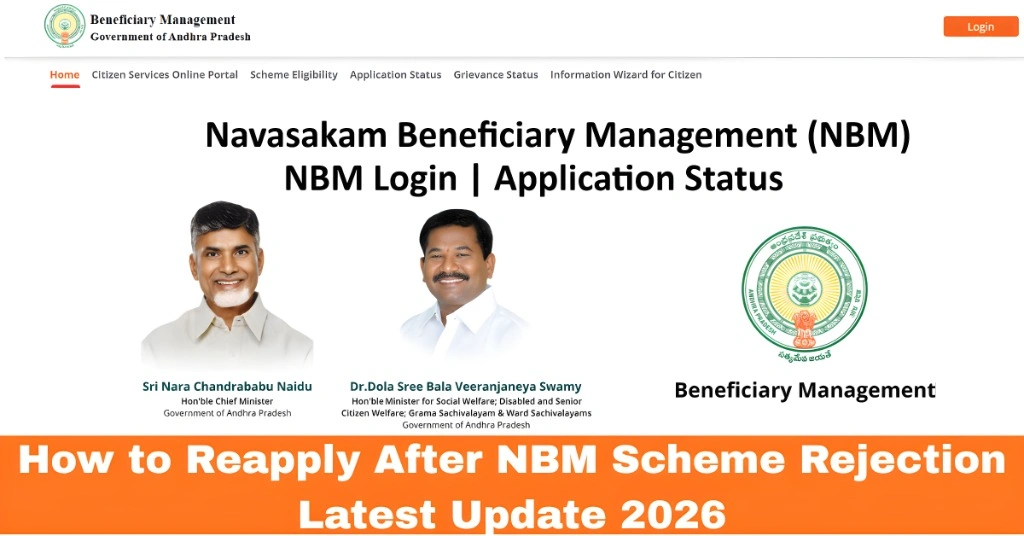
How to Reapply After NBM Scheme Rejection Latest Update 2026
Getting a Rejected status on your NBM Portal application can feel disappointing, but it doesn’t mean you’re out of options. In most cases, rejection happens because of small mistakes in details or documents — and you can fix them and reapply successfully.
This guide walks you through the steps to reapply correctly so your second attempt has a much better chance of approval.
Step 1: Understand the Reason for Rejection
Before you reapply, you must know why your application was rejected.
Often the portal shows a short reason such as:
If there’s no reason shown, you’ll need to review everything carefully (next step).
Step 2: Review Your Submitted Information
Go through all the details you entered in your previous application:
If anything is spelled incorrectly or doesn’t match your official documents, fix it before reapplying.
Step 3: Check and Update Your Documents
Make sure the documents you upload are:
Documents that are commonly rejected include:
If your documents were unclear before, get fresh copies and scan or photograph them properly.
Step 4: Update Government Records if Needed
Many rejections happen when the system finds mismatched records. If your Aadhaar details, income records, caste details, or family information are incorrect in government databases, the portal will mark you as ineligible or reject your application.
To fix this:
After updating, wait 24–72 hours for the changes to reflect in government systems.
You can also read: Why NBM Application 2026 Shows Under Field Verification
Step 5: Re‑Check Eligibility
Once your details and documents are fixed, go back to the NBM Portal and use the Eligibility Check feature again.
If it shows Eligible, that means your records are now matching and you can proceed to reapply.
If it still shows Not Eligible, look again at what data might still be incorrect.
Step 6: Reapply Carefully
Now that your details are corrected:
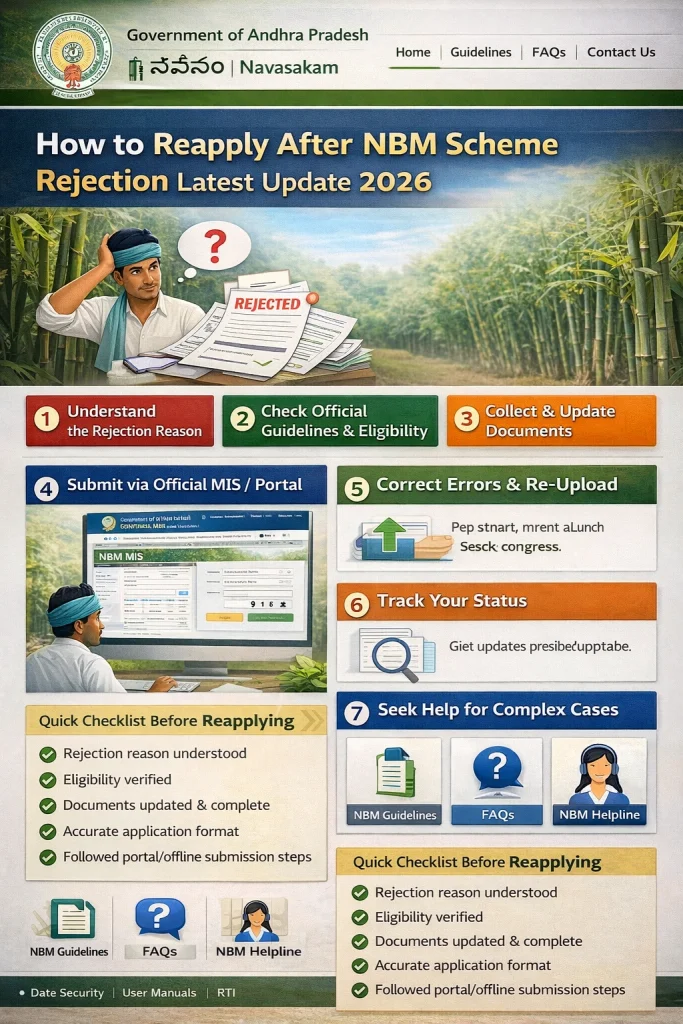
Once submitted, save your application number or take a screenshot so you can track it again.
Step 7: Check Application Status Regularly
After reapplying:
What to Do If Your Reapplication Gets Rejected Again
If your application is rejected again:
Local officials can often see backend reasons that don’t appear on the portal and guide you on what to fix.
FAQs
Final Words
A rejection on the NBM Portal isn’t the end — it’s an opportunity to fix what went wrong and try again. Most rejections happen due to simple mismatches in details or unclear documents that can be corrected with a little attention.
By reviewing your information, updating records where needed, checking eligibility again, and submitting carefully, you increase your chances of getting approved. And remember, local welfare offices like Gram Sachivalayam are there to support you if you get stuck.
Stay patient, be thorough, and you’ll be able to reapply with confidence.