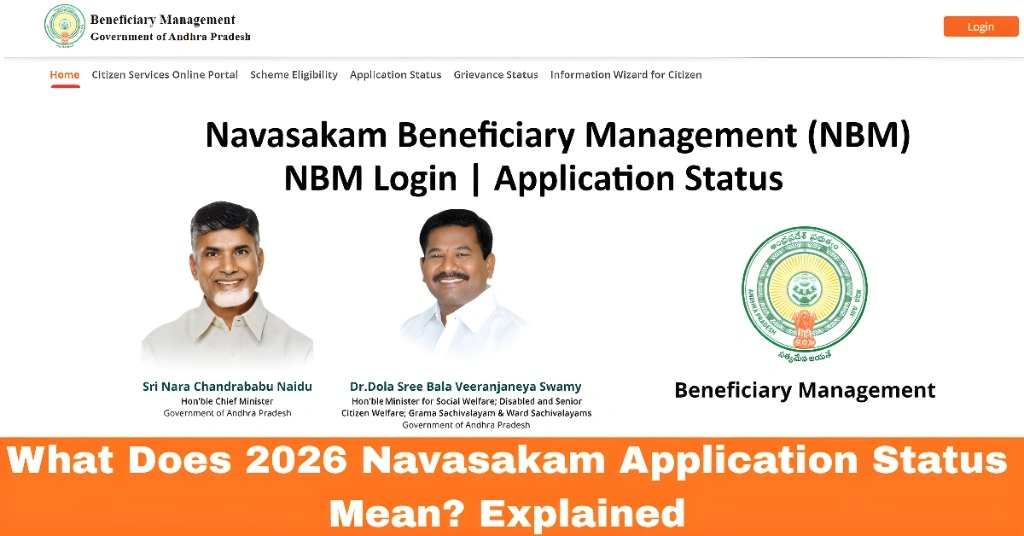
What Does 2026 Navasakam Application Status Mean? Explained
If you’ve applied for welfare schemes through the Navasakam Beneficiary Management (NBM) Portal in Andhra Pradesh, you may have come across different application status messages while tracking your application. Understanding what these status messages mean is essential for knowing where your application stands in the approval process.
In this guide, we’ll explain the different application status labels on the Navasakam Portal, and what each one means for your welfare scheme application.
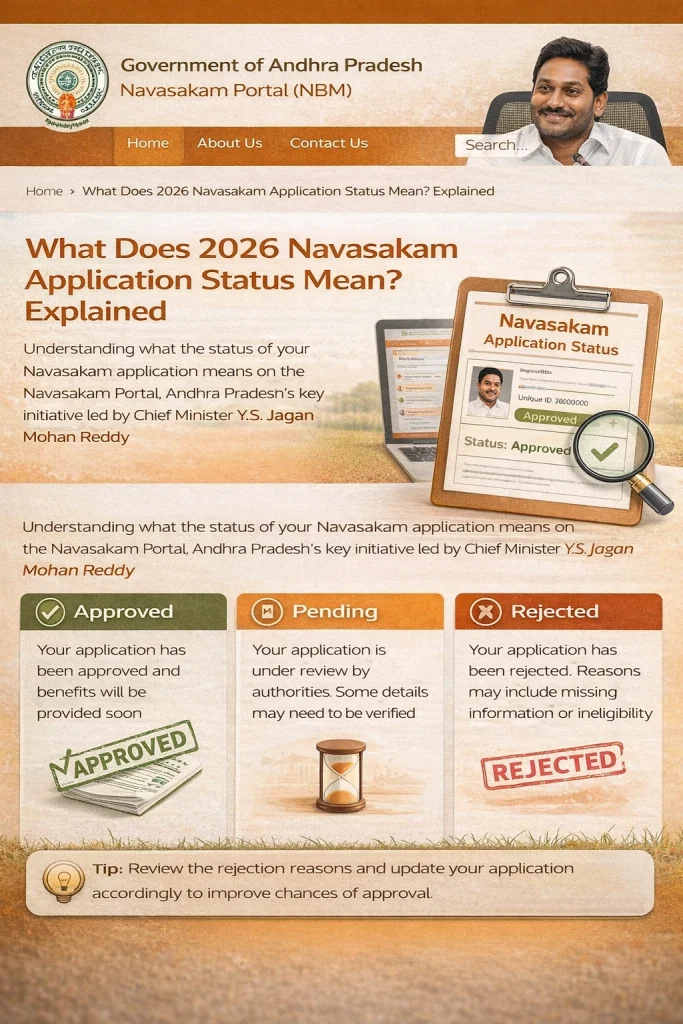
Common Navasakam Application Status Labels and Their Meanings
What It Means:
If your application status shows “Pending,” it means that your application is still waiting for review and approval. The authorities have not yet processed your request.
What to Do:
If your status is “Pending,” there’s no immediate action required on your part. Just wait for the authorities to review your application. Depending on the scheme and workload, this process may take a few days or weeks.
Tip: Check your application after a few days to see if the status has changed.
What It Means:
When your application shows “In Review,” it means that the authorities have started processing your application. They are currently reviewing the details and documents you submitted to determine your eligibility for the welfare scheme.
What to Do:
While the application is under review, there’s nothing you need to do unless you receive a notification asking for more information or documents. It’s important to ensure that all the details you provided are accurate and complete.
Tip: Make sure your Aadhaar details and contact information are correct. This will help avoid delays.
What It Means:
If your application status is “Approved,” congratulations! This means that your application has been successfully processed, and you have been accepted for the welfare scheme you applied for.
What to Do:
Once your application is approved, you should receive further instructions, such as how to claim your benefits or access the services provided by the scheme.
Tip: Keep an eye on your email or mobile phone for updates or notifications about how to proceed.
What It Means:
If your application status shows “Rejected,” this means that your application has not been accepted. The authorities have reviewed your application and determined that you are not eligible for the scheme, or there was an issue with your submitted documents.
What to Do:
If your application is rejected, you may be given a reason for the rejection. Common reasons for rejection include missing documents, incorrect Aadhaar details, or ineligibility for the scheme. If you believe the rejection was an error, you can contact customer support for clarification and possibly reapply with corrected information.
Tip: Always double-check your details and ensure that all required documents are submitted accurately.
What It Means:
When the status shows “Disbursed,” it means that the funds or benefits from the welfare scheme have been successfully transferred to your account or have been made available to you.
What to Do:
If your status is “Disbursed,” you should check your bank account or the relevant platform to confirm that the benefits have been deposited.
Tip: If you don’t see the funds in your account after the status shows “Disbursed,” contact customer support to inquire about the transfer.
You can also read: Navasakam Portal: Why Your Application Status Isn’t Updating
Why Your Navasakam Application Status Might Not Change
If you notice that your application status hasn’t changed for a long time, it could be due to several reasons:
Delays in Review Process: High application volume or delays in processing can cause your application to remain in “Pending” or “In Review” for a while.
Missing Documents or Incorrect Information: If your application is incomplete or contains errors, it may be stuck in the review phase.
System Errors: Occasionally, technical issues with the Navasakam Portal can cause delays in updating the application status.
FAQs
Final Words
Understanding the different Navasakam application status labels can help you track your welfare scheme application more effectively. Whether your status is “Pending,” “In Review,” or “Approved,” knowing what each status means allows you to take the right steps to ensure the process runs smoothly.
Remember, if you run into any issues, whether it’s a rejection or delays in processing, don’t hesitate to contact the Navasakam customer support team. They can help clarify any concerns and guide you through the next steps.