How to Upload Documents on Navasakam Portal Without Issues
Uploading documents on the YSR Navasakam Portal is a critical part of applying for welfare schemes. Whether you’re applying for YSR Pension Kanuka, YSR Cheyutha, Kapu Nestham, or other schemes, your application will be incomplete without the necessary documents. However, sometimes users face issues when uploading documents. Don’t worry! This guide will help you upload your documents easily and avoid common mistakes.
Why Uploading Documents Correctly Matters
Uploading clear and correct documents is essential for the following reasons:
You can also read: Navasakam Grievance vs Service Request: What’s the Difference?
Common Issues When Uploading Documents
Here are some common issues users face when uploading documents to the Navasakam Portal:
File Size Too Large
The Navasakam Portal has a limit on the size of the files you can upload. If your document is too large, it might not upload successfully.
Incorrect File Format
If you try to upload a document in the wrong format (e.g., trying to upload a .jpg image instead of a PDF), the portal might not accept it.
Blurry or Unclear Scans
Documents that are not clear or are difficult to read might be rejected by the portal, causing delays.
Duplicate Submissions
If you upload the same document multiple times by mistake, the portal might not process it correctly.
Step-by-Step Guide to Upload Documents Without Issues
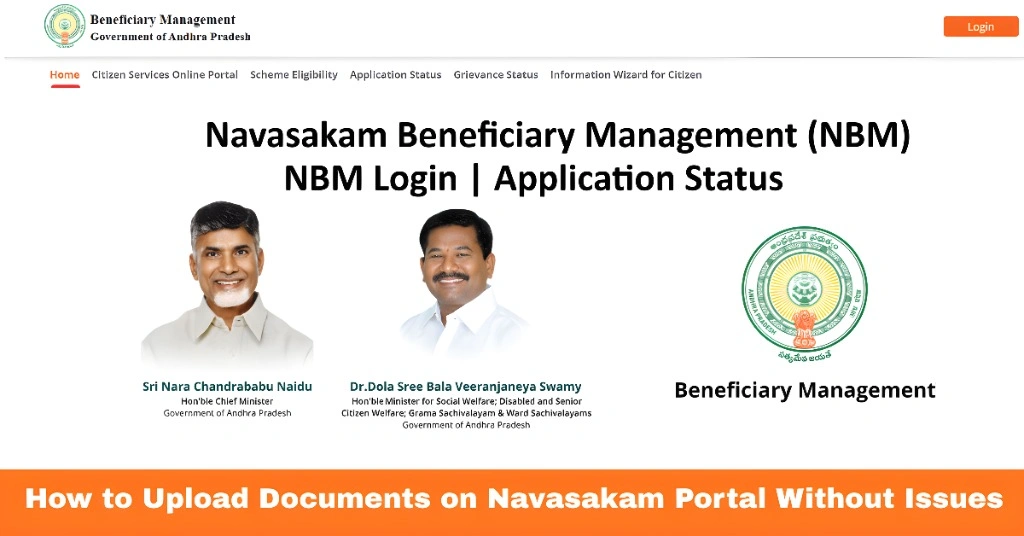
Follow these simple steps to ensure your documents are uploaded correctly:
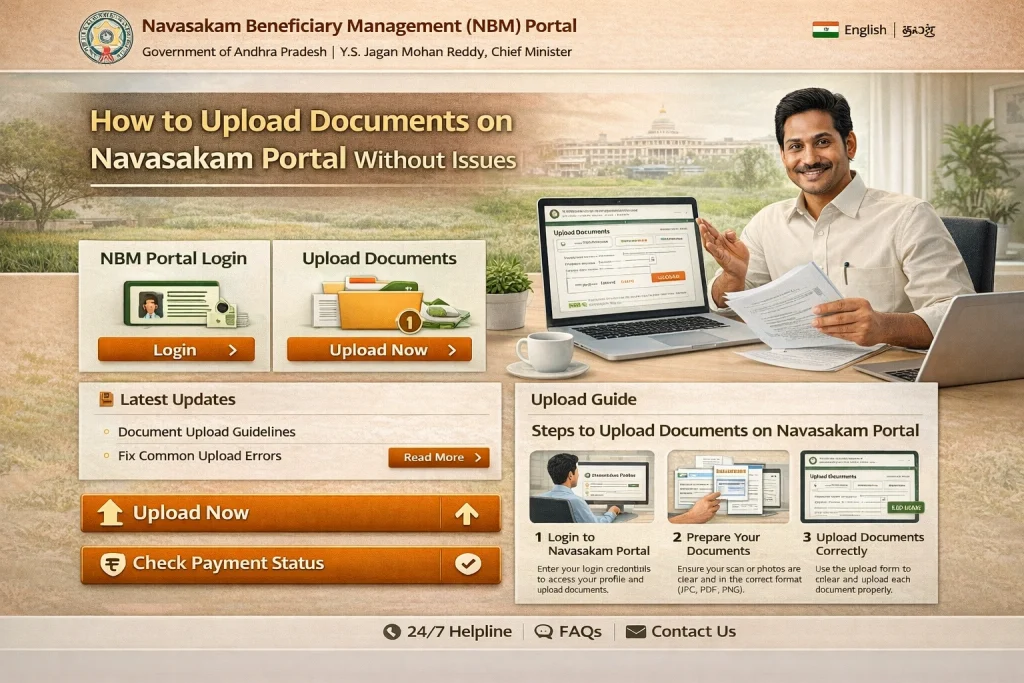
Before uploading, make sure all the necessary documents are ready and scanned in the correct format. Here’s a checklist of what you might need:
Make sure your documents are clear, legible, and scanned in a PDF, JPG, or PNG format, depending on the portal’s requirements.
To avoid blurry or unreadable scans:
Keep the file size under the limit: The maximum file size is usually around 2MB to 5MB for each document. Reduce the size if needed.
Use a good quality scanner or a clear camera if scanning with your phone.
Ensure the document is well-lit to avoid shadows or glare.
Make sure the text is legible and not cut off or out of focus.
Go to the YSR Navasakam Portal and log in using your Aadhaar number and OTP.
Once you are logged in, find the Document Upload section. It is usually part of the application process after filling in your personal details and selecting the schemes you want to apply for.
Click on Upload Document next to the required category (e.g., Aadhaar, income certificate, etc.).
Select the file from your computer or phone.
Ensure that you select the correct document for each field. For example, choose your Aadhaar card for the Aadhaar field, not a photograph or other document.
Make sure the document is within the size limit and in the correct format (PDF, JPG, PNG). If you face issues with file size:
Convert images to PDF using free online converters.
Compress large documents using online tools before uploading.
Before clicking Submit, make sure to preview the document to ensure it’s clear and correct. If everything looks good, go ahead and submit it.
Tips to Avoid Issues When Uploading Documents
FAQs
Final Words
Uploading documents to the YSR Navasakam Portal doesn’t have to be difficult. By following the steps outlined above, you can ensure that your documents are correctly uploaded without issues. Always double-check the format, file size, and clarity of your documents to avoid delays in processing your application.
If you continue facing problems, try using a different browser, or visit a help center for support. With these tips, you’ll be able to complete your application smoothly and successfully.