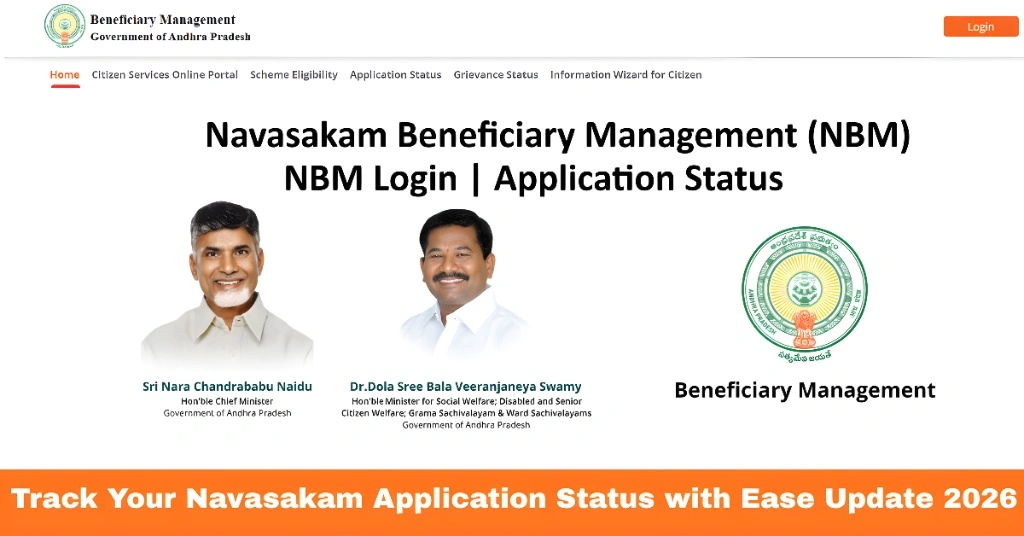
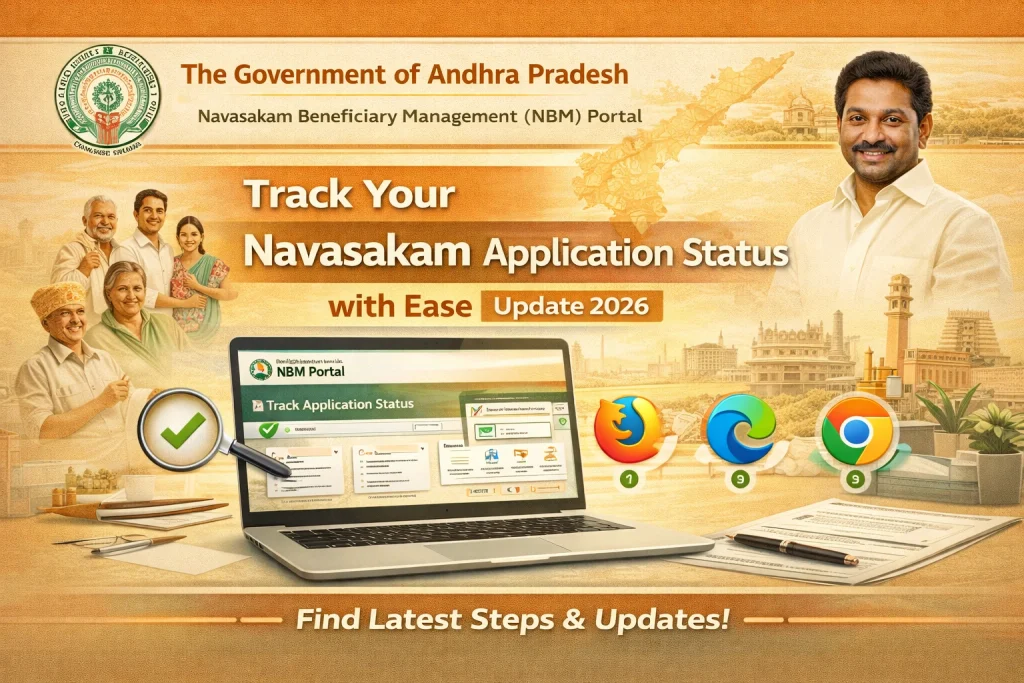
Track Your Navasakam Application Status with Ease Update 2026
After applying for welfare schemes through the YSR Navasakam Portal, one of the most important steps is to keep track of your application status. Whether you’ve applied for YSR Pension Kanuka, YSR Cheyutha, or any other government-supported initiative, knowing the progress of your application ensures that you stay updated and can take action if needed.
In this guide, we will walk you through how to track your application status on the Navasakam Portal quickly and easily.
Step-by-Step Guide to Track Your Navasakam Application Status
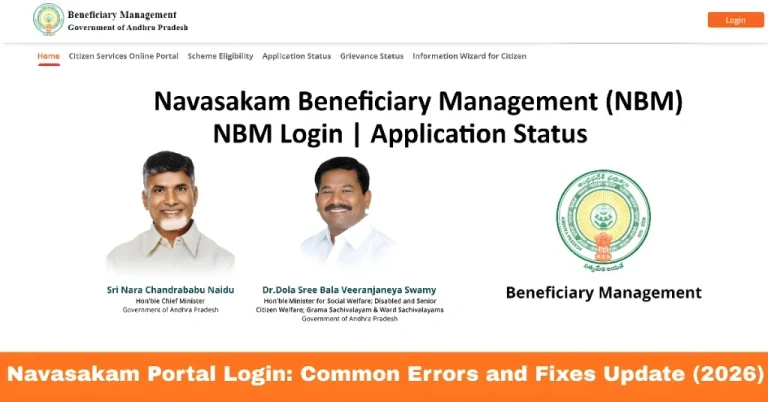
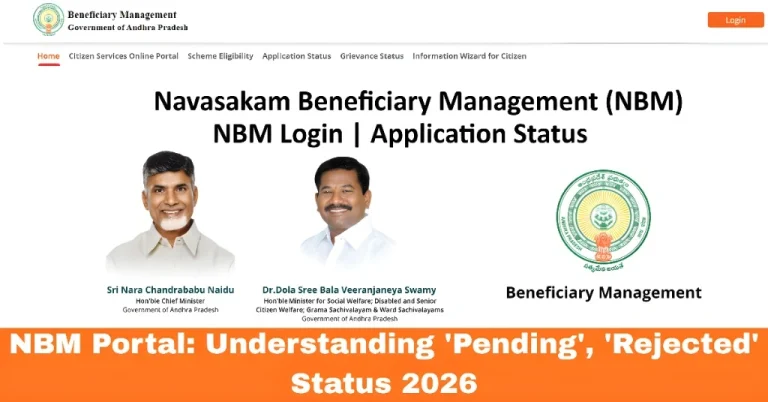
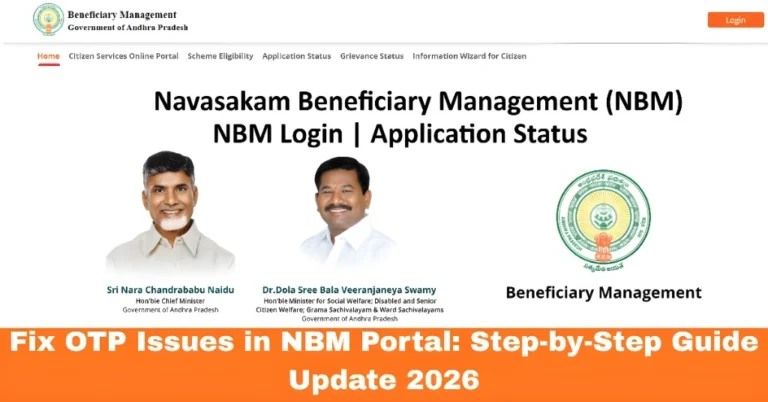
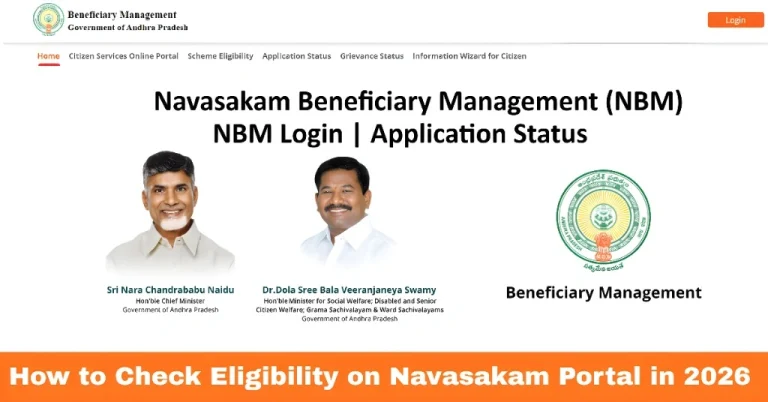
Start by visiting the YSR Navasakam Portal. To ensure you’re on the correct site, use this official link:
gsws-nbm.ap.gov.in
To track your application status, you first need to log in to your account.
Once you’ve entered the correct OTP, click Submit to log in to your profile.
Enter your Aadhaar number in the login field.
Enter the OTP that will be sent to your registered mobile number.
After logging in, you will be directed to your dashboard. To track the status of your application:
Click on the “Application Status” option to proceed.
Look for the “Application Status” section on the portal.
To view your application status, you’ll need to provide one of the following:
Reference Number: This is the unique number you received after submitting your application.
Aadhaar Number: If you don’t have the reference number, you can track your status by entering your Aadhaar number.
Enter the correct
f the system is processing a lot of data, it may take a few seconds.
Once you’ve entered the reference number or Aadhaar number:
- Click on Submit.
- The portal will display the current status of your application.
The status could show one of the following:
Disbursed: The financial assistance or benefits have been transferred.
Under Review: Your application is being processed.
Approved: Your application has been approved, and you will receive the benefits soon.
Rejected: Your application has been rejected, and the reason will be provided.
You can also read: How to Upload Documents on Navasakam Portal Without Issues
What to Do if Your Application Status Shows “Rejected”?
If your application shows as Rejected, don’t panic. Here’s what you should do:
Check the reason for rejection:
The portal typically mentions why the application was rejected. Common reasons include missing documents or incorrect information.
Update your details:
If there was a mistake in the application form or missing documents, correct them and resubmit the application.
File a grievance:
If you believe the rejection was incorrect, you can submit a grievance via the Grievance section of the portal for further review.
Tips for Tracking Your Application Status
FAQs
Final Words
Tracking your Navasakam application status is a simple and important step to ensure that your application for welfare schemes is progressing smoothly. By following the steps outlined in this guide, you can stay updated on the status of your application and take the necessary steps if there are any issues, such as a rejection or delay.
Be sure to check your status regularly and ensure all your details and documents are correct for faster approval. With the Navasakam Portal, staying informed about your application’s progress is easy and straightforward.