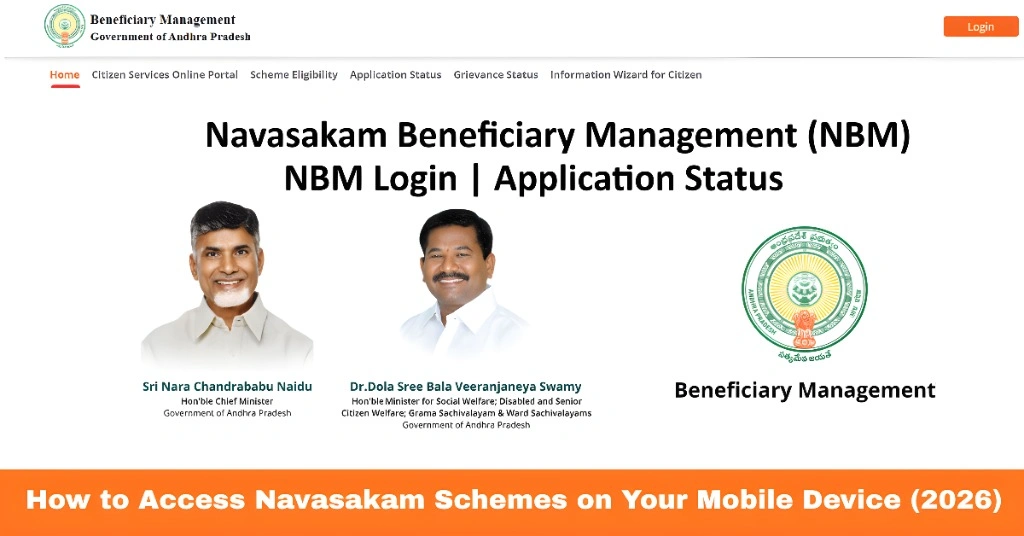
How to Access Navasakam Schemes on Your Mobile Device (2026)
The Navasakam Portal (NBM) is Andhra Pradesh’s official platform for citizens to access welfare schemes, check beneficiary status, and track applications online. While many people use desktop computers, accessing the portal on a mobile device can be convenient, especially for quick updates and checking the status of welfare programs like Amma Vodi, YSR Pension, Vahana Mitra, and Kapu Nestham.
Using your mobile phone or tablet, you can view scheme details, verify applications, and even track payments anytime, anywhere. This guide explains how to access Navasakam schemes on mobile devices safely and efficiently.
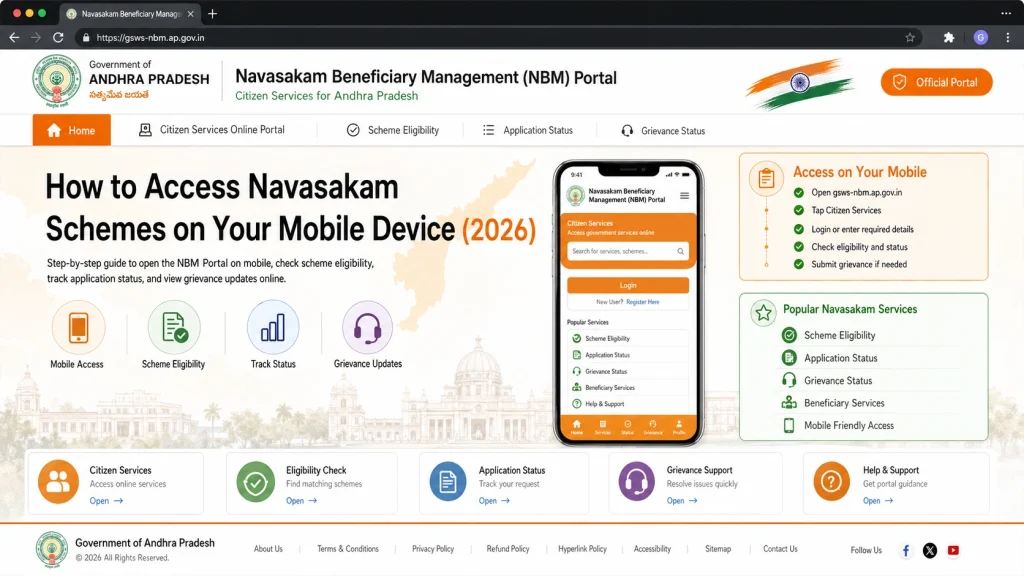
Step-by-Step Guide to Access Navasakam on Mobile
- Use a mobile browser such as Chrome, Firefox, or Safari. Avoid third-party apps claiming to provide Navasakam access to prevent scams.
- Go to gsws-nbm.ap.gov.in, the official NBM portal. Make sure you enter the URL correctly to access official information.
- On the homepage, look for the section listing welfare schemes. You can browse all available programs, eligibility criteria, and details directly from your mobile.
- To check your beneficiary status, enter your Aadhaar number and complete OTP verification sent to your registered mobile number.
- nce logged in, you can:
- View scheme benefits and eligibility
- Track application status
- Check payment updates
- Download related documents or receipts
- This mobile access provides a fast and convenient way to stay informed without visiting offices.
You can also read: What Does Under Review Status Mean on Navasakam Portal (2026)
Tips for Smooth Mobile Access
Benefits of Accessing Navasakam on Mobile
Common Issues and How to Fix Them
Common Issues and How to Fix Them
Sometimes, users may face problems while accessing Navasakam on mobile:
Page not loading:
Check internet connection or try another browser.
OTP not received:
Make sure your mobile number is linked to Aadhaar and has network coverage.
Application details missing:
Confirm with your local Gram/Ward Sachivalayam that your data has been uploaded.
Slow loading on small screens:
Rotate your device to landscape or use a tablet for better view.
FAQs
Final Words
Accessing Navasakam schemes on your mobile device is convenient, fast, and secure. By following the steps above and keeping your mobile and Aadhaar details updated, you can easily check your beneficiary status, view scheme details, and track payments anytime.
Mobile access makes staying informed simple, ensuring you never miss updates about your welfare benefits.