Error Fixes for Login Failed on Navasakam Portal Update 2026
The Navasakam Portal is a key platform for residents of Andhra Pradesh to apply for welfare schemes, check eligibility, and track application statuses. However, sometimes users face the “Login Failed” error when trying to access their accounts. This can be frustrating, especially if you need to access important services.
Don’t worry! In this guide, we’ll explain the common reasons why you might encounter the “Login Failed” error and provide you with simple fixes to get you back on track.
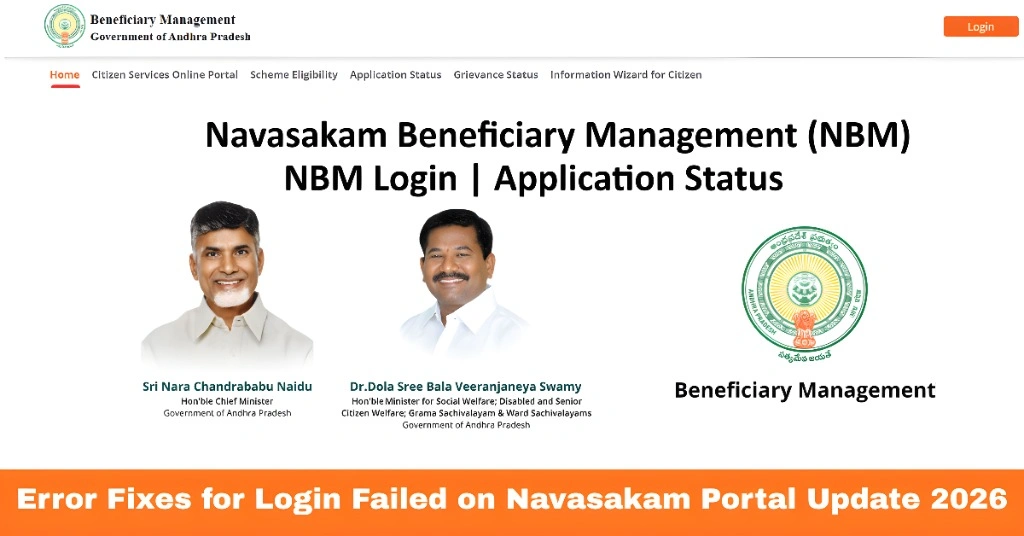
Common Reasons for ‘Login Failed’ Error
Incorrect Aadhaar Number
If the Aadhaar number entered is wrong or mismatched, the portal will not be able to authenticate you.
Expired OTP
OTPs are time-sensitive, and if you take too long to enter them, they can expire, causing the login to fail.
Incorrect OTP Entry
Entering the wrong OTP multiple times can also trigger a login failure.
Server Issues
Sometimes, the portal may experience temporary outages or high traffic, making it difficult to log in.
Mobile Number Mismatch
If your mobile number isn’t correctly linked to your Aadhaar, you might not receive the OTP.
Browser or Cache Issues
Your browser’s cache or cookies could cause issues with the login process.
You can also read: How to Check Eligibility on Navasakam Portal in 2026
How to Fix ‘Login Failed’ on Navasakam Portal
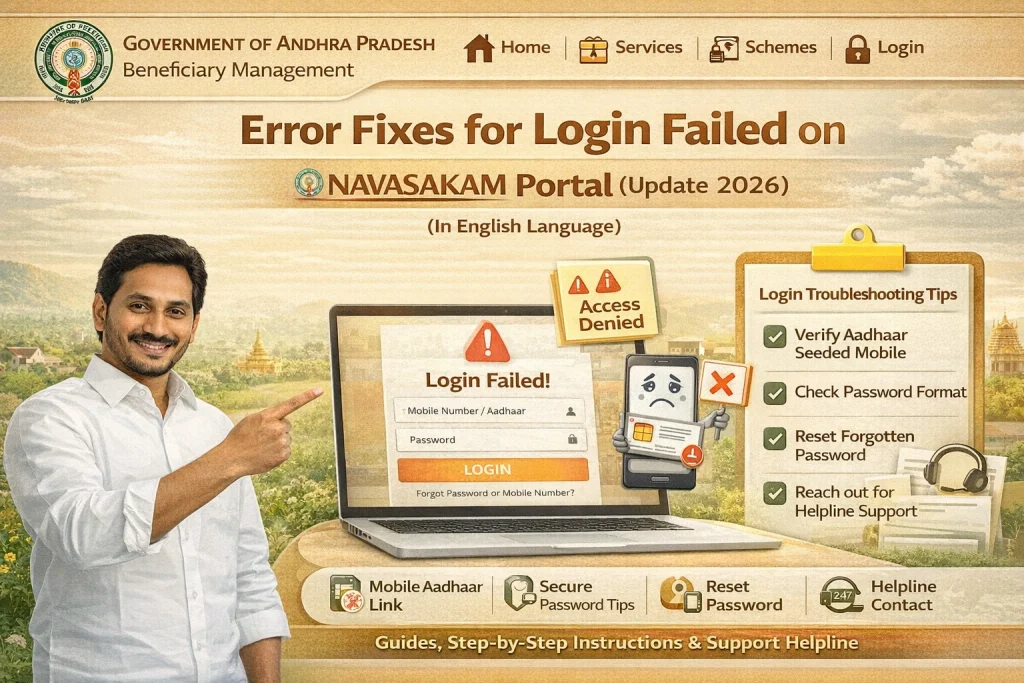
Ensure Accuracy: Double-check that you’ve entered your Aadhaar number correctly. A simple typing error can prevent you from logging in.
Verify Linked Mobile Number: Make sure that your mobile number is linked to your Aadhaar. If it’s not, visit your nearest Aadhaar center to update the number.
If the OTP has expired or you didn’t receive it in time:
- Wait for a few minutes: Sometimes, OTPs can take a minute or two to arrive. Be patient and check your phone.
- Click on ‘Resend OTP’: If the OTP expires, you can request a new one by clicking the “Resend OTP” button on the portal.
Tip: Ensure that your mobile network is stable to receive the OTP.
If you receive the OTP but still encounter the “Login Failed” error:
Use the most recent OTP: OTPs expire quickly, so make sure you’re using the latest one.
Check for typos: Carefully enter the OTP exactly as it appears in the SMS, ensuring there are no extra spaces or incorrect characters.
Sometimes, browser cache or cookies can interfere with the login process. Here’s how you can clear them:
- Google Chrome: Go to Settings > Privacy and Security > Clear Browsing Data. Make sure to select Cookies and Cache before clearing.
- Firefox: Go to Options > Privacy & Security > Cookies and Site Data > Clear Data.
Tip: You can also try using Incognito Mode or a different browser to see if that resolves the issue.
If the issue persists despite trying the above fixes, the portal might be experiencing a technical issue:
Contact support: If the problem continues, contact the Navasakam Portal support team for further assistance.
Wait and try again: The portal could be down due to maintenance or high traffic. Wait for some time and try again later.
Try a different device: Sometimes, the issue might be specific to your device. If possible, try logging in from another device (like a smartphone or tablet).
Use a different browser: If the portal isn’t working on your current browser, try switching to another one (e.g., if you’re using Chrome, try Firefox or Edge).
When to Contact Support
If none of the above steps work, and you’re still facing the “Login Failed” error, it might be time to contact support. Here’s when you should reach out:
FAQs
Final Words
The “Login Failed” error on the Navasakam Portal is usually a simple issue that can be fixed quickly. By following the steps above — checking your Aadhaar details, entering the OTP correctly, clearing browser cache, and using a different browser or device — you can easily resolve login issues and access the portal.
If the issue persists, don’t hesitate to contact the Navasakam Portal support team for assistance. With these fixes, you’ll be able to continue applying for welfare schemes without any hassle.